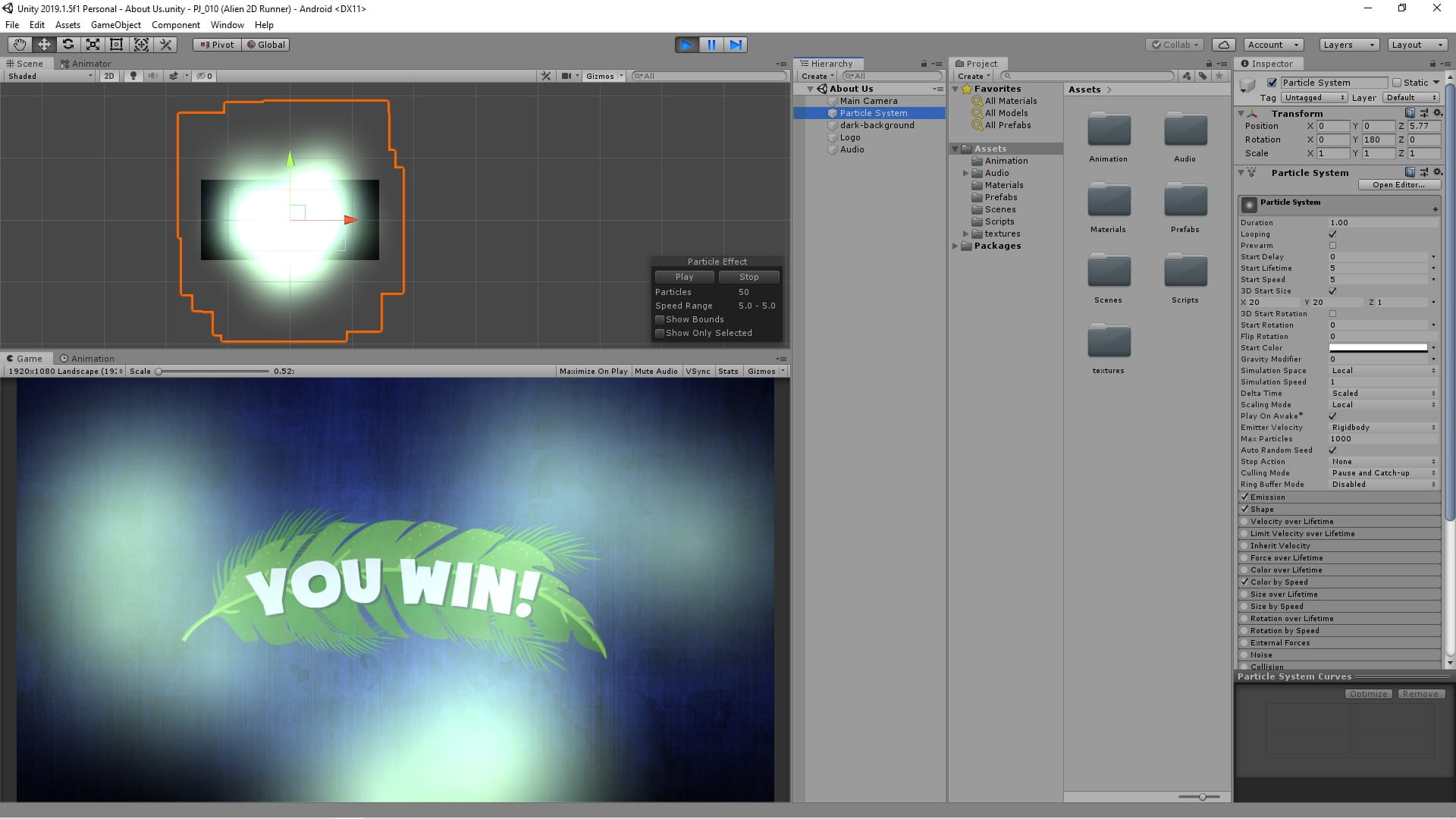
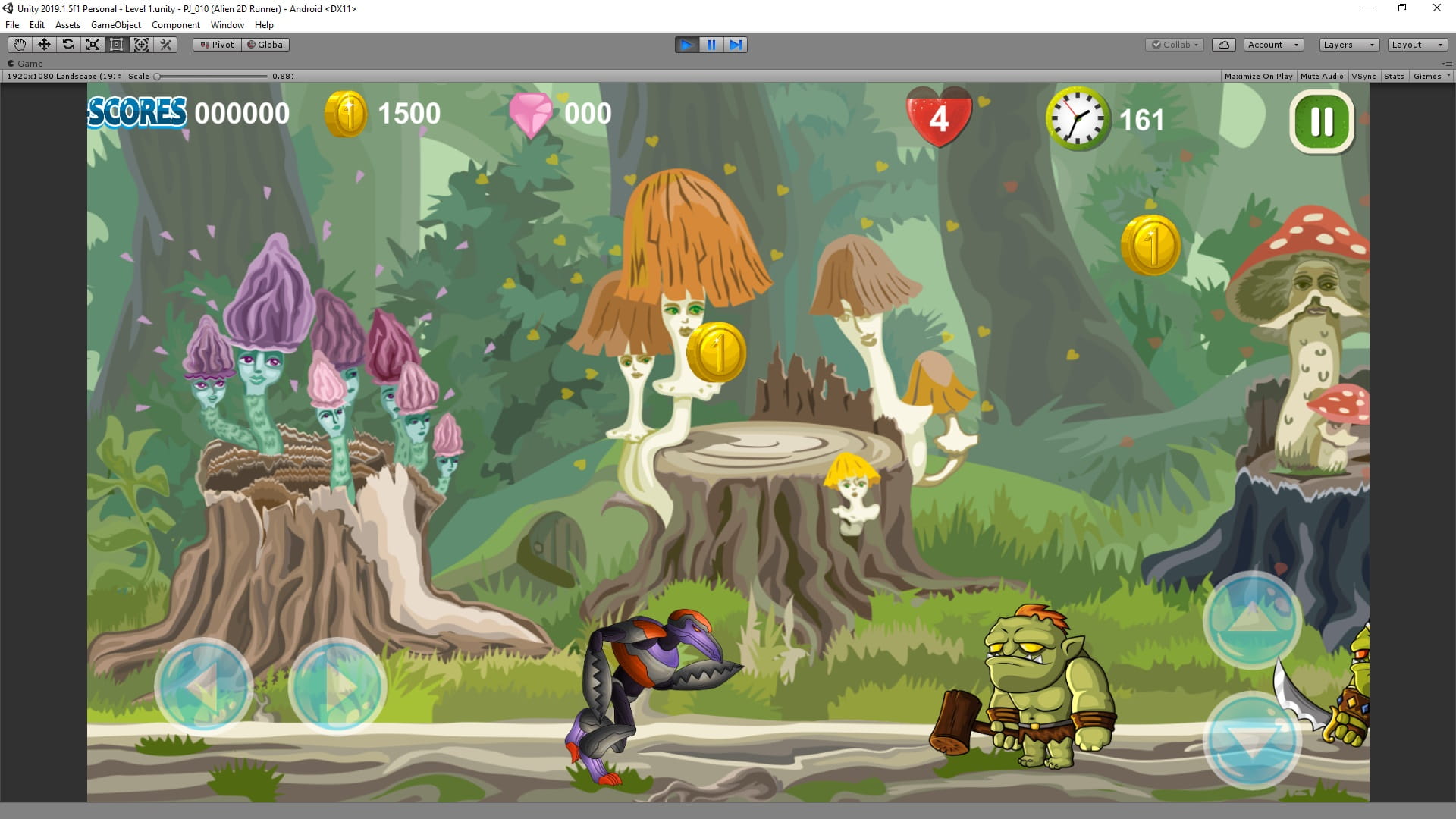
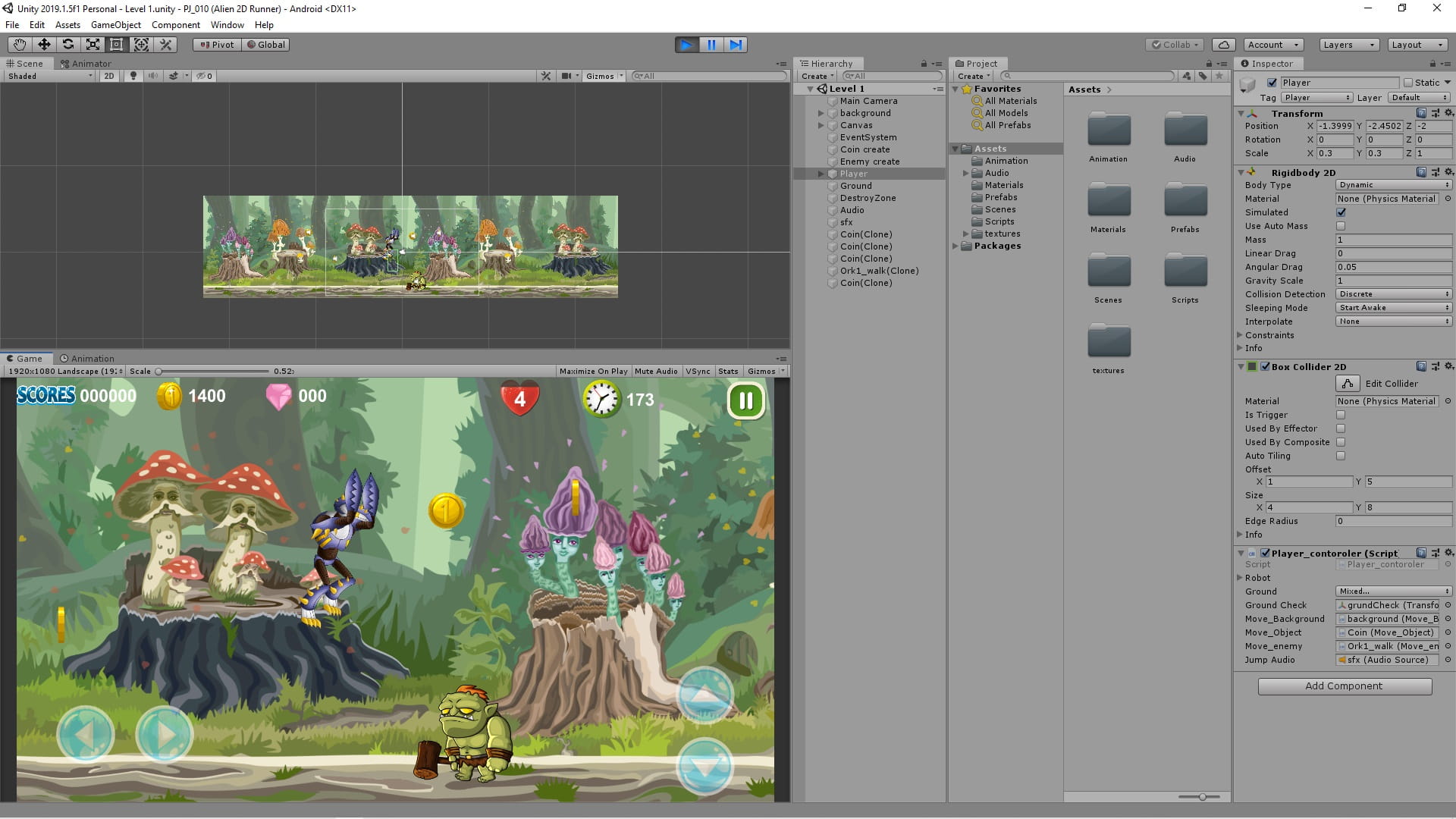
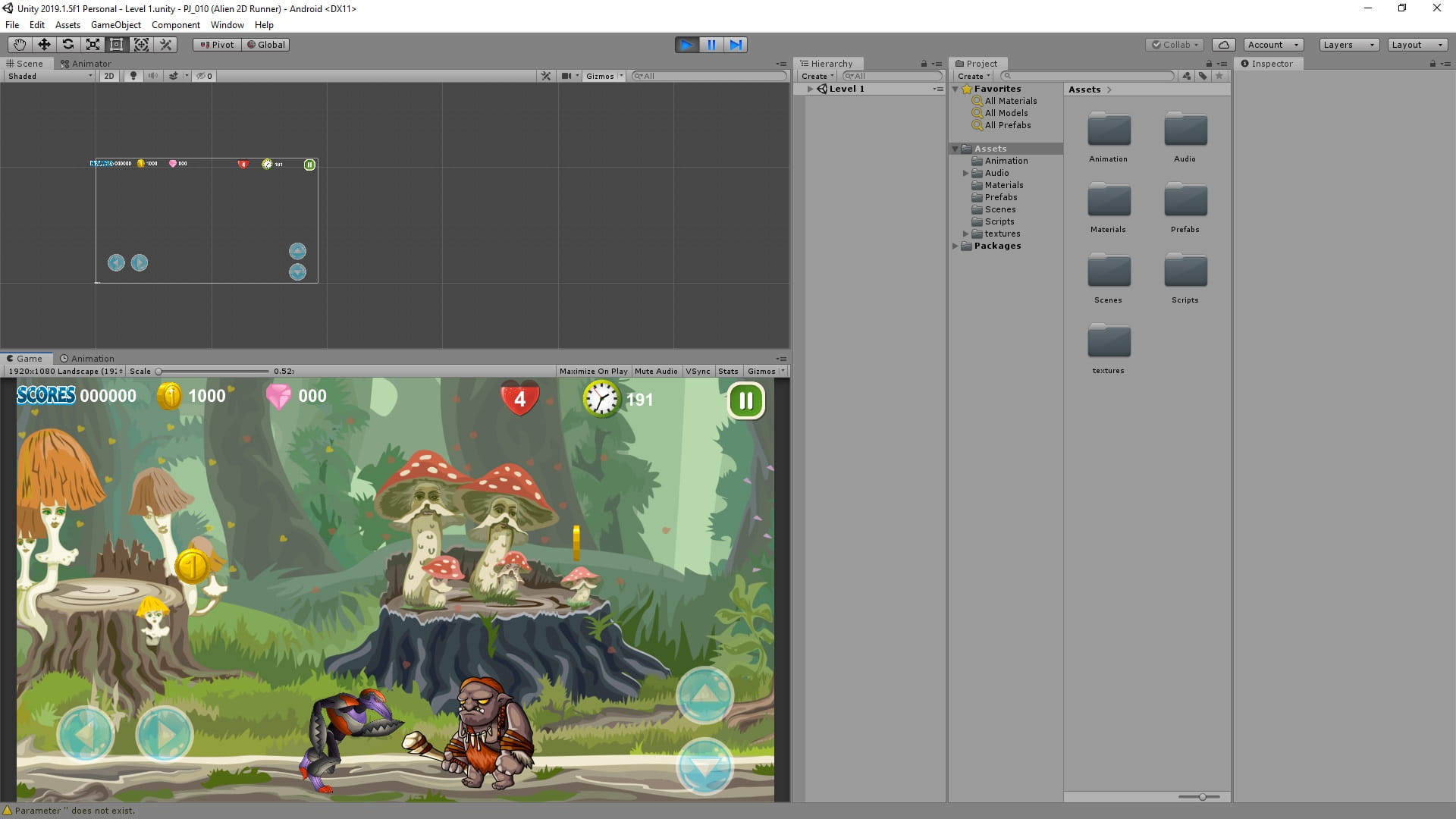
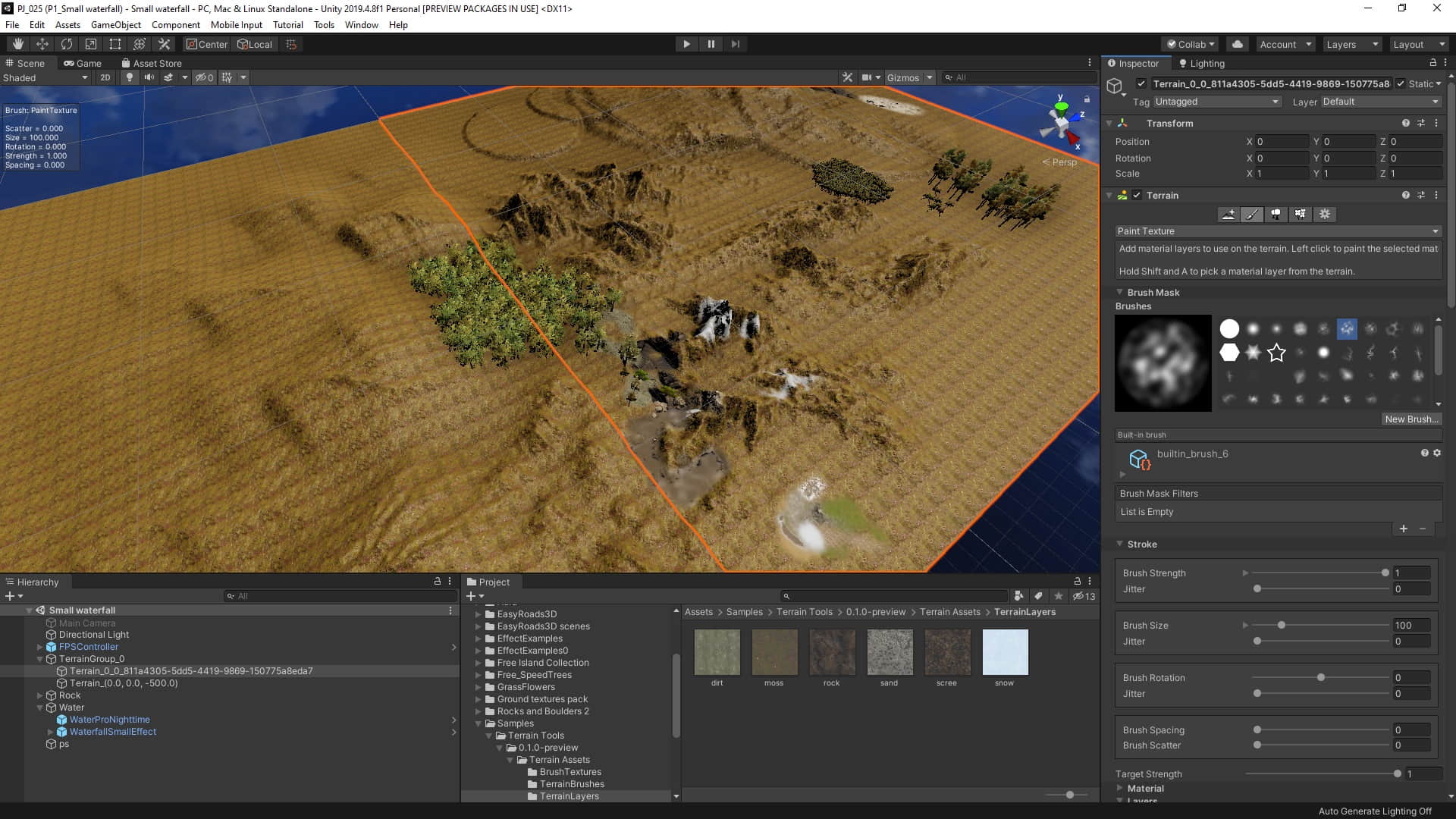
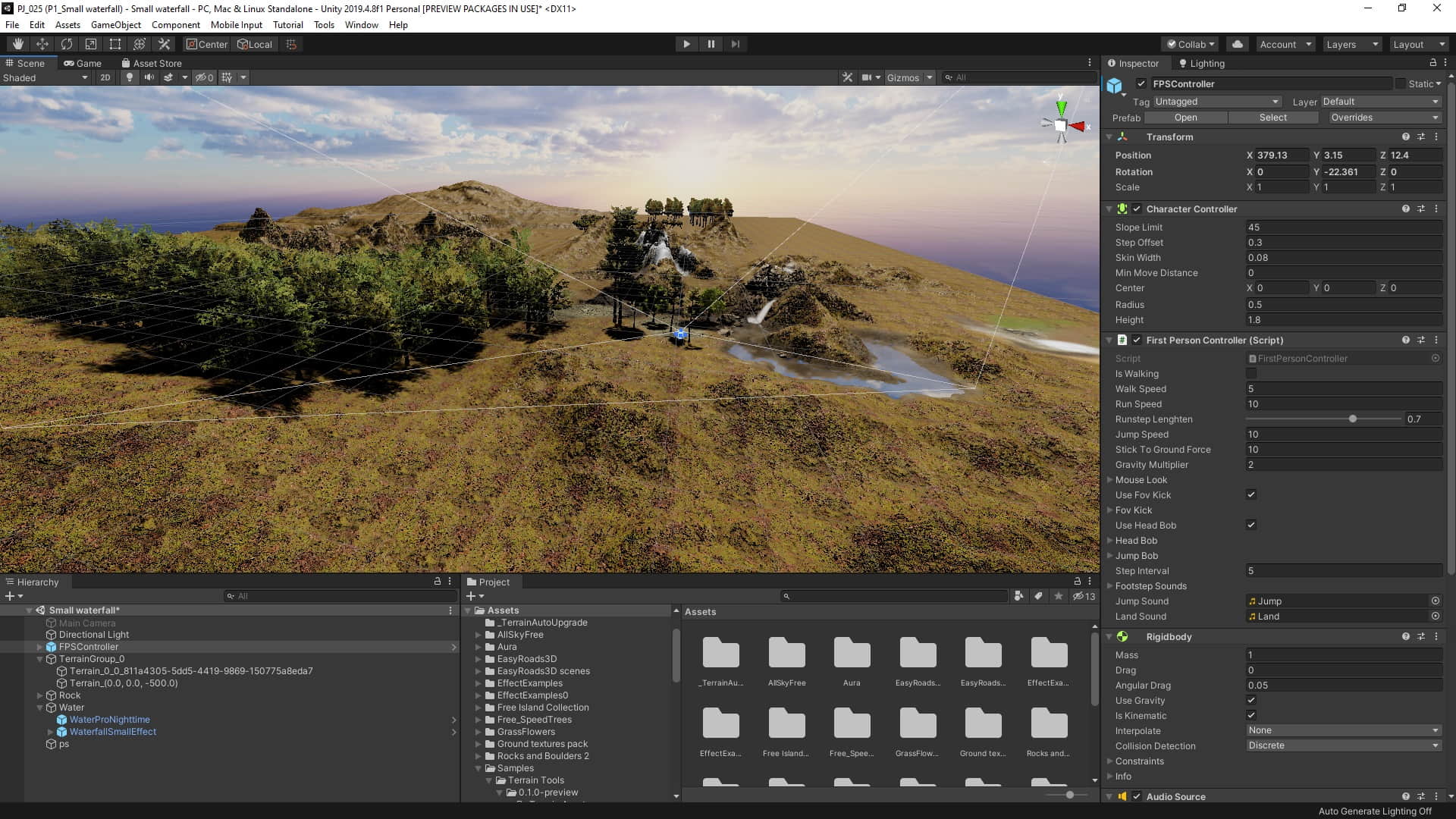
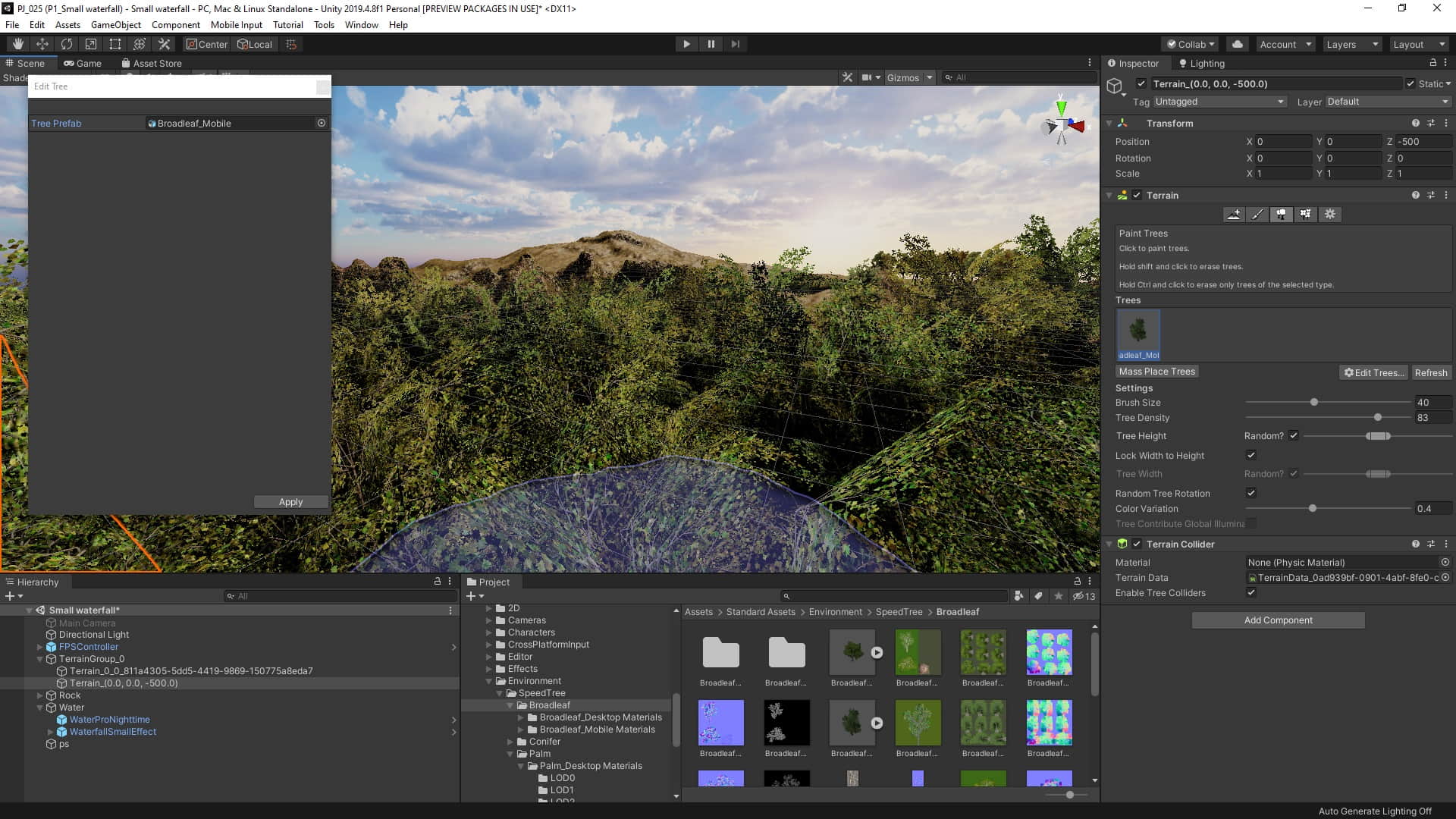
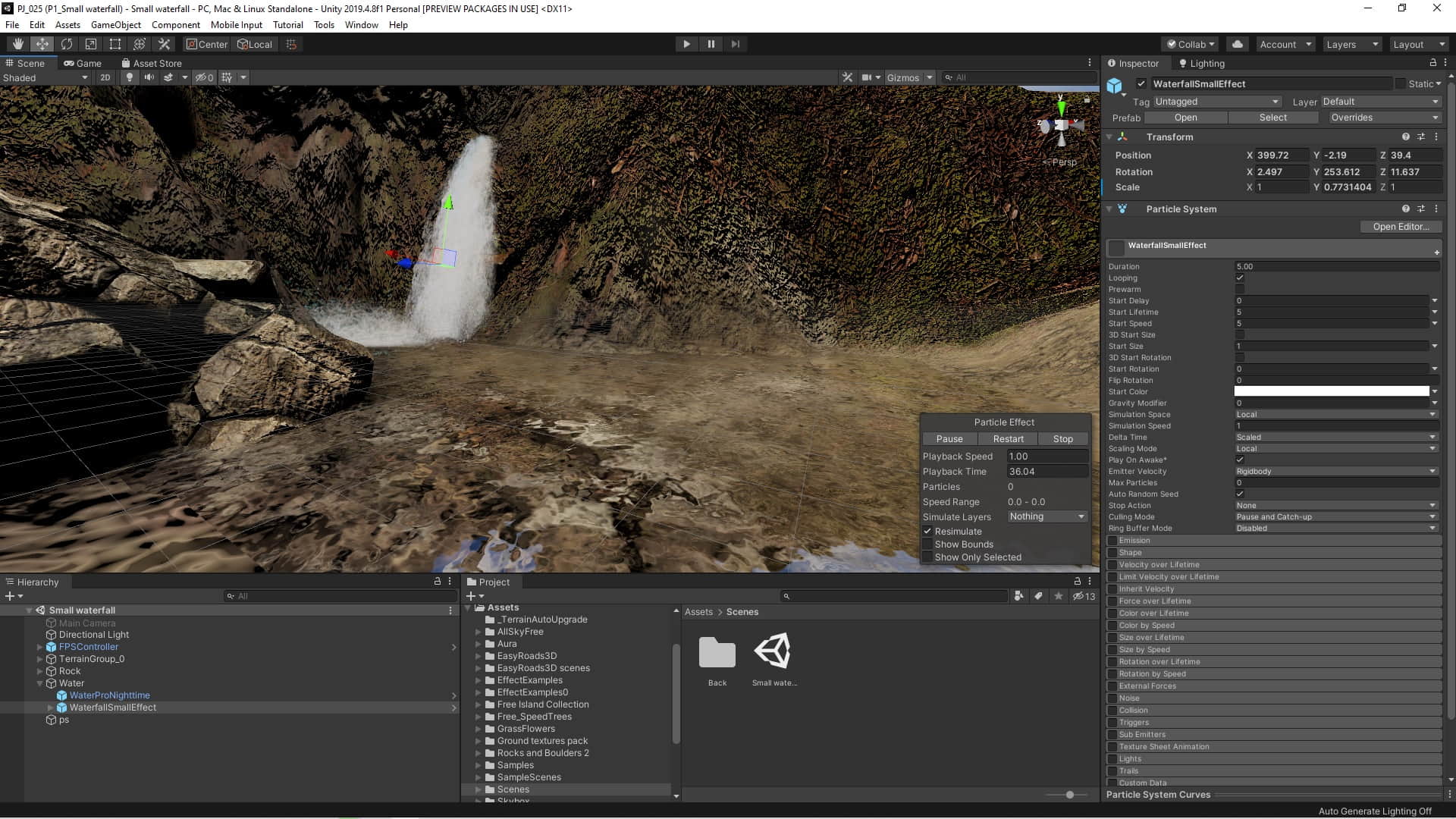
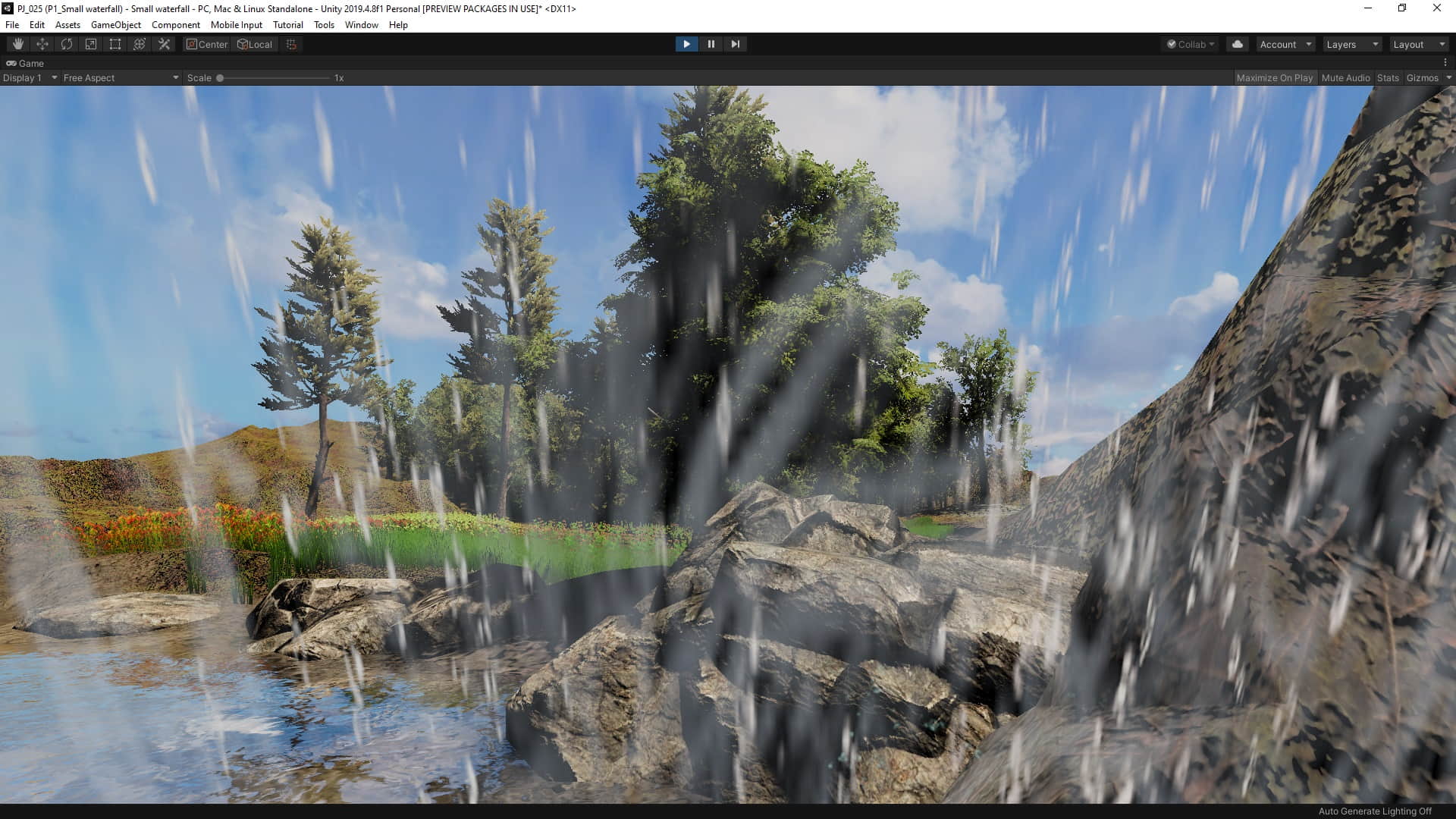
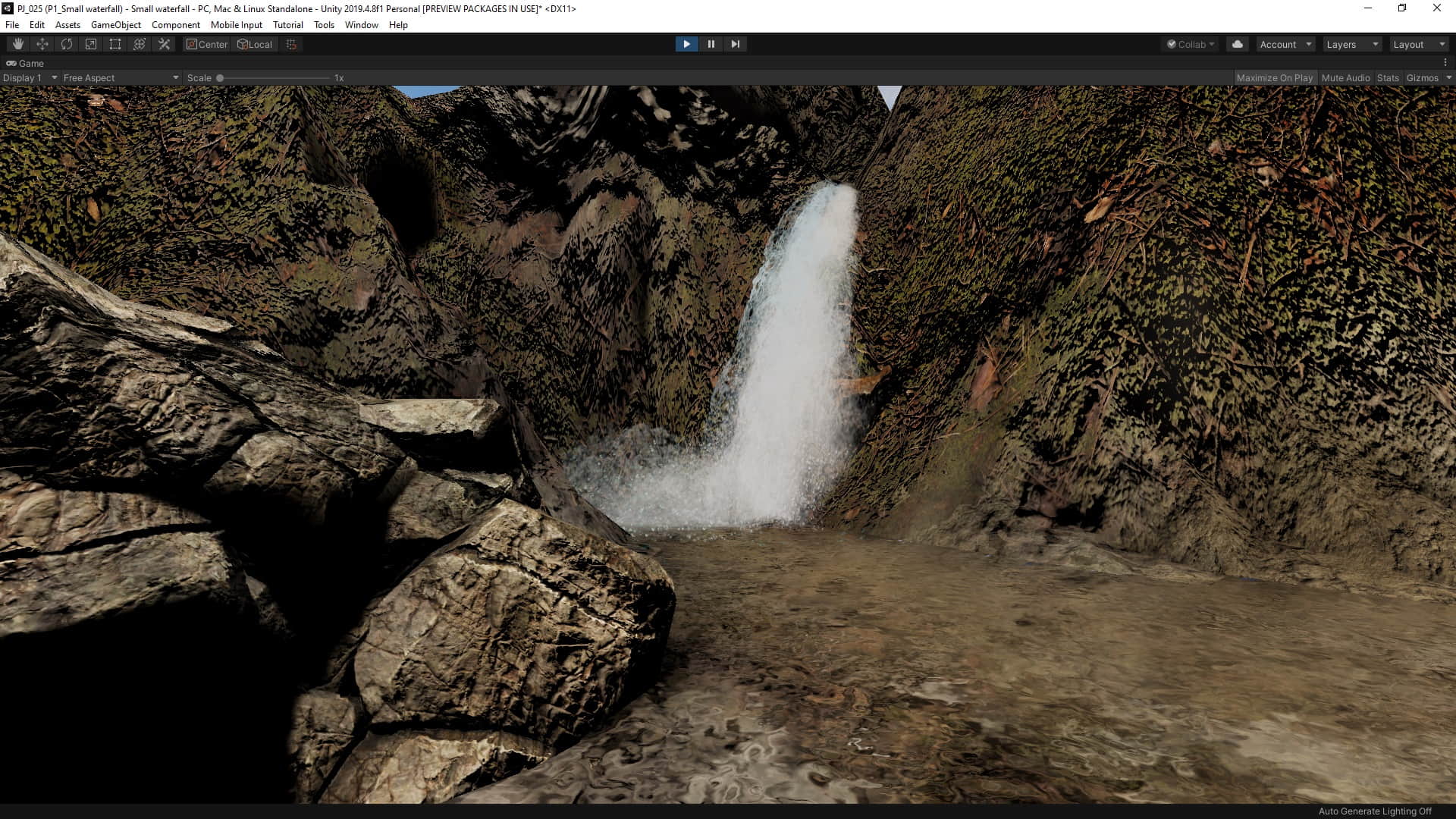
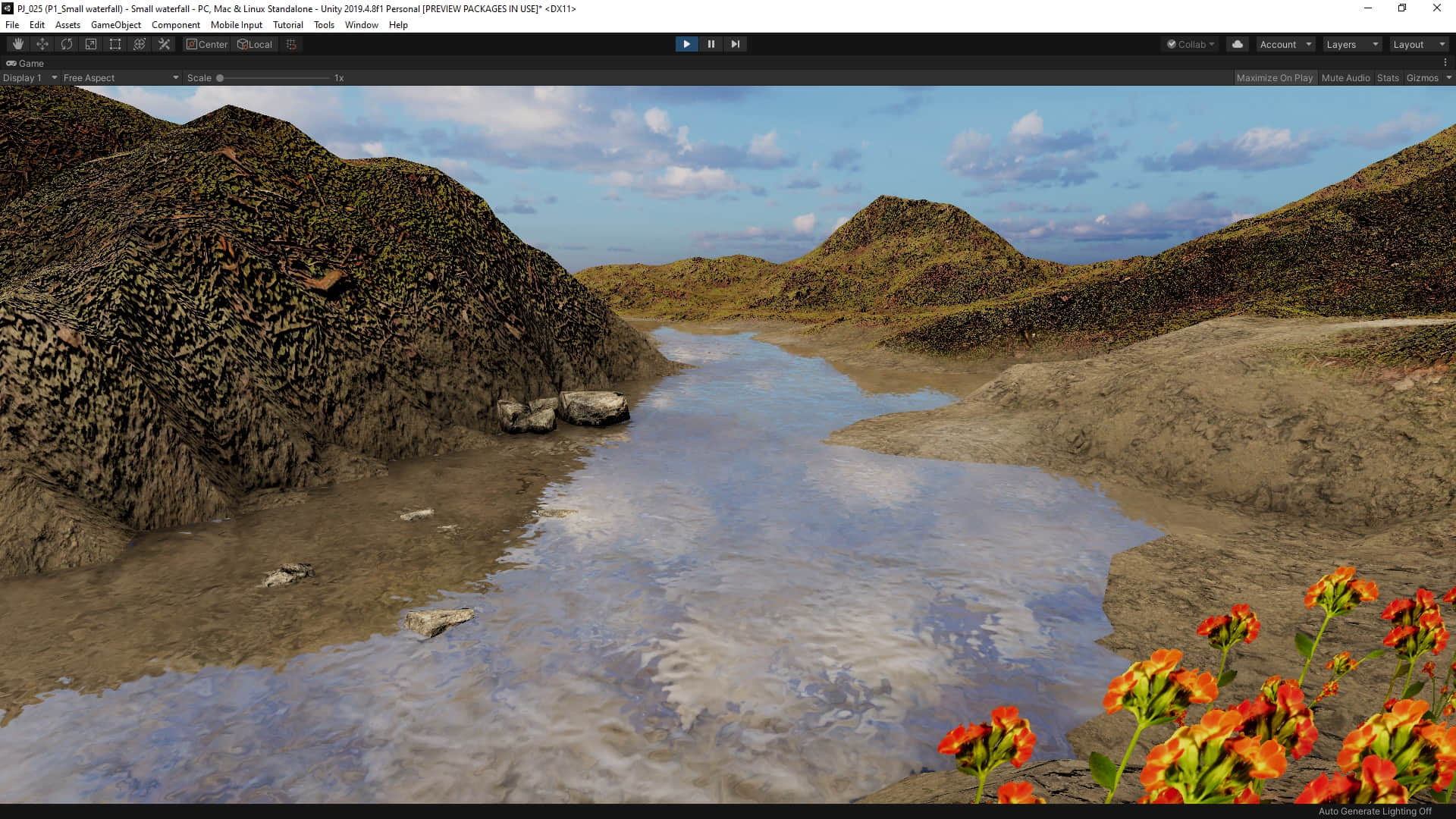
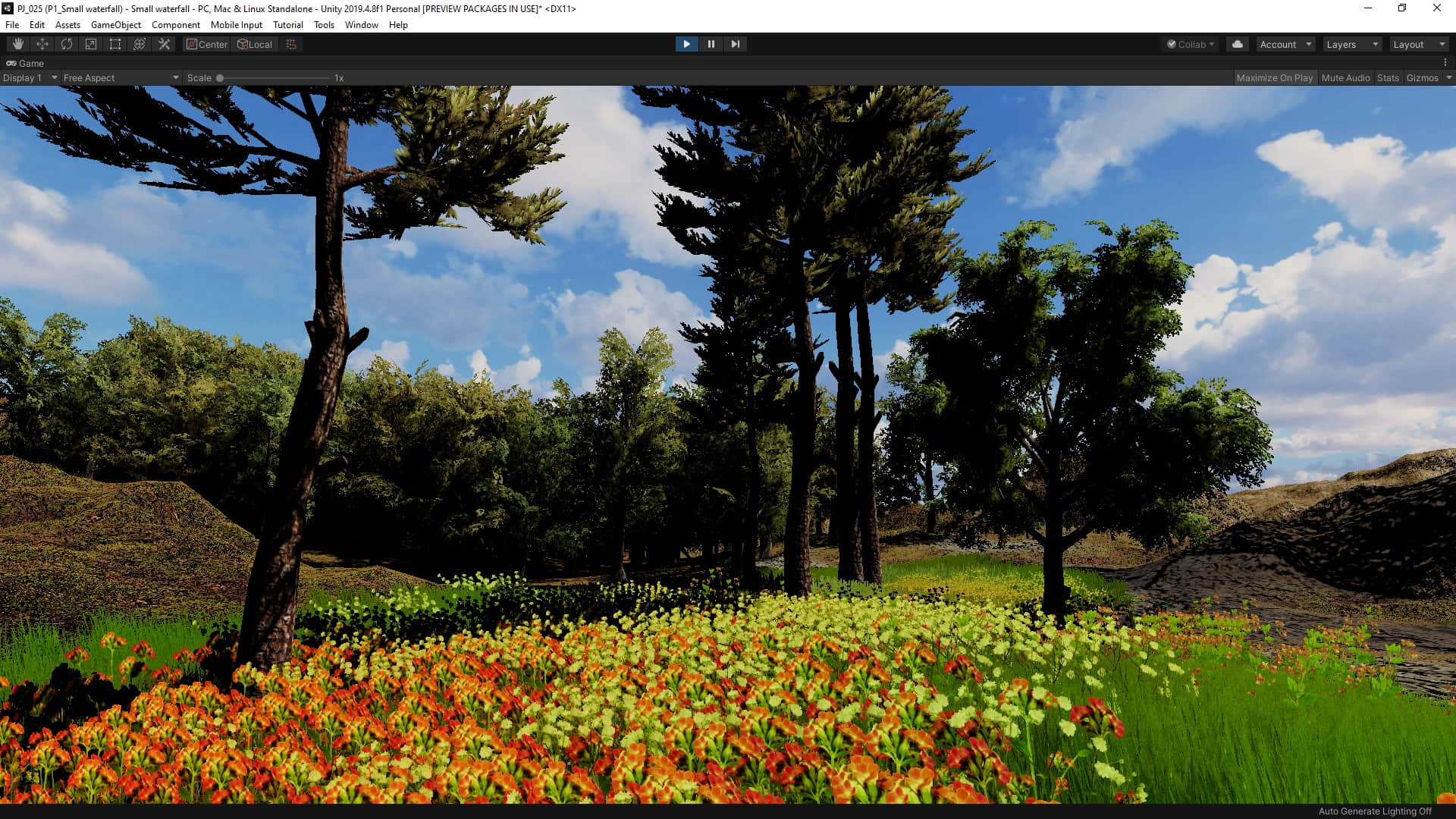
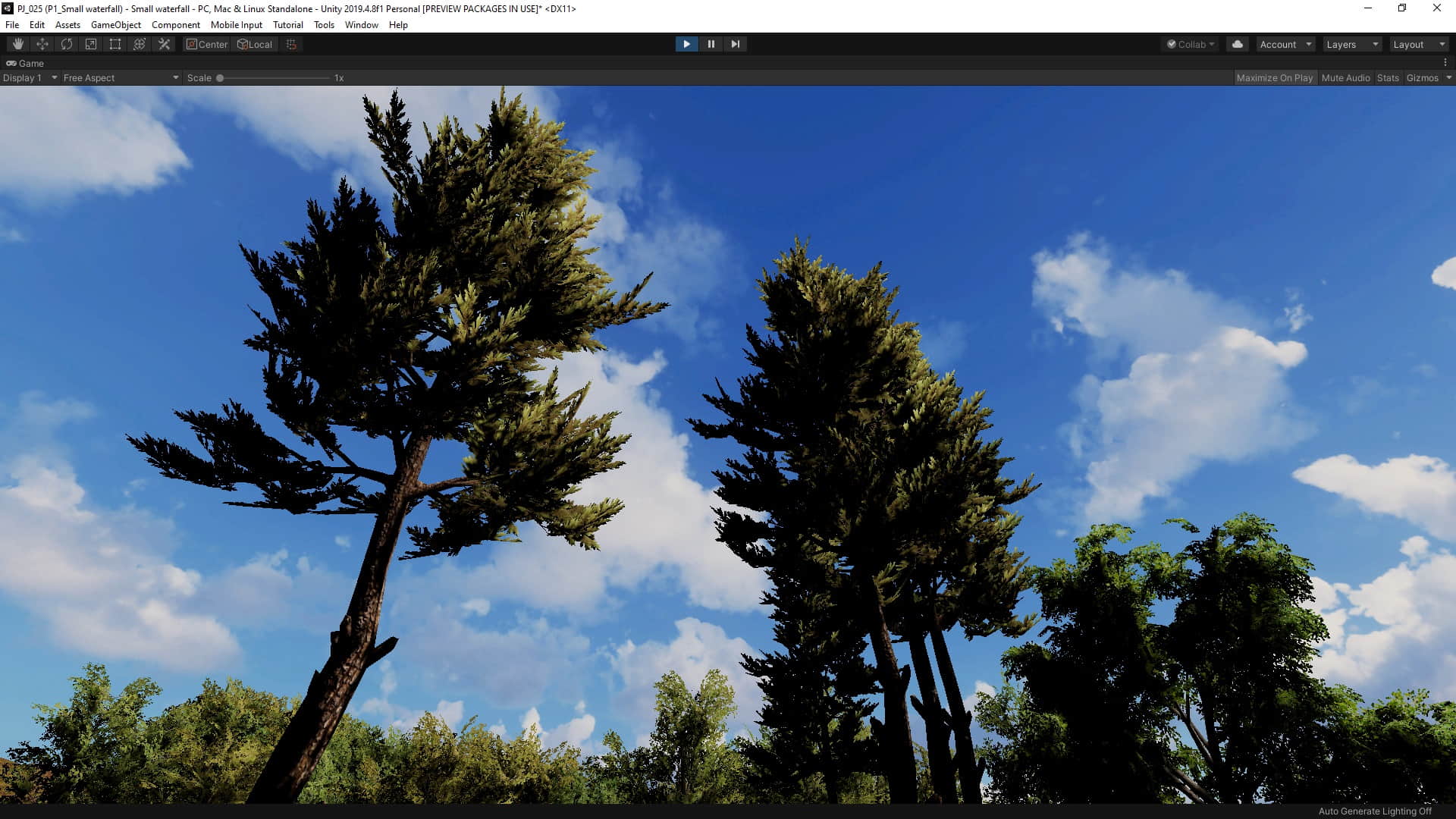
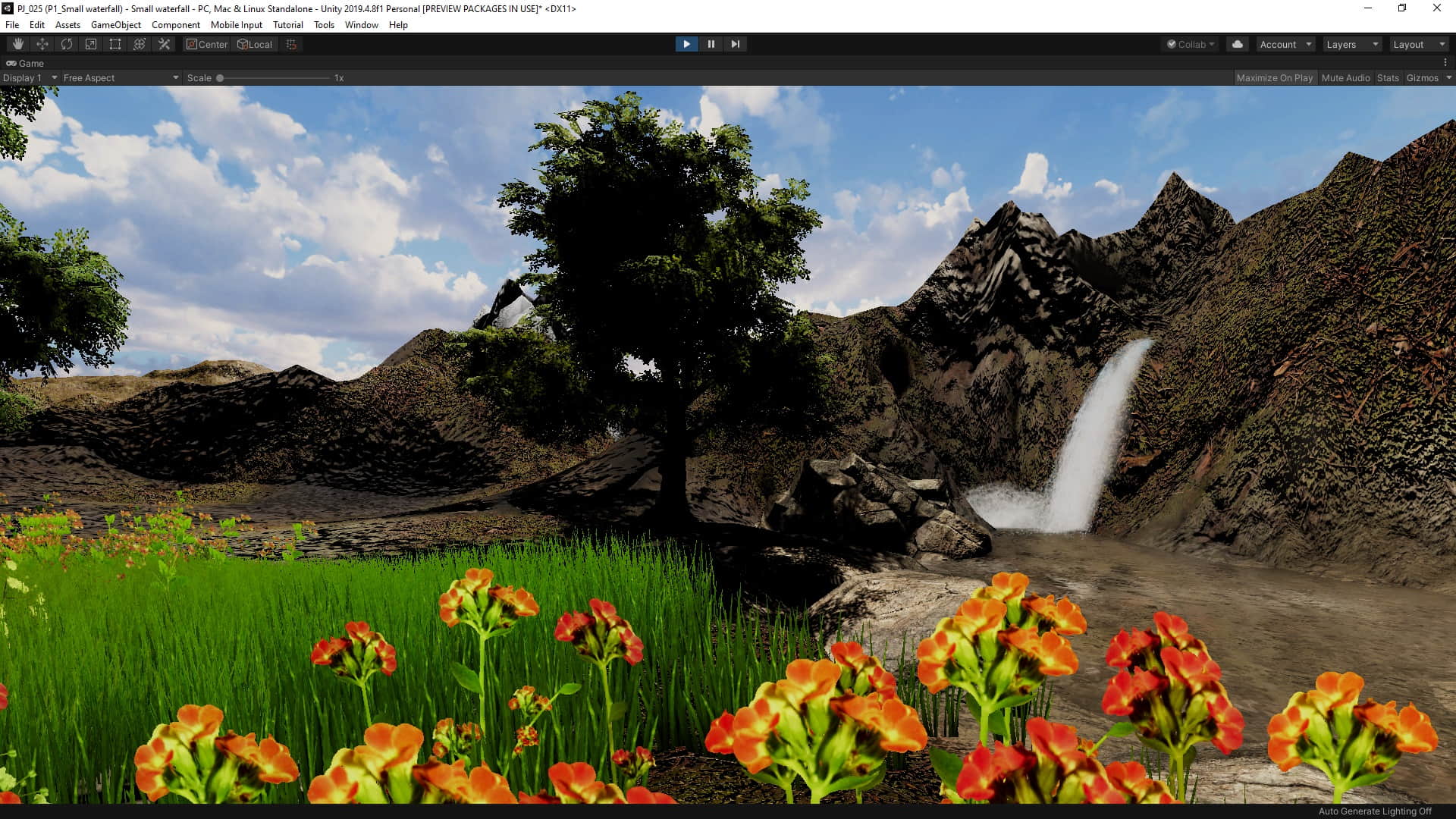
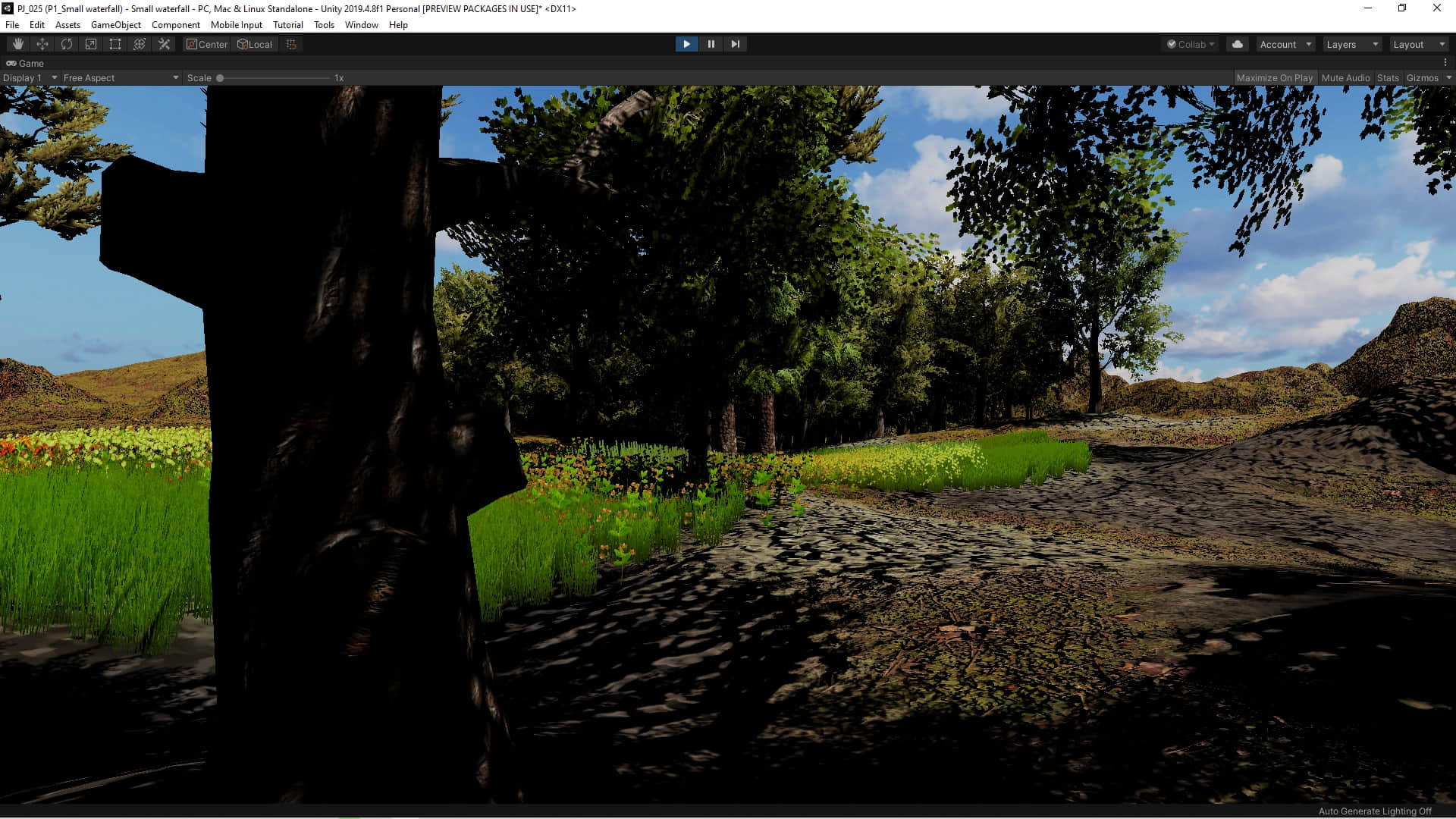
Here we design a natural landscape with a small waterfall using Unity and a few free assets.
Assets:
– Standard Assets
– Terrain Tools Sample Asset Pack
– Unity Particle Pack
– Grass Flowers Pack Free
– Rock and Boulders 2
– Free SpeedTrees Package
– AllSky Free
Sample pictures

Hold and release the button until the indicator is between two numbers.
Sample pictures


C# code
using UnityEngine;
using UnityEngine.UI;
using UnityEngine.SceneManagement;

public class Controller : MonoBehaviour
{
    public float speed = 50;
    public int trueRange = 50;
    public Text minT, maxT, currentText, winORloseText,levelText;
    public Image againPanel , nextPanel , endPanel, levelPanelBack;

    Vector3 rotationPoint = Vector3.zero;
    float temp;
    int maxWinD;
    int minWinD;
    bool hold;
    int Lnum = 1;


    // Start is called before the first frame update
    void Start()
    {
        Lnum = PlayerPrefs.GetInt("Level num", 1);

        trueRange -= (Lnum - 1) * 10;
        speed *= 1+((float)(Lnum-1)/2);
        //speed *= Lnum;
        levelText.text = "speed = " + speed + "    L E V E L " + Lnum + "    range = " + trueRange;

        BackColor();
        SetRange();
    }

    // Update is called once per frame
    void Update()
    {
        temp = Mathf.Round(transform.rotation.eulerAngles.z);
        currentText.text = "" + temp;

        if (hold)
        {
            transform.RotateAround(rotationPoint, Vector3.forward, speed * Time.deltaTime);
        }

    }


    void BackColor()
    {
        switch (Lnum)
        {
            case 1:
                levelPanelBack.color = new Color32(0, 255,50,255);
                break;
            case 2:
                levelPanelBack.color = new Color32(0, 255, 228, 255);
                break;
            case 3:
                levelPanelBack.color = new Color32(0, 50, 255, 255);
                break;
            case 4:
                levelPanelBack.color = new Color32(160, 0, 255, 255);
                break;
            case 5:
                levelPanelBack.color = new Color32(255, 0, 130, 255);
                break;
        }
    }
    void SetRange()
    {
        int winD = Random.Range((trueRange / 2), 360 - (trueRange / 2));
        maxWinD = winD + (trueRange / 2);
        minWinD = winD - (trueRange / 2);

        minT.text = "Min = " + minWinD;
        maxT.text = "Max = " + maxWinD;
    }
    void WinCheck()
    {
        if (temp <= maxWinD && temp >= minWinD)
        {
            winORloseText.text = "WIN";

            if (trueRange > 10)
                nextPanel.gameObject.SetActive(true);
            else
                endPanel.gameObject.SetActive(true);
        }
        else
        {
            winORloseText.text = "LOSE";
            againPanel.gameObject.SetActive(true);
        }
    }


    public void StartRotate()
    {
        hold = true;
    }
    public void EndRotate()
    {
        hold = false;
        WinCheck();
    }

    public void Next()
    {
        Lnum += 1;
        PlayerPrefs.SetInt("Level num", Lnum);

        SceneManager.LoadScene(0);
    }
    public void Again()
    {
        SceneManager.LoadScene(0);
    }
    public void GotoLevel1()
    {
        PlayerPrefs.DeleteAll();
        SceneManager.LoadScene(0);
    }
}
Download unitypackage file
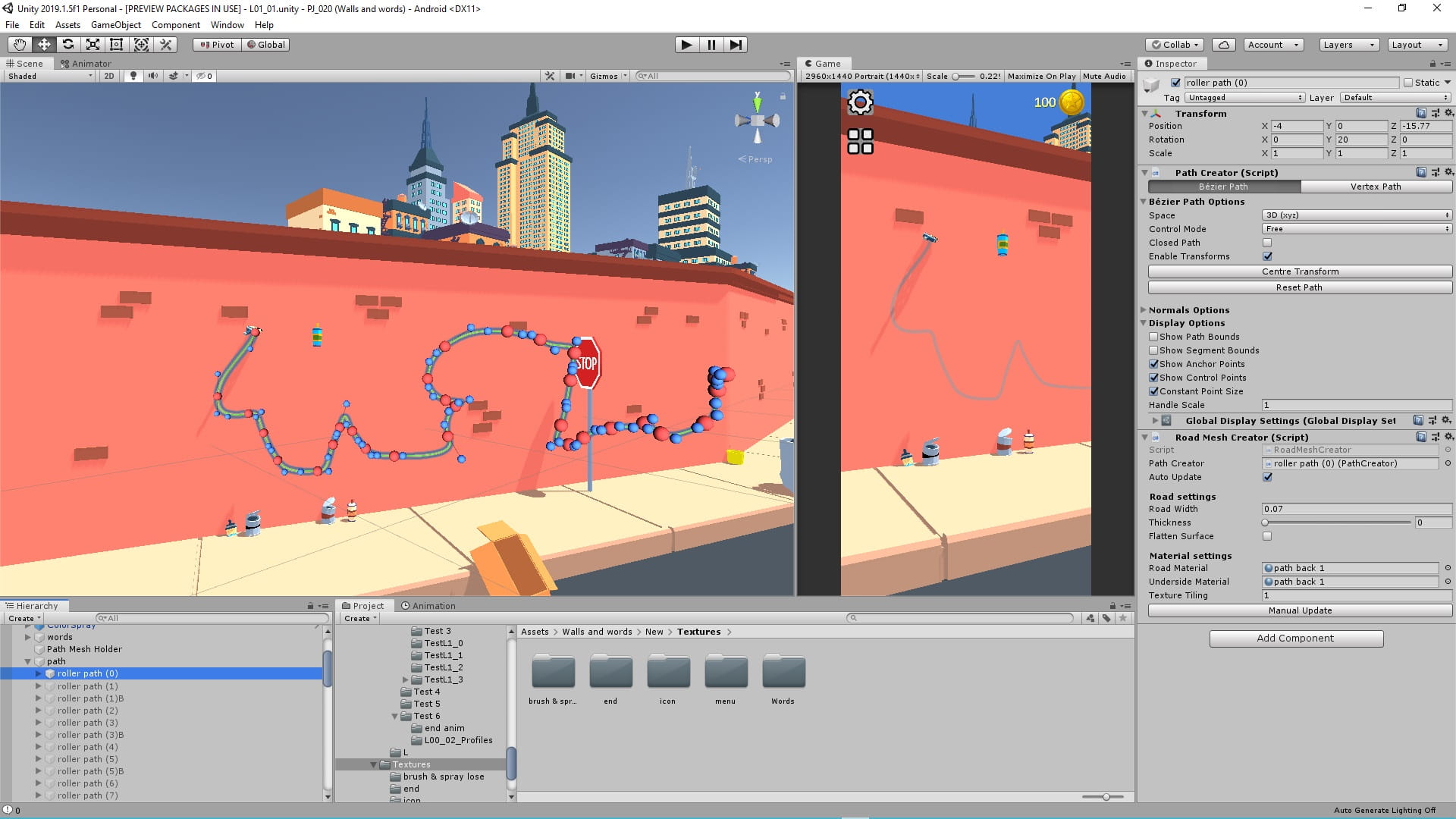
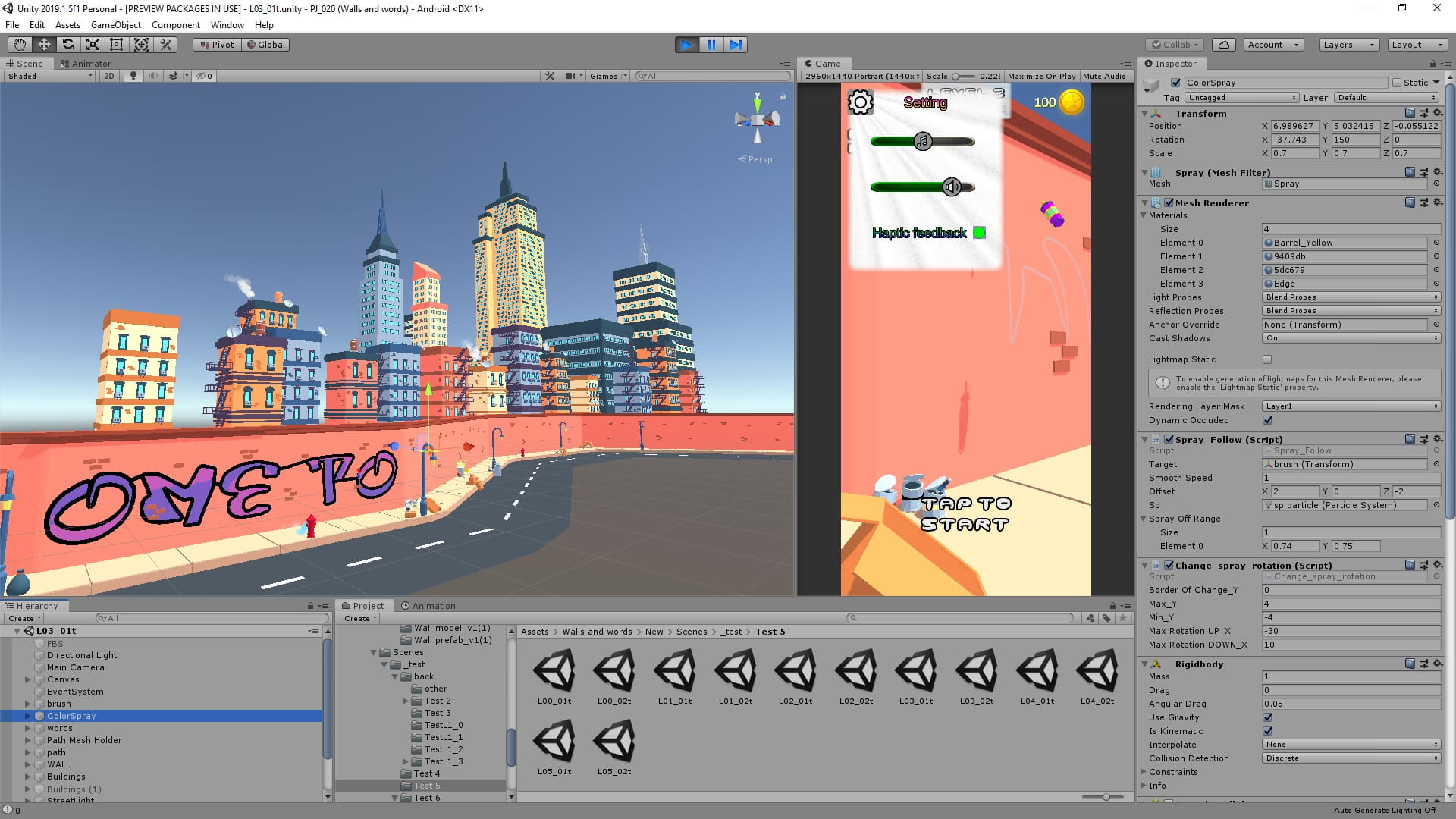
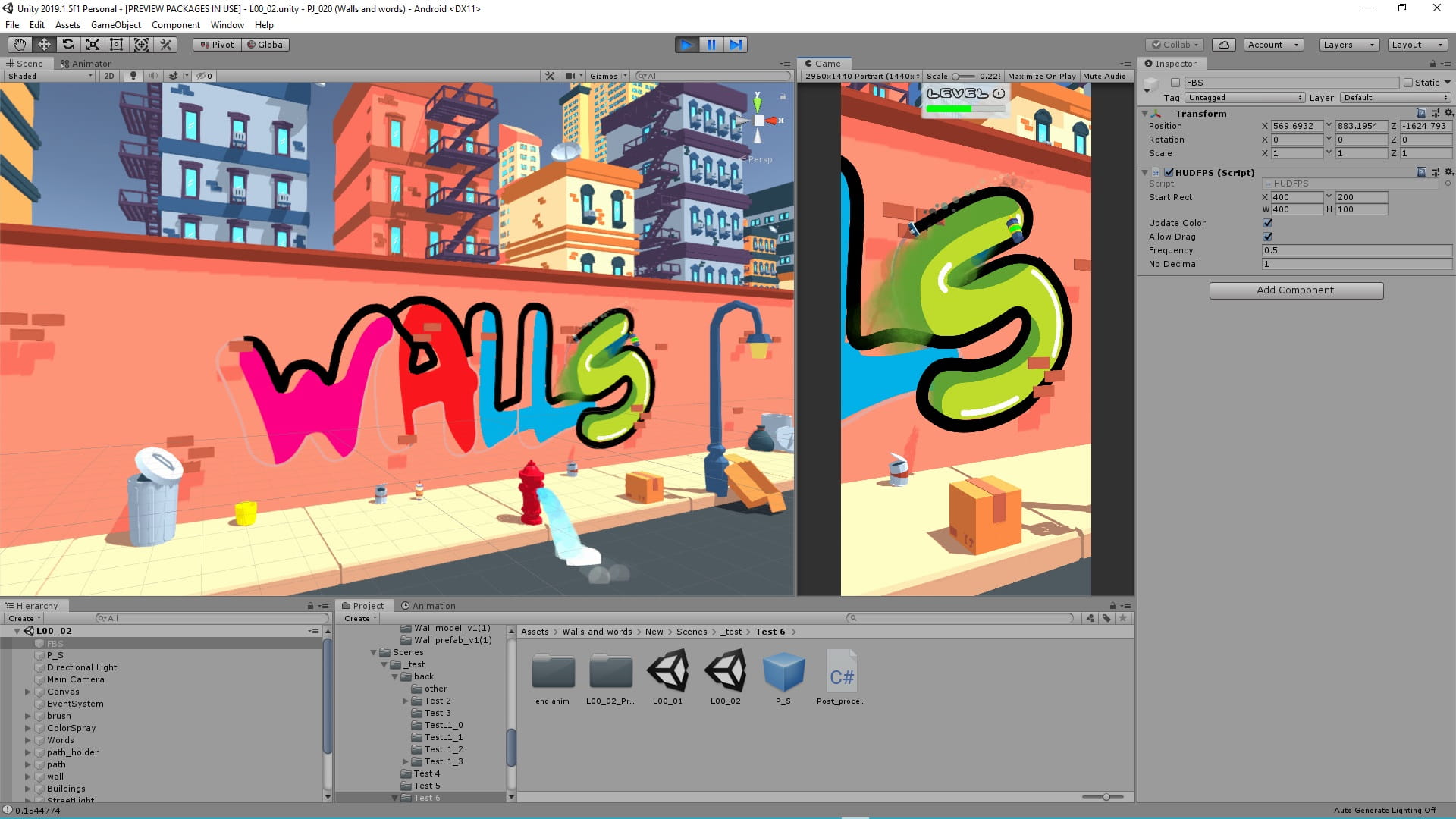
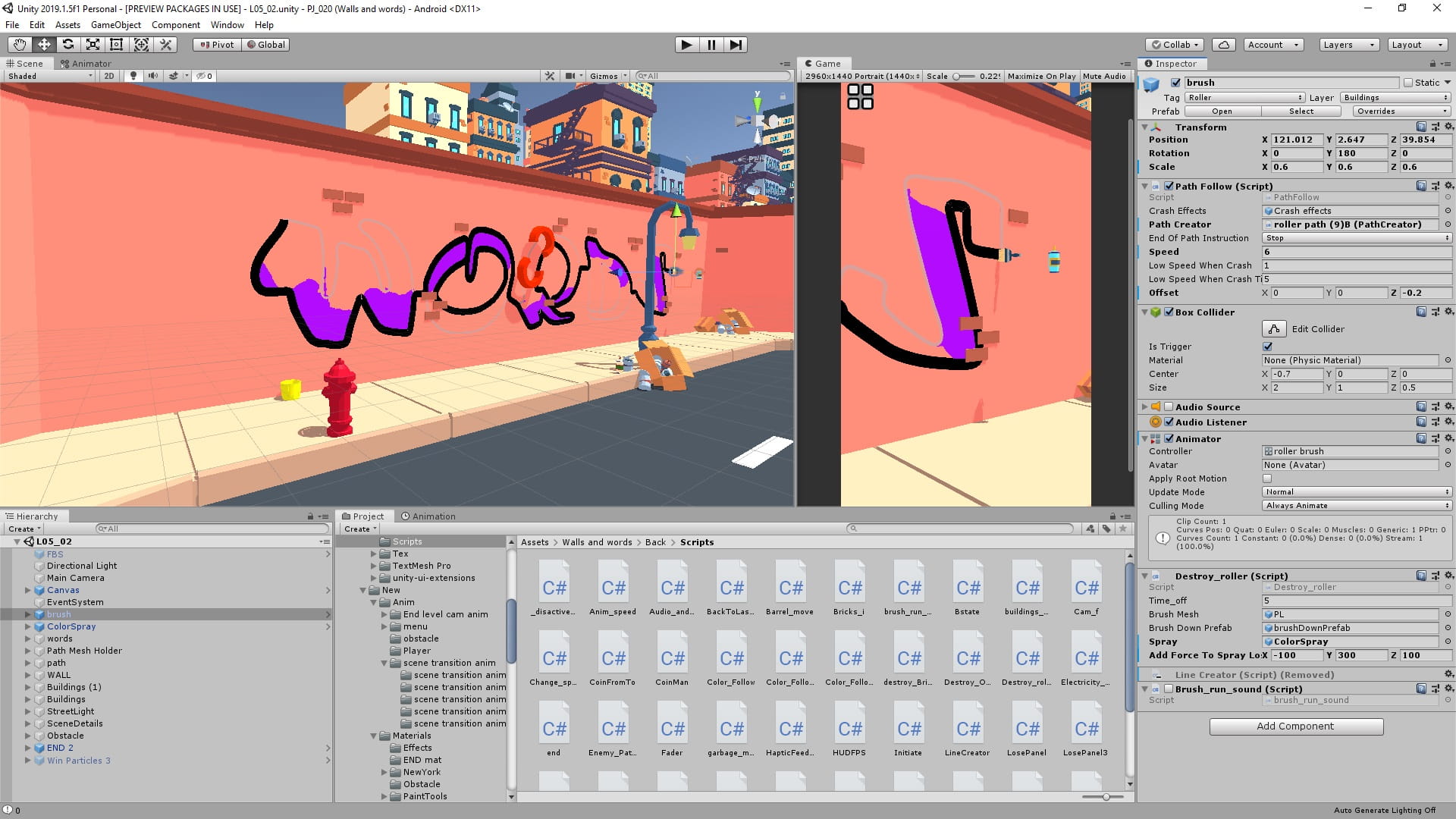
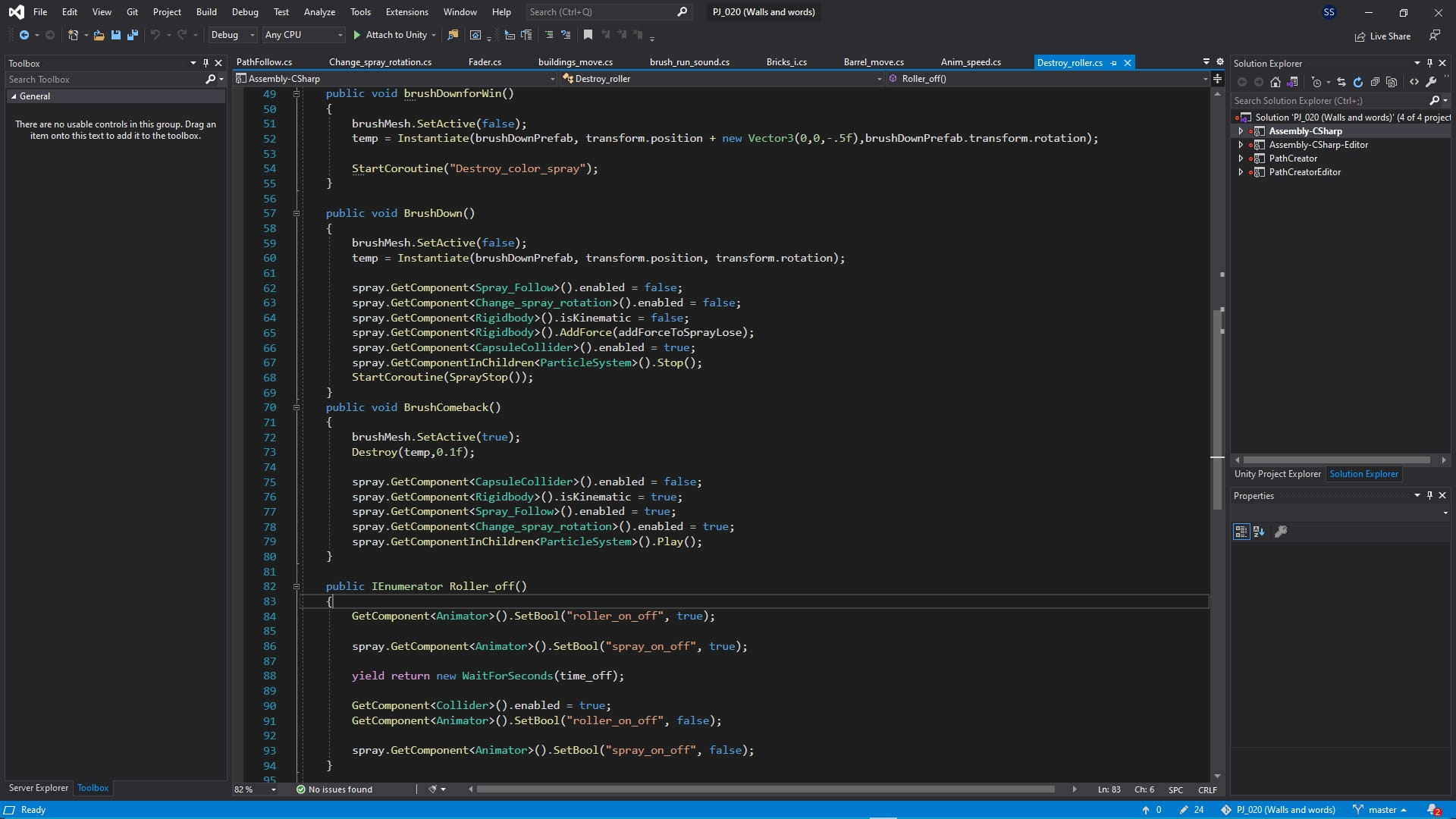
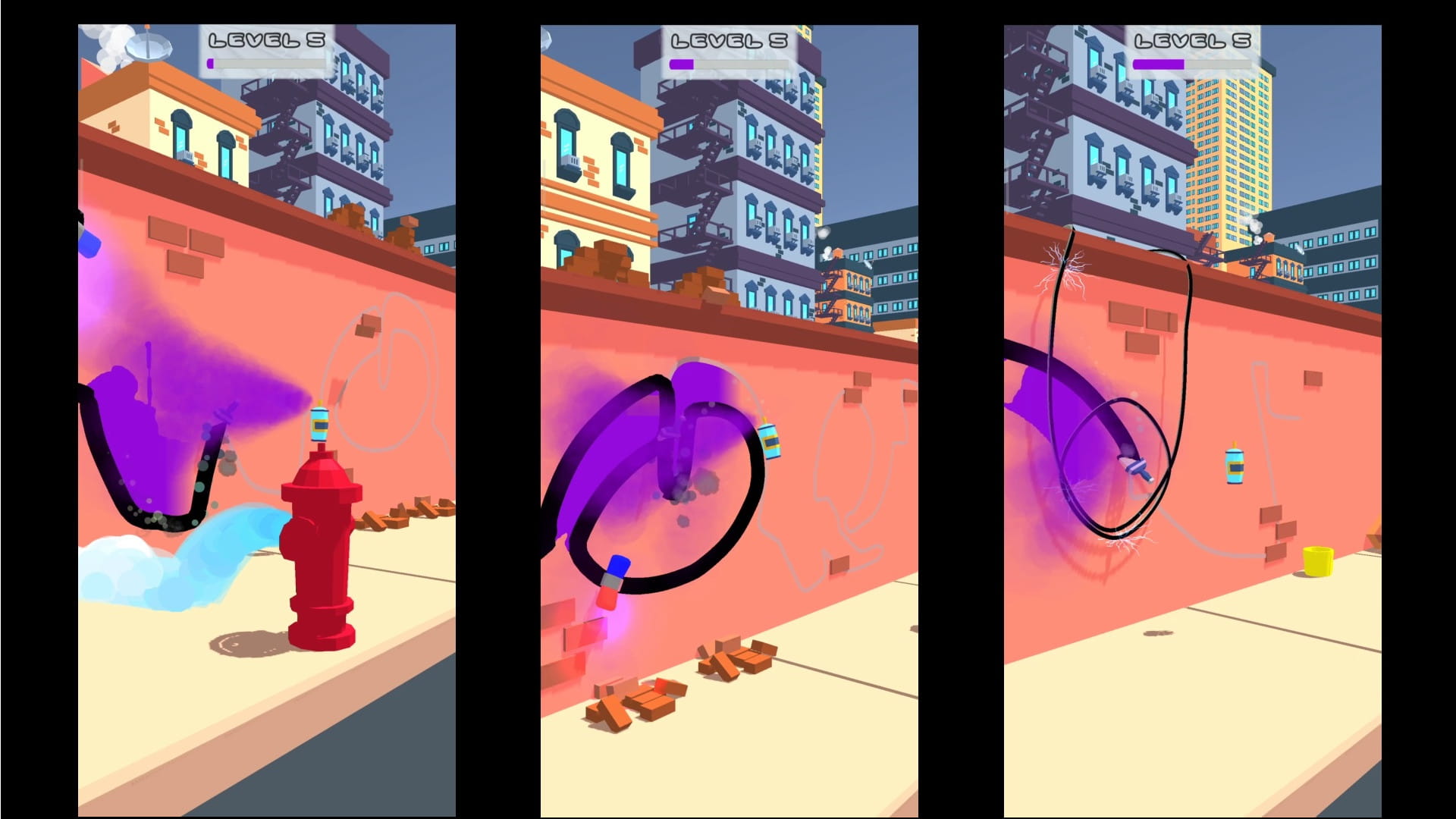
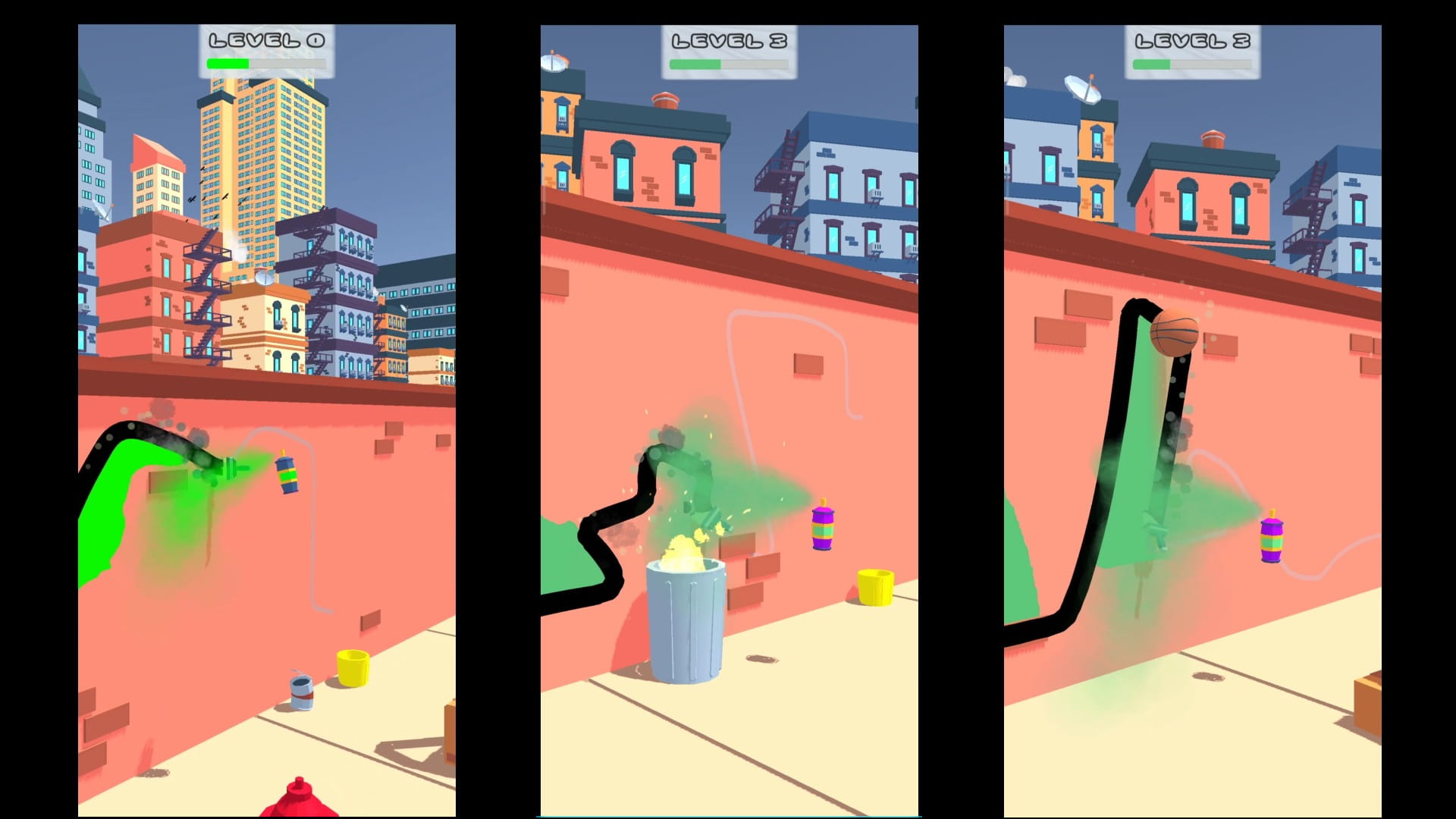
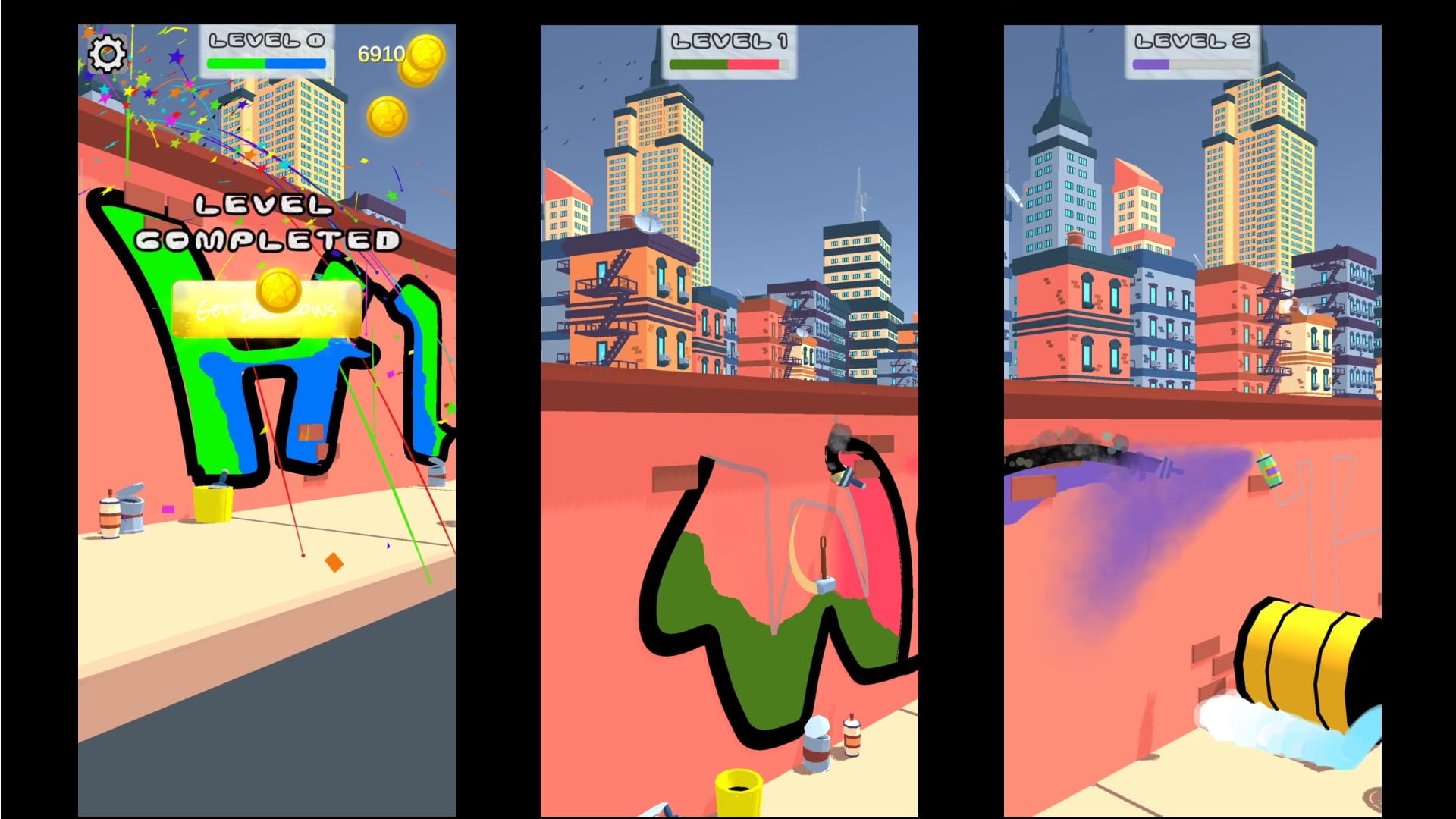
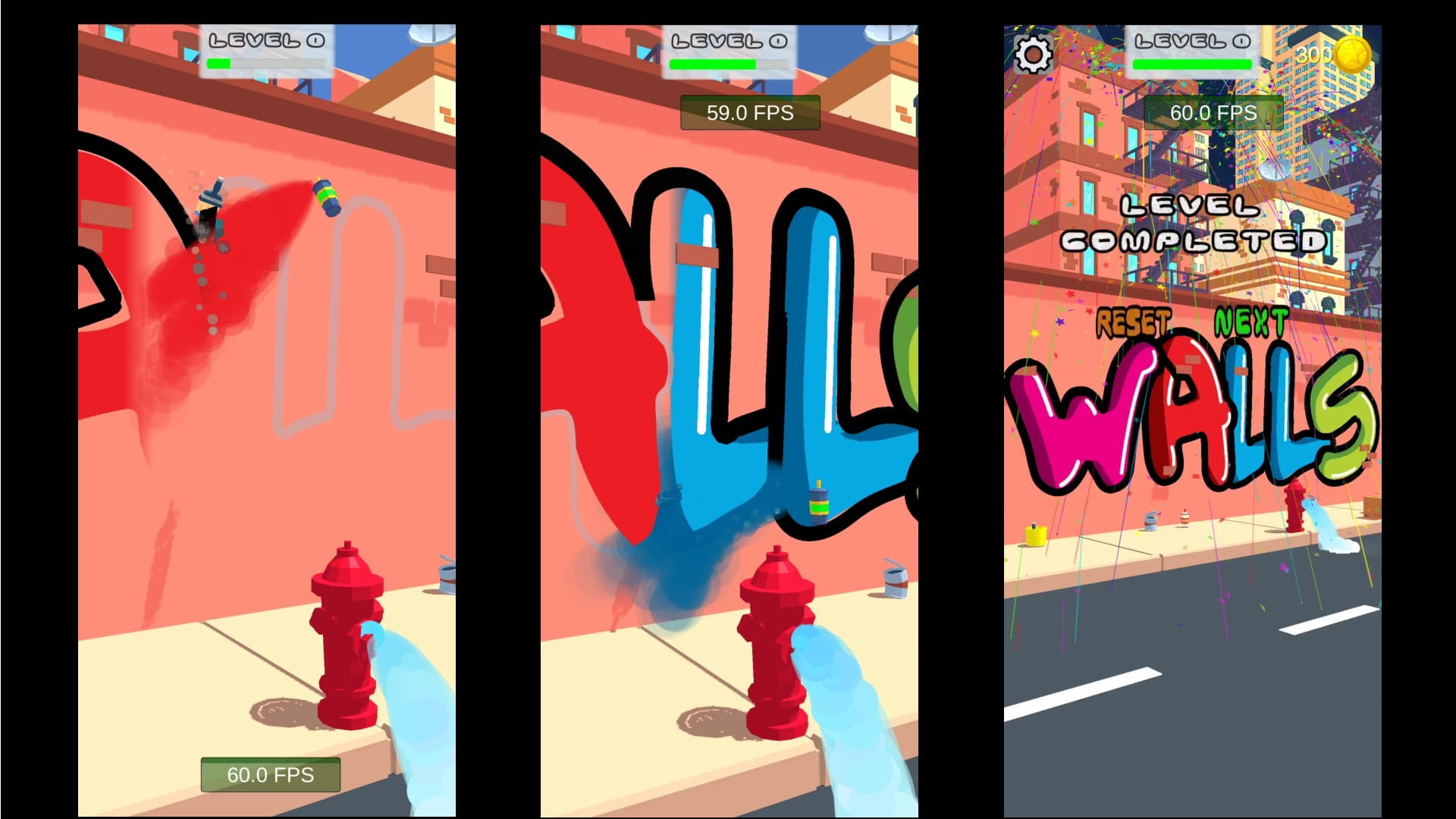
In this game, by touching the mobile screen, you move a brush and spray paint and draw graffiti on the wall. During the game, you must be careful not to collide with obstacles.
Sample pictures

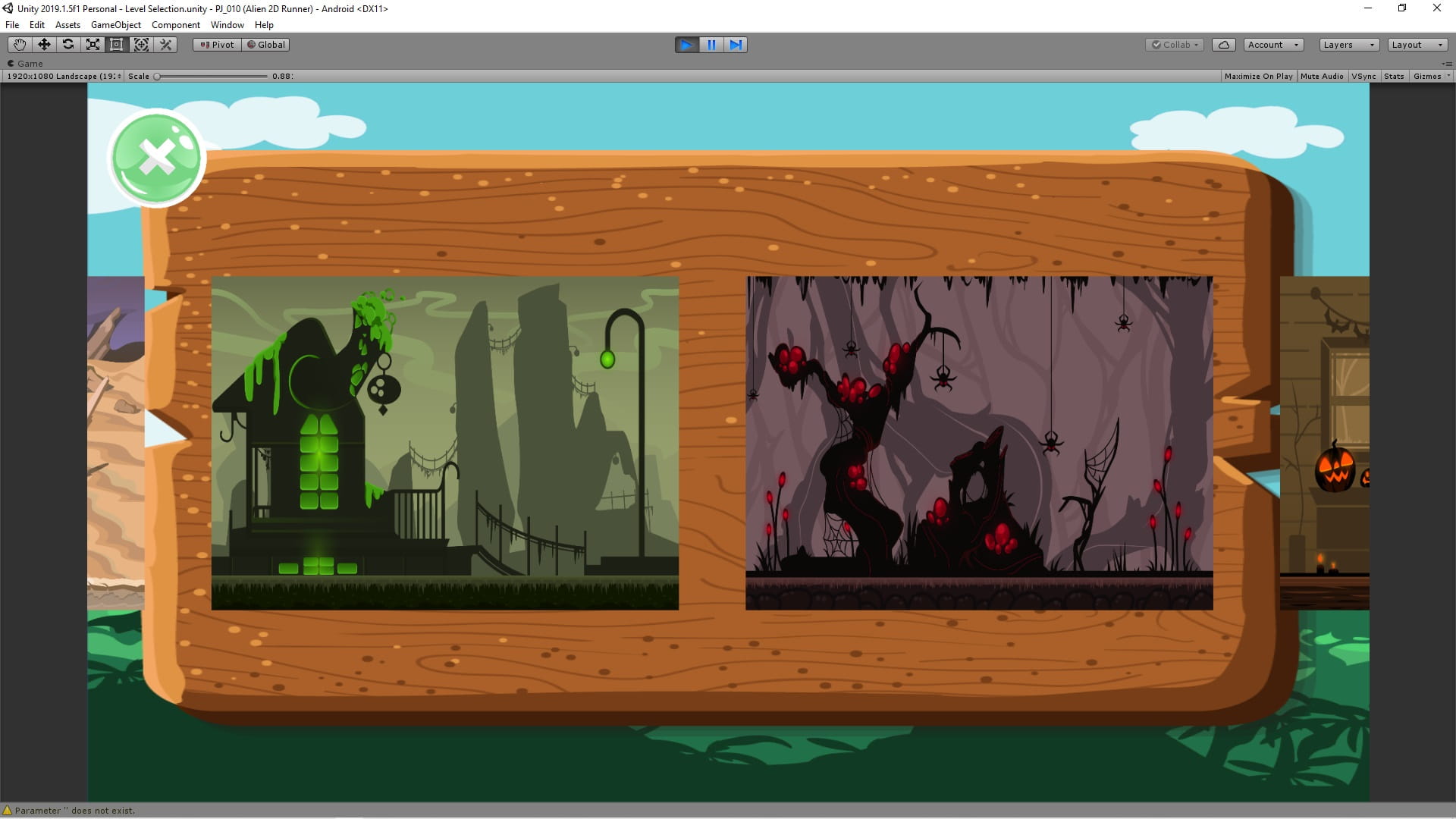
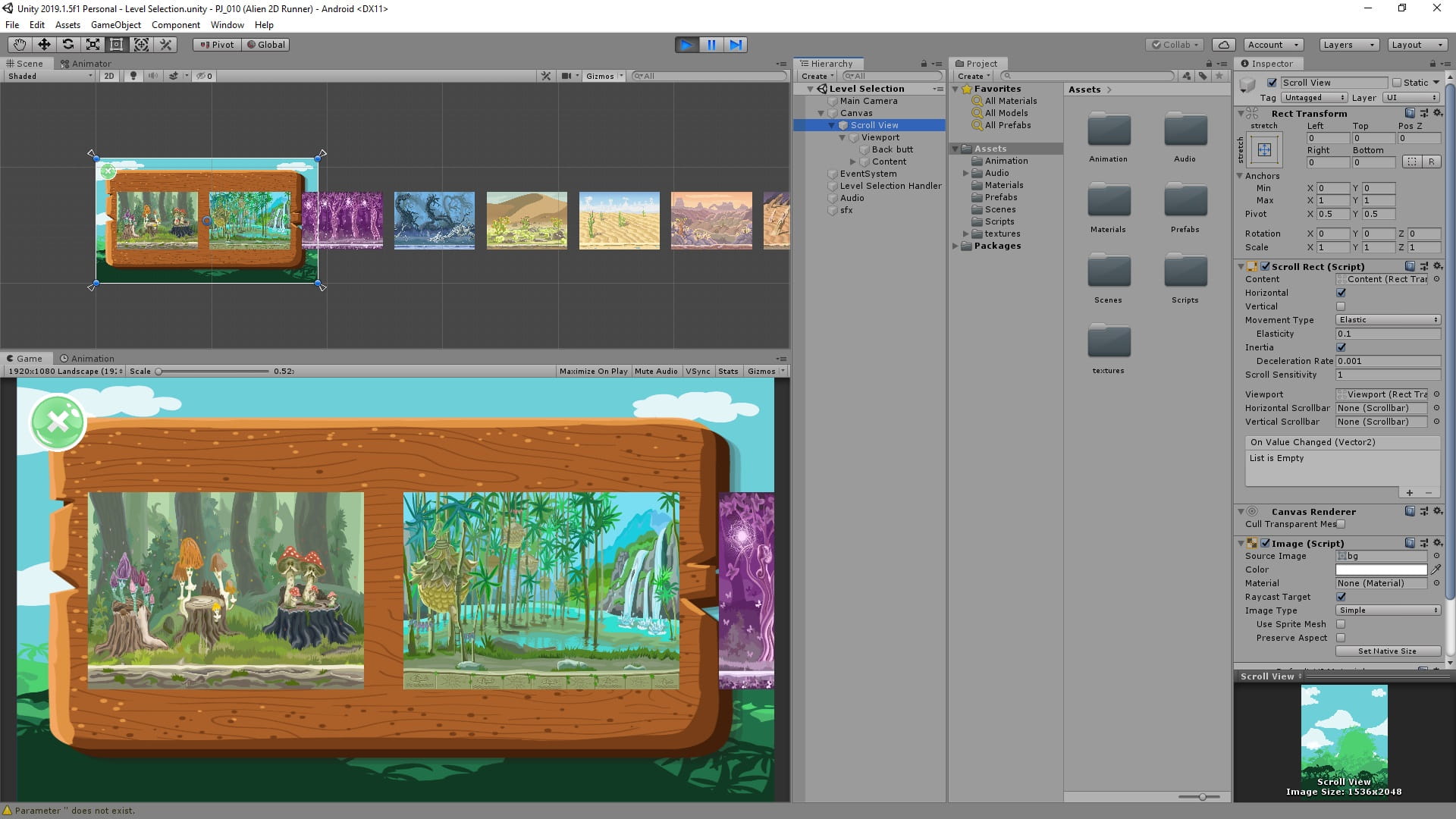
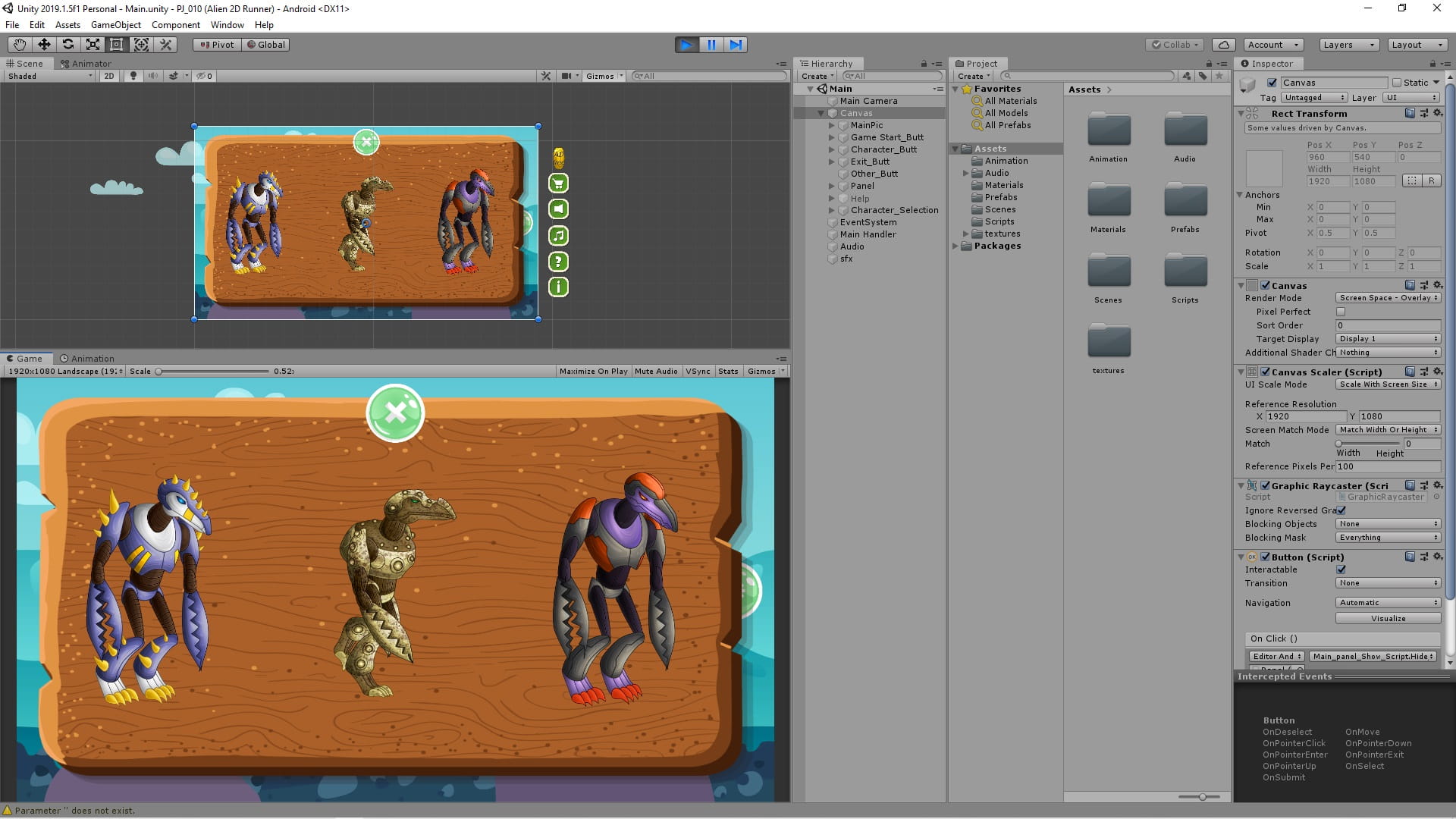
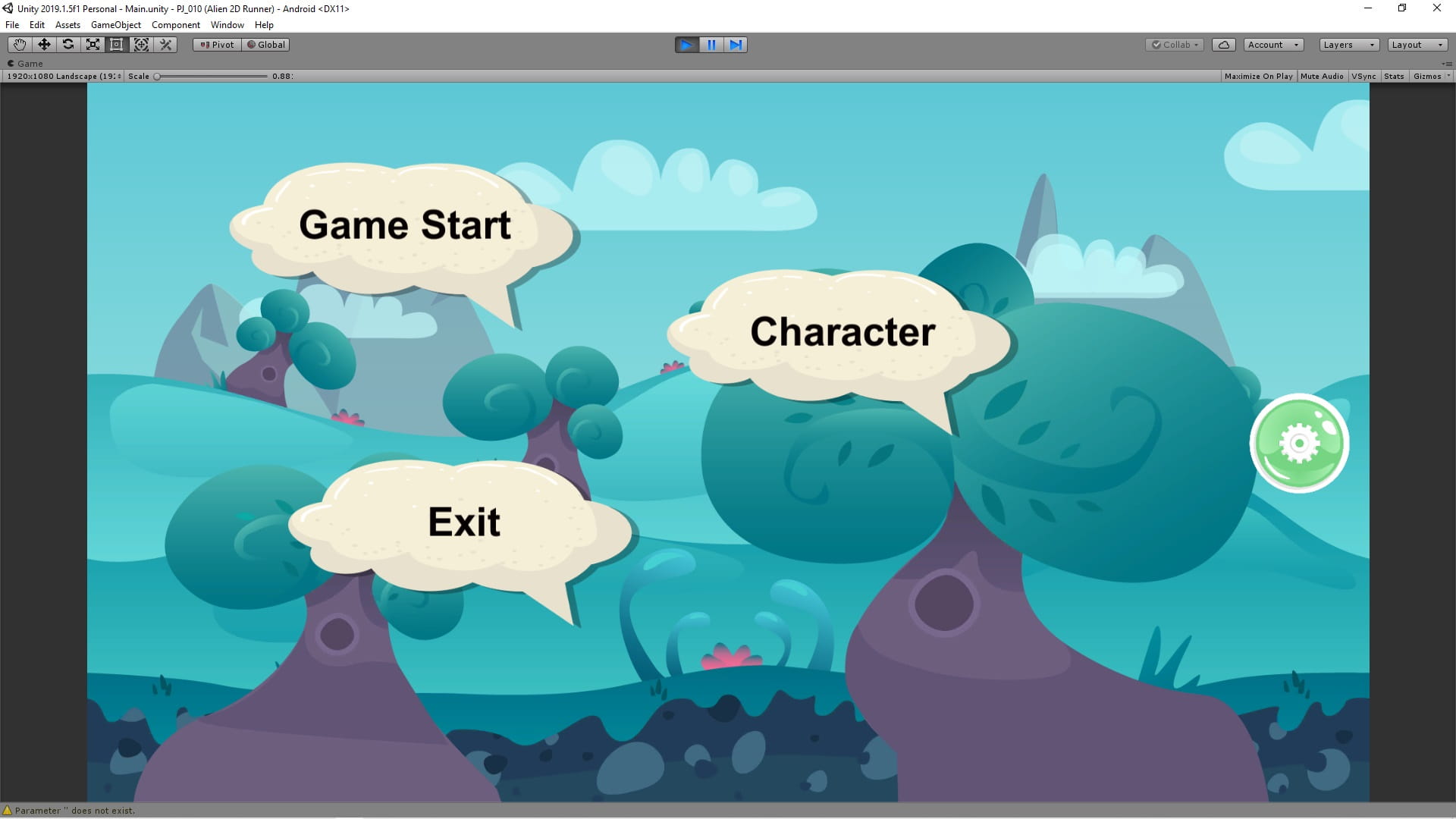
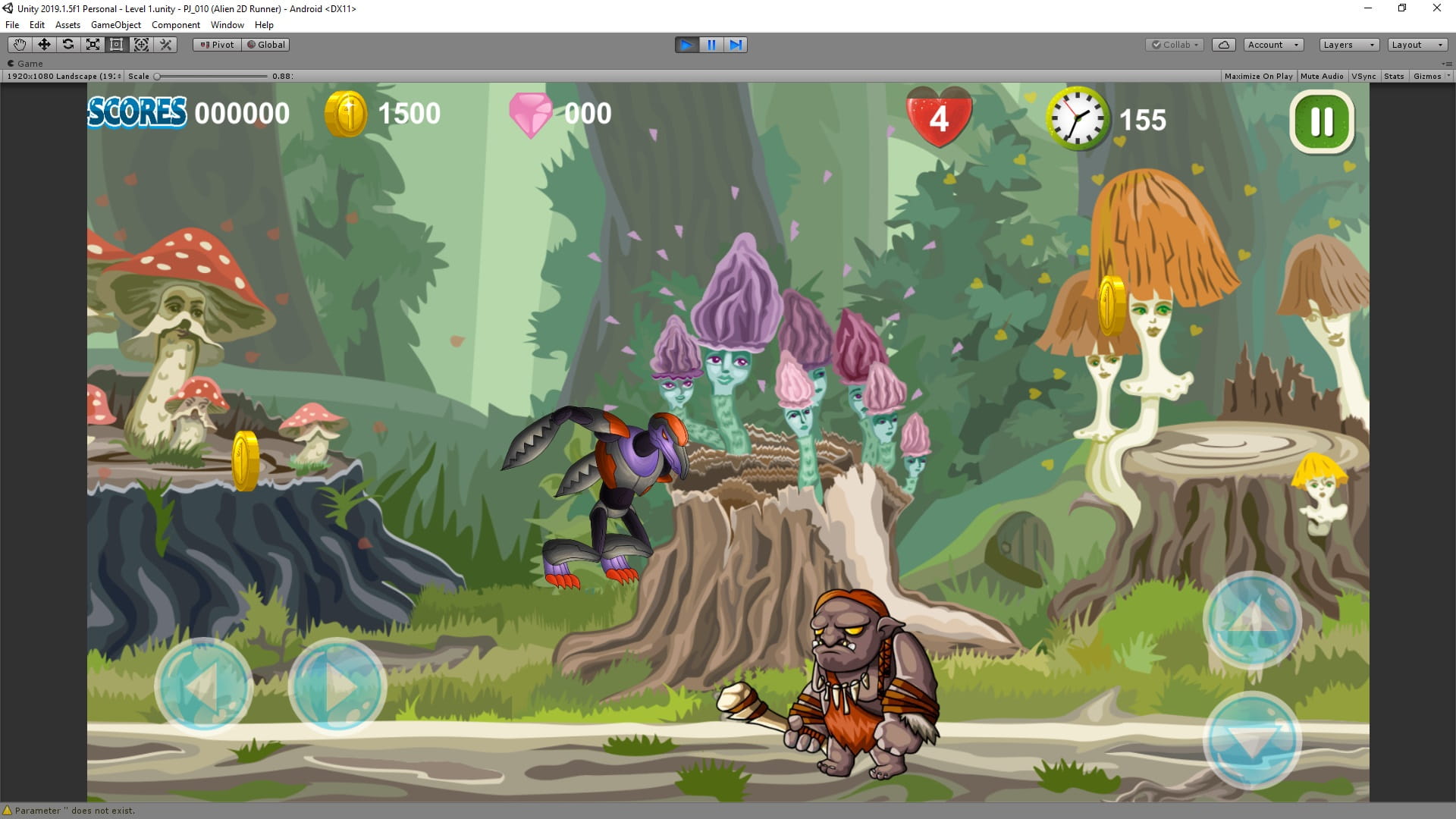
Here, by targeting an image, the player sees a 2D fantasy alien attack game and can play with it.
Sample pictures


C# code
using System.Collections;
using System.Collections.Generic;
using UnityEngine;

public class Player : MonoBehaviour
{
    Rigidbody2D playerRig;
    float _speed = 0;
    Animator boyAnimator;
    SpriteRenderer spriteRenderer;
    public float speed = 10;
    public static float playerXpos;

    // Start is called before the first frame update
    void Start()
    {
        playerRig = gameObject.GetComponent<Rigidbody2D>();
        boyAnimator = GetComponentInChildren<Animator>();
        spriteRenderer = GetComponentInChildren<SpriteRenderer>();
    }

    private void Update()
    {
        playerXpos = transform.position.x;
    }

    private void FixedUpdate()
    {
        playerRig.velocity = new Vector2(_speed, playerRig.velocity.y);
    }

    public void RunR()
    {
        _speed = speed;
        boyAnimator.SetFloat("speed", speed);
        spriteRenderer.flipX = true;
    }
    public void RunL()
    {
        _speed = -speed;
        boyAnimator.SetFloat("speed", speed);
        spriteRenderer.flipX = false;
    }
    public void Stop()
    {
        _speed = 0;
        boyAnimator.SetFloat("speed", 0);
    }
}
using System.Collections;
using System.Collections.Generic;
using UnityEngine;
public class Alien : MonoBehaviour
{
Animator alienAnimator;
public float speed = 2;
float i = 0;
// Start is called before the first frame update
void Start()
{
alienAnimator = GetComponent<Animator>();
}
private void Update()
{
transform.Translate(new Vector2(i * speed * Time.deltaTime, 0));
}
private void OnCollisionStay2D(Collision2D collision)
{
if (collision.gameObject.tag == "Ground")
{
alienAnimator.SetBool("Run", true);
}
else if(collision.gameObject.tag == "Destroy")
{
Destroy(gameObject);
}
}
public void StartRun()
{
i = (Player.playerXpos - transform.position.x) / Mathf.Abs(Player.playerXpos - transform.position.x);
//Debug.Log(i);
//transform.rotation = new Quaternion(0, Mathf.Acos(i), 0, 0);
GetComponent<SpriteRenderer>().flipX = i < 0;
}
}using System.Collections;
using System.Collections.Generic;
using UnityEngine;
public class InstantiateObjects : MonoBehaviour
{
public GameObject flyingSaucer;
public GameObject[] alien;
int r;
// Start is called before the first frame update
void Start()
{
StartCoroutine(Inst());
}
// Update is called once per frame
void Update()
{
r = Random.Range(0, alien.Length);
}
IEnumerator Inst()
{
yield return new WaitForSeconds(2f);
flyingSaucer.SetActive(true);
yield return new WaitForSeconds(1.5f);
for(int i =0; i<10; i++)
{
Instantiate(alien[r],transform.position,transform.rotation);
yield return new WaitForSeconds(5f);
}
flyingSaucer.SetActive(false);
}
}/*==============================================================================
Copyright (c) 2017 PTC Inc. All Rights Reserved.
Copyright (c) 2010-2014 Qualcomm Connected Experiences, Inc.
All Rights Reserved.
Confidential and Proprietary - Protected under copyright and other laws.
==============================================================================*/
using UnityEngine;
using Vuforia;
/// <summary>
/// A custom handler that implements the ITrackableEventHandler interface.
///
/// Changes made to this file could be overwritten when upgrading the Vuforia version.
/// When implementing custom event handler behavior, consider inheriting from this class instead.
/// </summary>
public class MyTrackableEventHandler : MonoBehaviour, ITrackableEventHandler
{
#region PROTECTED_MEMBER_VARIABLES
protected TrackableBehaviour mTrackableBehaviour;
protected TrackableBehaviour.Status m_PreviousStatus;
protected TrackableBehaviour.Status m_NewStatus;
#endregion // PROTECTED_MEMBER_VARIABLES
#region UNITY_MONOBEHAVIOUR_METHODS
protected virtual void Start()
{
mTrackableBehaviour = GetComponent<TrackableBehaviour>();
if (mTrackableBehaviour)
mTrackableBehaviour.RegisterTrackableEventHandler(this);
}
protected virtual void OnDestroy()
{
if (mTrackableBehaviour)
mTrackableBehaviour.UnregisterTrackableEventHandler(this);
}
#endregion // UNITY_MONOBEHAVIOUR_METHODS
#region PUBLIC_METHODS
/// <summary>
/// Implementation of the ITrackableEventHandler function called when the
/// tracking state changes.
/// </summary>
public void OnTrackableStateChanged(
TrackableBehaviour.Status previousStatus,
TrackableBehaviour.Status newStatus)
{
m_PreviousStatus = previousStatus;
m_NewStatus = newStatus;
if (newStatus == TrackableBehaviour.Status.DETECTED ||
newStatus == TrackableBehaviour.Status.TRACKED ||
newStatus == TrackableBehaviour.Status.EXTENDED_TRACKED)
{
Debug.Log("Trackable " + mTrackableBehaviour.TrackableName + " found");
OnTrackingFound();
}
else if (previousStatus == TrackableBehaviour.Status.TRACKED &&
newStatus == TrackableBehaviour.Status.NO_POSE)
{
Debug.Log("Trackable " + mTrackableBehaviour.TrackableName + " lost");
OnTrackingLost();
}
else
{
// For combo of previousStatus=UNKNOWN + newStatus=UNKNOWN|NOT_FOUND
// Vuforia is starting, but tracking has not been lost or found yet
// Call OnTrackingLost() to hide the augmentations
OnTrackingLost();
}
}
#endregion // PUBLIC_METHODS
#region PROTECTED_METHODS
public GameObject obj;
public Transform pos;
GameObject _obj;
protected virtual void OnTrackingFound()
{
_obj = Instantiate(obj, pos.position, pos.rotation);
_obj.transform.parent = gameObject.transform;
//var rendererComponents = GetComponentsInChildren<Renderer>(true);
//var colliderComponents = GetComponentsInChildren<Collider>(true);
//var canvasComponents = GetComponentsInChildren<Canvas>(true);
//// Enable rendering:
//foreach (var component in rendererComponents)
// component.enabled = true;
//// Enable colliders:
//foreach (var component in colliderComponents)
// component.enabled = true;
//// Enable canvas':
//foreach (var component in canvasComponents)
// component.enabled = true;
}
protected virtual void OnTrackingLost()
{
Destroy(_obj);
GameObject[] alienObj = GameObject.FindGameObjectsWithTag("alien");
foreach (GameObject alObj in alienObj)
{
Destroy(alObj);
}
//var rendererComponents = GetComponentsInChildren<Renderer>(true);
//var colliderComponents = GetComponentsInChildren<Collider>(true);
//var canvasComponents = GetComponentsInChildren<Canvas>(true);
//// Disable rendering:
//foreach (var component in rendererComponents)
// component.enabled = false;
//// Disable colliders:
//foreach (var component in colliderComponents)
// component.enabled = false;
//// Disable canvas':
//foreach (var component in canvasComponents)
// component.enabled = false;
}
#endregion // PROTECTED_METHODS
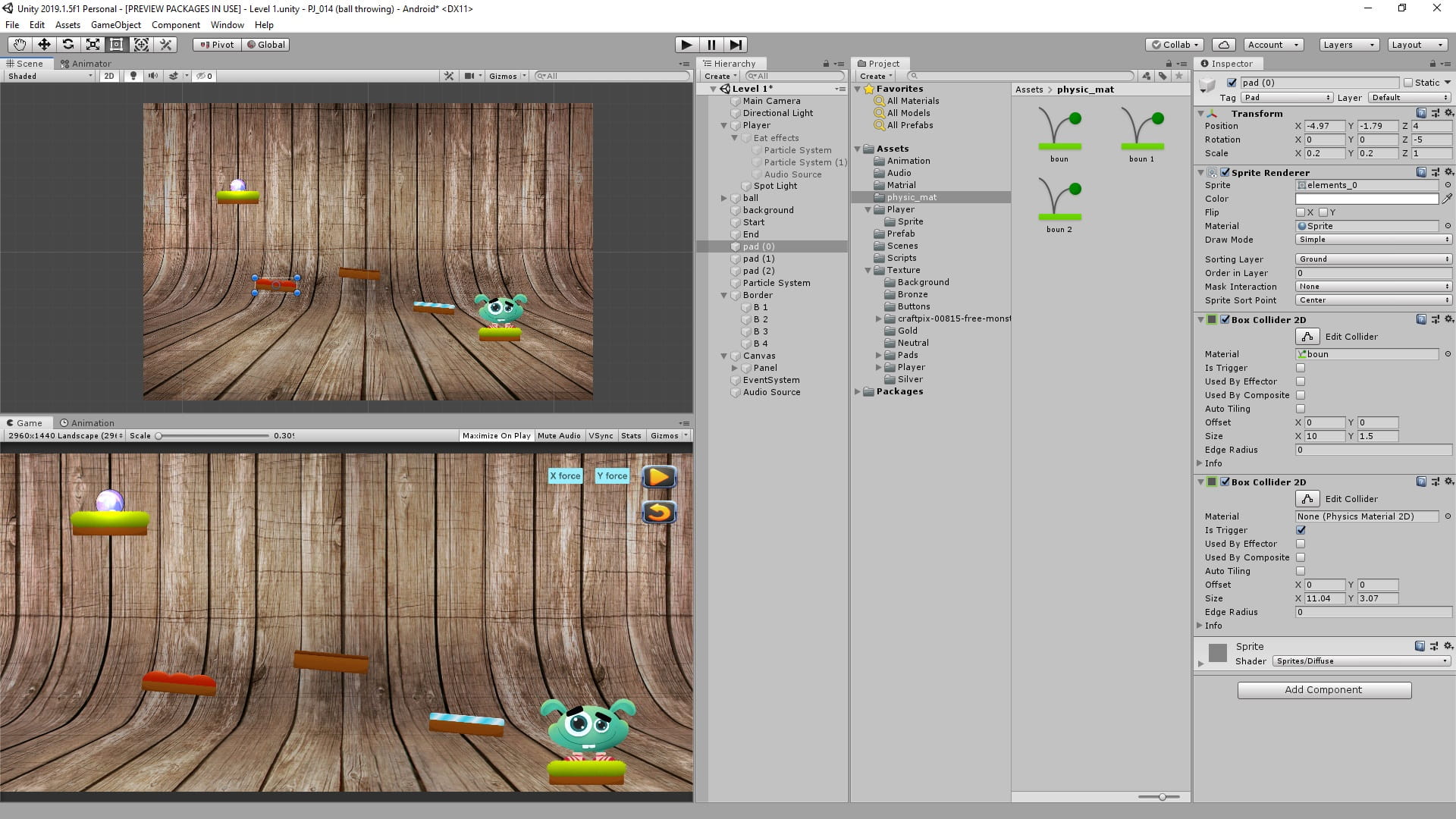
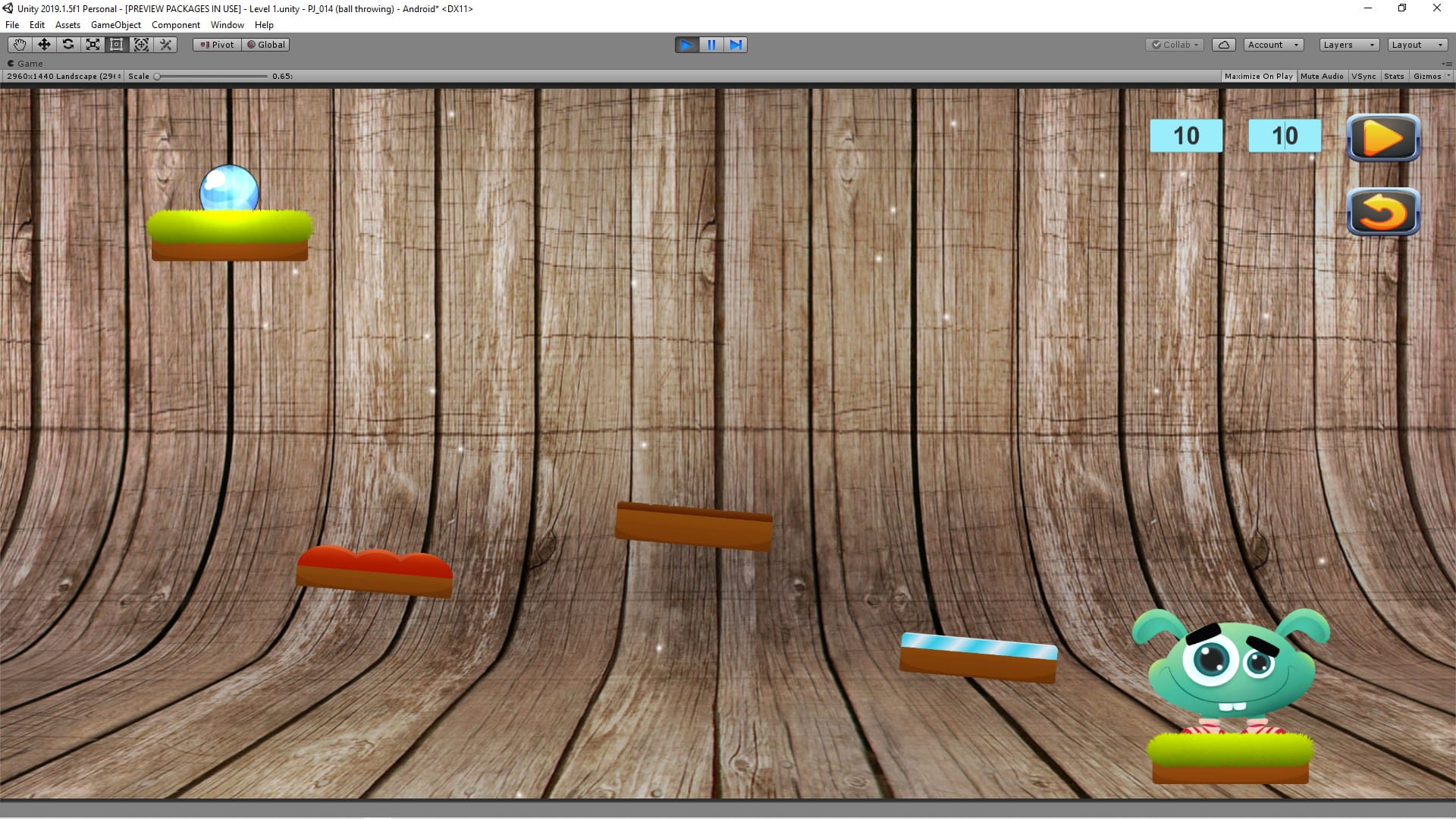
}In this game, 2D physics and physics material are used in Unity.
Sample pictures


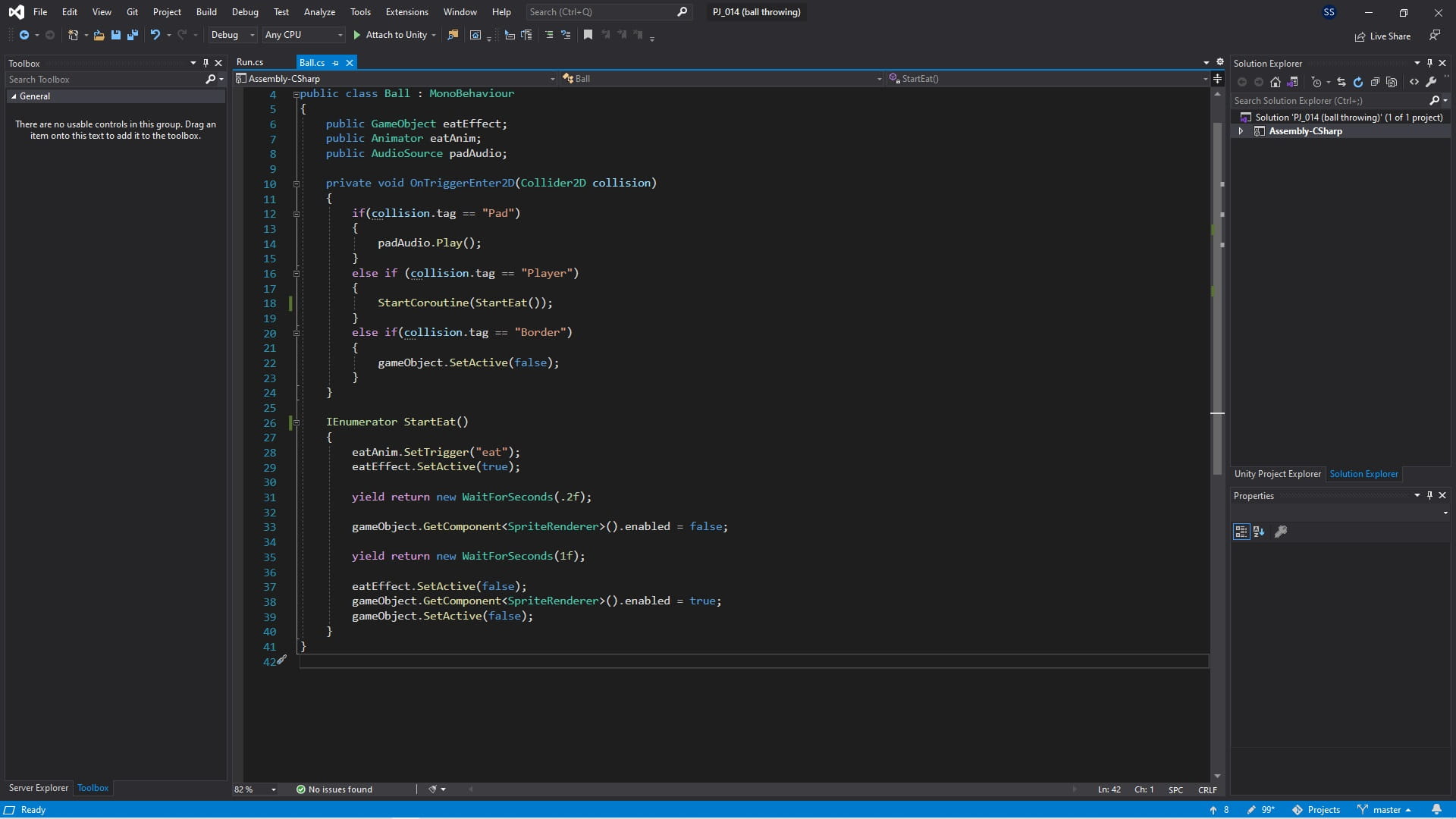
C# code
using System.Collections;
using UnityEngine;

public class Ball : MonoBehaviour
{
    public GameObject eatEffect;
    public Animator eatAnim;
    public AudioSource padAudio;

    private void OnTriggerEnter2D(Collider2D collision)
    {
        if(collision.tag == "Pad")
        {
            padAudio.Play();
        }
        else if (collision.tag == "Player")
        {
            StartCoroutine(StartEat());
        }
        else if(collision.tag == "Border")
        {
            gameObject.SetActive(false);
        }
    }

    IEnumerator StartEat()
    {
        eatAnim.SetTrigger("eat");
        eatEffect.SetActive(true);

        yield return new WaitForSeconds(.2f);

        gameObject.GetComponent<SpriteRenderer>().enabled = false;

        yield return new WaitForSeconds(1f);

        eatEffect.SetActive(false);
        gameObject.GetComponent<SpriteRenderer>().enabled = true;
        gameObject.SetActive(false);
    }
}
using System;
using UnityEngine;
using UnityEngine.UI;
public class Run : MonoBehaviour
{
public GameObject ball;
Vector3 ballStartPos;
public Text textX;
public Text textY;
void Start()
{
ballStartPos = ball.transform.position;
}
public void PlayBall()
{
int x = Convert.ToInt32(textX.text);
int y = Convert.ToInt32(textY.text);
ball.GetComponent<Rigidbody2D>().AddForce(new Vector2(x*100 , y*100));
}
public void REstart()
{
ball.SetActive(true);
ball.transform.position = ballStartPos + new Vector3(0, 1, 0);
ball.GetComponent<Rigidbody2D>().velocity = Vector2.zero;
ball.GetComponent<Rigidbody2D>().angularVelocity = 0;
}
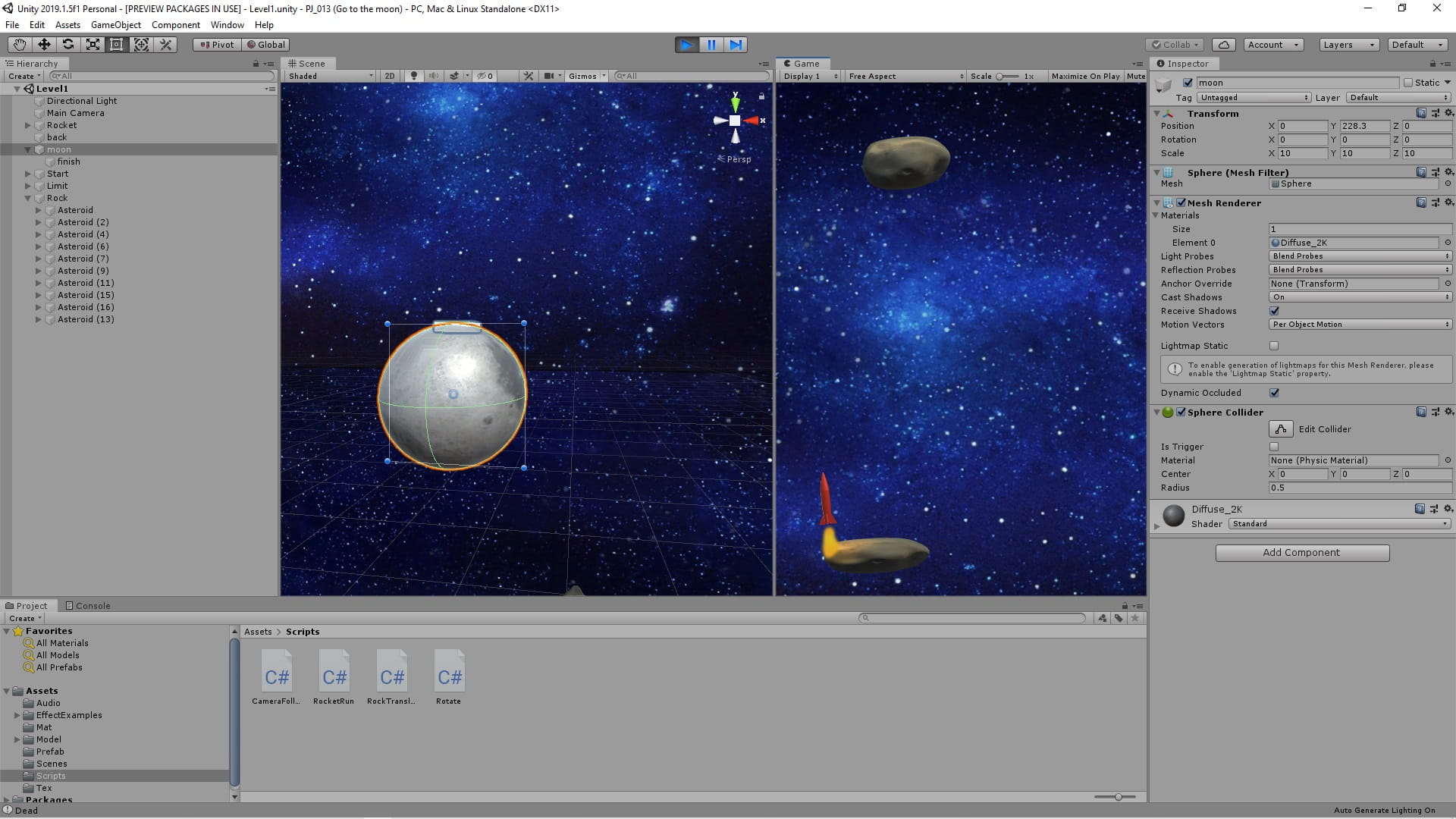
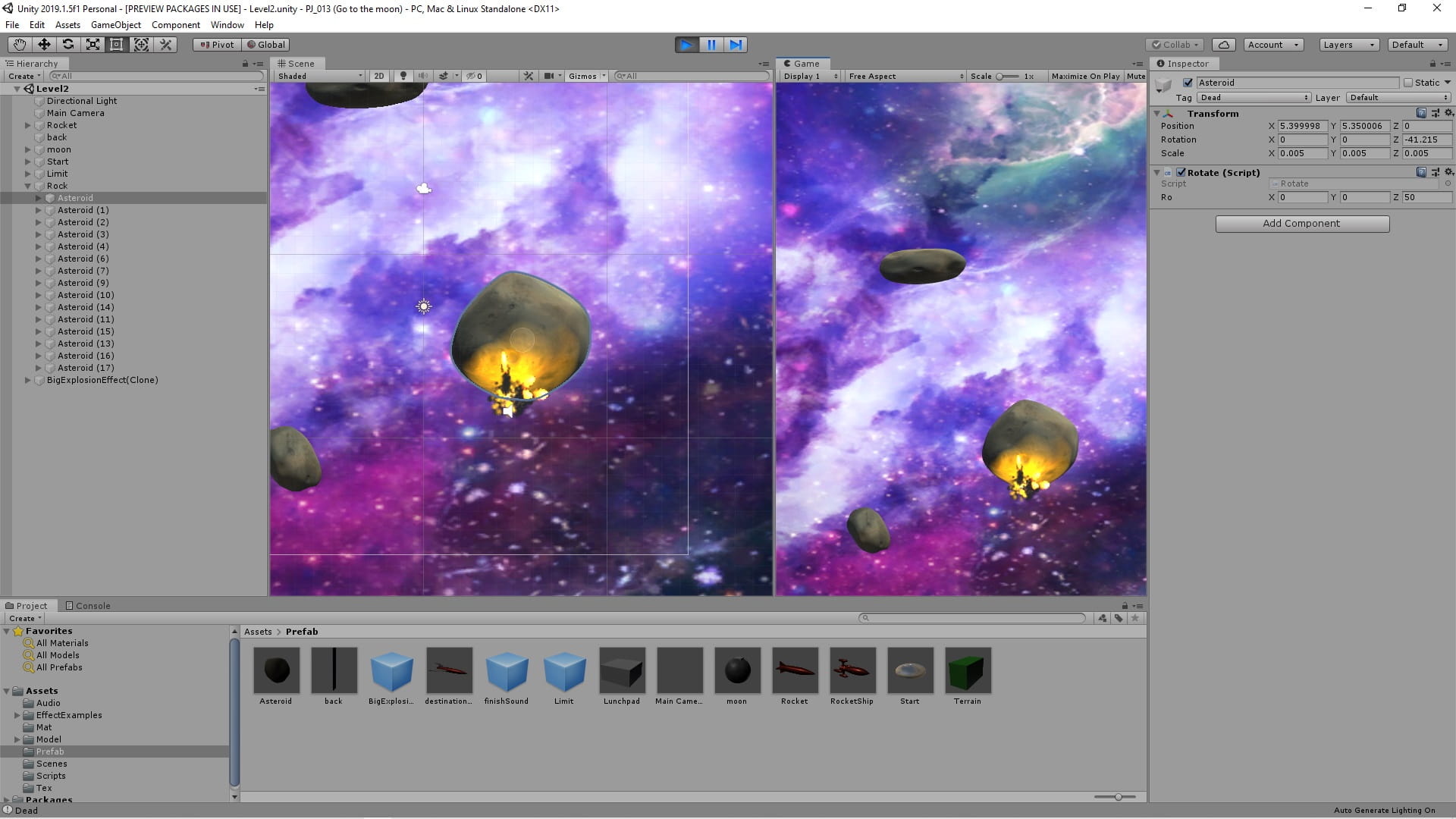
}You must launch the rocket to the moon without hitting space rocks.
Sample pictures




C# code
using UnityEngine;

public class CameraFollow : MonoBehaviour
{

    public Transform target;
    [Range(0, 1)]
    public float smoothSpeed = 0.125f;
    public Vector3 offset;

    void FixedUpdate()
    {
        if (target != null)
        {
            Vector3 desiredPosition = new Vector3(transform.position.x, target.position.y, transform.position.z) + offset;
            Vector3 smoothedPosition = Vector3.Lerp(transform.position, desiredPosition, smoothSpeed);
            transform.position = smoothedPosition;

            //transform.LookAt(target);
        }
    }

}
using UnityEngine;
using UnityEngine.SceneManagement;
public class RocketRun : MonoBehaviour
{
private Rigidbody rg;
[SerializeField]
private float force, speed;
private AudioSource rocketAudio;
public GameObject rocketParticle;
public GameObject rocketlight;
public string nextLevel, startLevel;
public GameObject ExplosionEffect, finishSound;
string state = "Play";
private void Awake()
{
rg = GetComponent<Rigidbody>();
rocketAudio = GetComponent<AudioSource>();
}
private void Update()
{
if (state == "Play")
{
MoveLRRocket();
RocketSoundAndParticel();
}
else
{
Stop();
}
}
private void FixedUpdate()
{
if (state == "Play")
MoveUpRocket();
}
private void OnCollisionEnter(Collision collision)
{
if (state == "Play")
{
switch (collision.gameObject.tag)
{
case "Dead":
Debug.Log("Dead");
state = "dead";
Dead();
break;
case "Finish":
Debug.Log("Finish");
state = "finish";
Instantiate(finishSound);
Invoke("RunNextLevel", 3f);
break;
}
}
}
void MoveUpRocket()
{
if (Input.GetKey(KeyCode.W) || Input.GetKey(KeyCode.UpArrow))
{
rg.AddRelativeForce(Vector3.forward * force * Time.fixedDeltaTime);
}
}
void MoveLRRocket()
{
if (Input.GetKey(KeyCode.A) || Input.GetKey(KeyCode.LeftArrow))
{
transform.Rotate(-Vector3.up * speed * Time.deltaTime);
}
else if (Input.GetKey(KeyCode.D) || Input.GetKey(KeyCode.RightArrow))
{
transform.Rotate(Vector3.up * speed * Time.deltaTime);
}
}
void RocketSoundAndParticel()
{
if (Input.GetKeyDown(KeyCode.W) || Input.GetKeyDown(KeyCode.UpArrow))
{
rocketAudio.Play();
rocketParticle.SetActive(true);
rocketlight.SetActive(true);
}
if (Input.GetKeyUp(KeyCode.W) || Input.GetKeyUp(KeyCode.UpArrow))
{
rocketAudio.Stop();
rocketParticle.SetActive(false);
rocketlight.SetActive(false);
}
}
void Stop()
{
rocketAudio.Stop();
rocketParticle.SetActive(false);
rocketlight.SetActive(false);
}
void RunNextLevel()
{
SceneManager.LoadScene(nextLevel);
}
void Dead()
{
Instantiate(ExplosionEffect, transform.position - new Vector3(0, 0, 1), transform.rotation);
gameObject.GetComponent<MeshRenderer>().enabled = false;
Invoke("RunStartLevel", 2f);
}
void RunStartLevel()
{
SceneManager.LoadScene(startLevel);
}
}using UnityEngine;
public class RockTranslate : MonoBehaviour
{
[SerializeField] [Range(0, 10)] float speed;
// Update is called once per frame
void Update()
{
transform.Translate(new Vector3(1, 0, 0) * speed * Time.deltaTime);
if (transform.position.x < -9 || transform.position.x > 9)
speed = -speed;
}
}using UnityEngine;
public class Rotate : MonoBehaviour
{
public Vector3 ro;
void Update()
{
transform.Rotate(ro * Time.deltaTime);
}
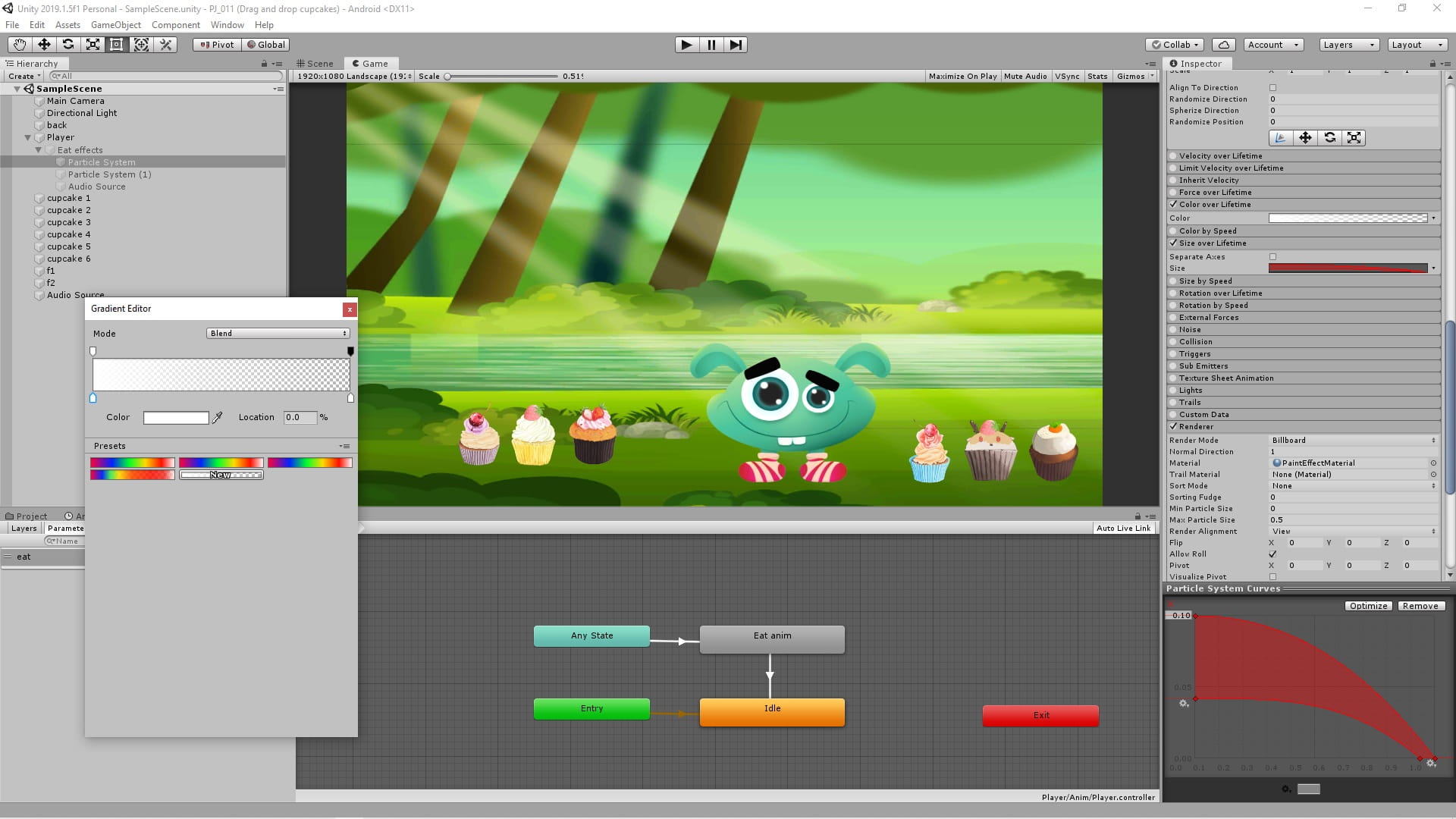
}Also shown is a way to drag and drop game objects in Unity.
Sample pictures
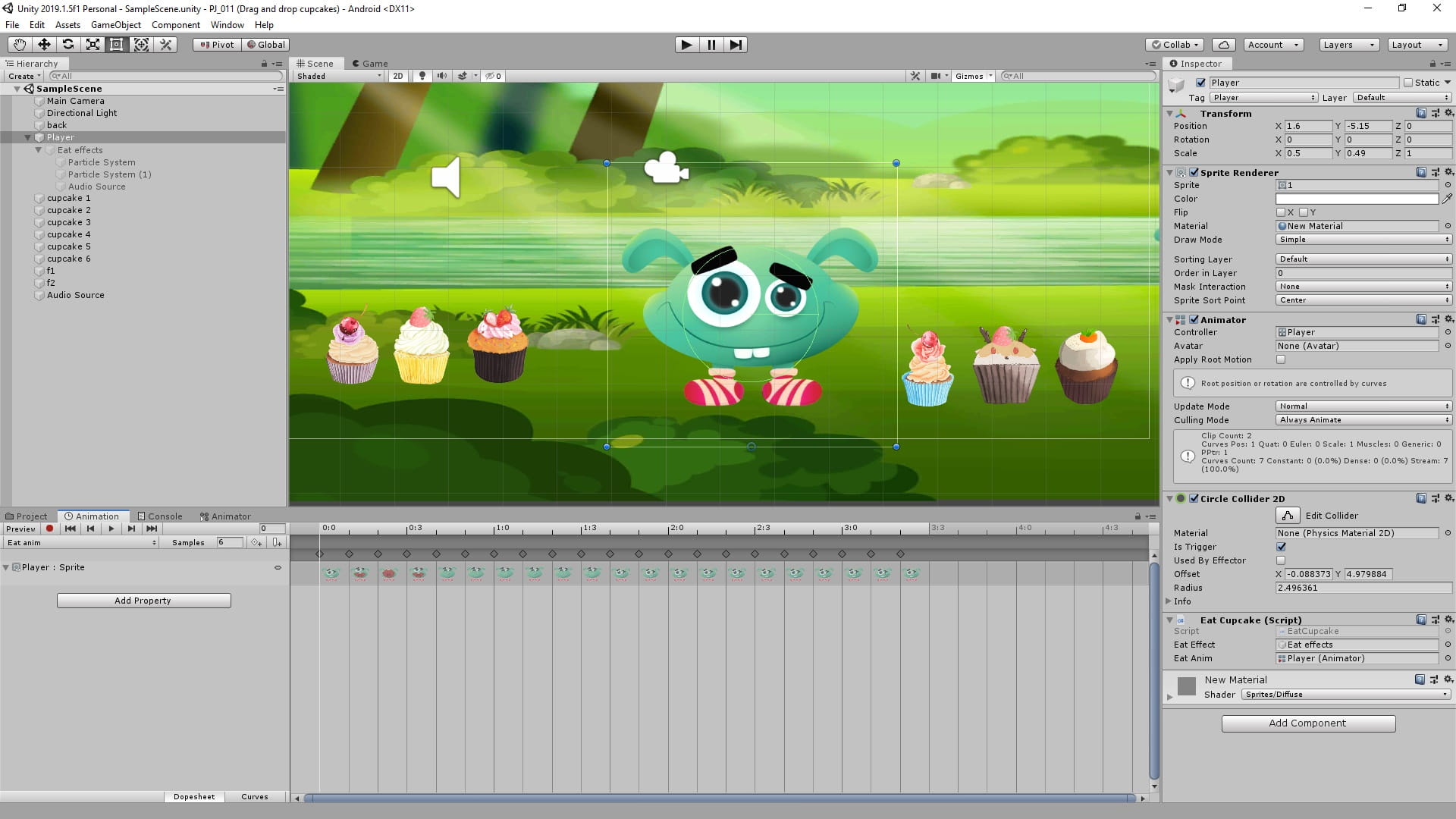
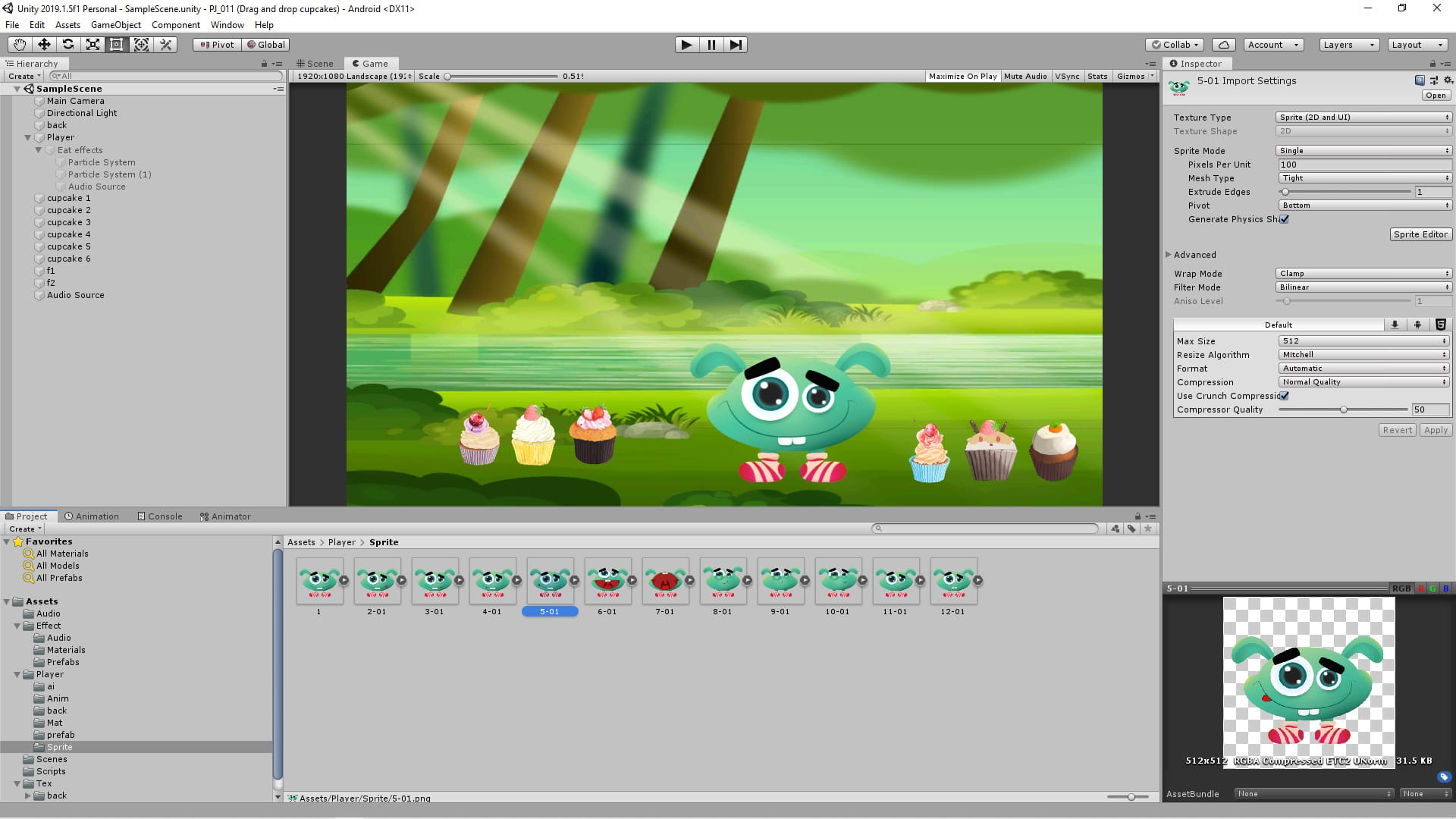
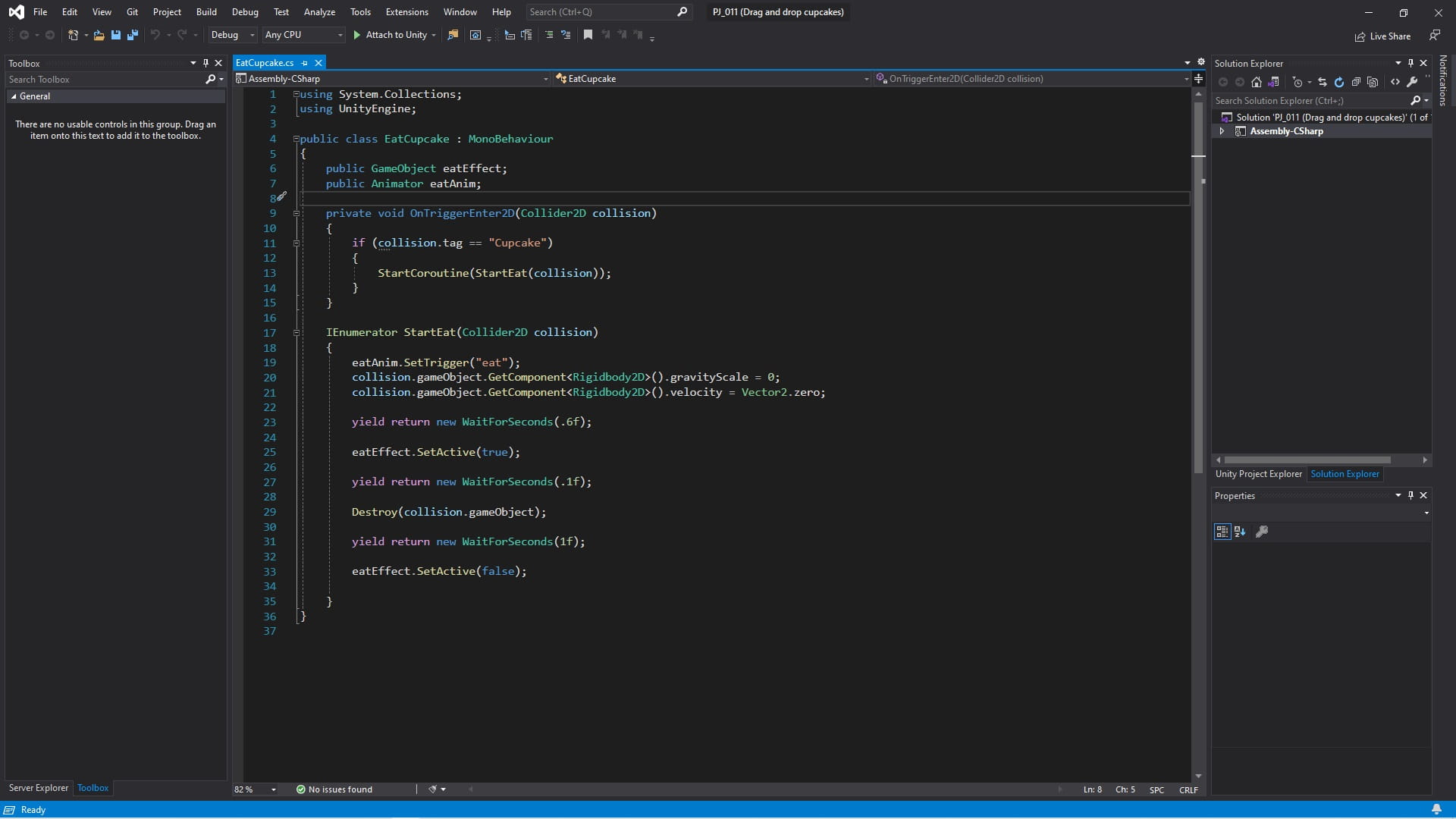
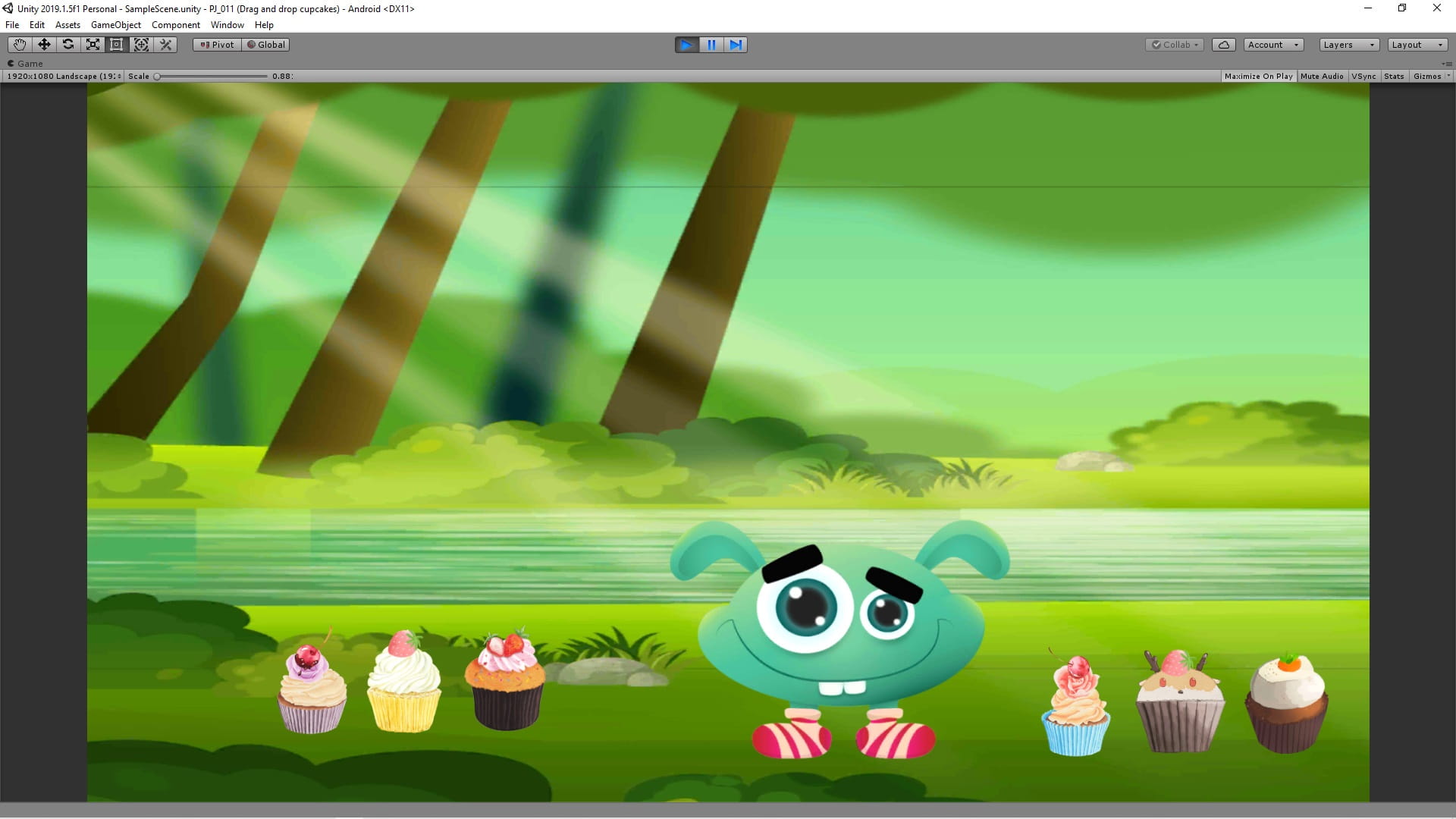
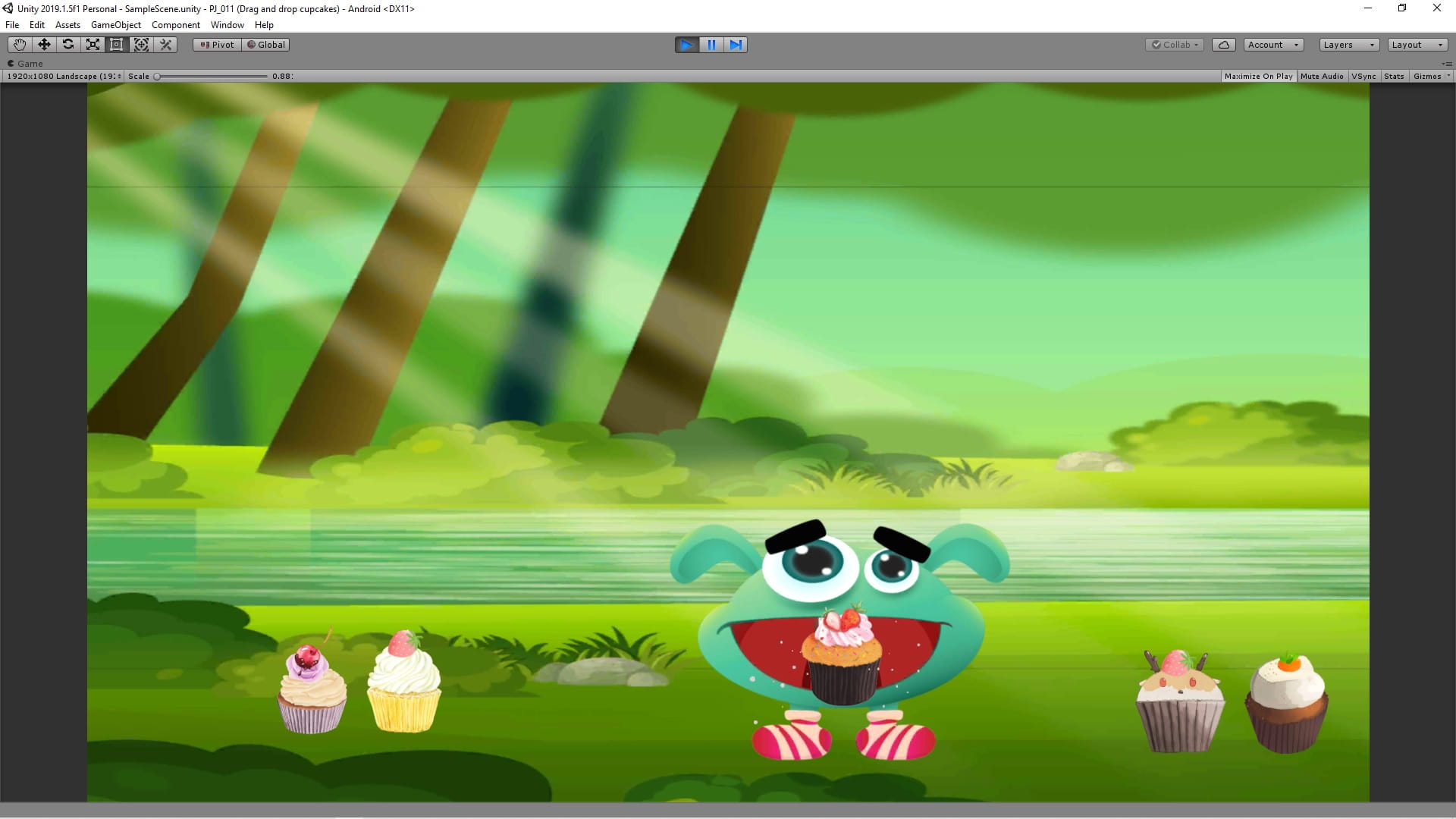
C# code
using System.Collections;
using UnityEngine;

public class EatCupcake : MonoBehaviour
{
    public GameObject eatEffect;
    public Animator eatAnim;

    private void OnTriggerEnter2D(Collider2D collision)
    {
        if (collision.tag == "Cupcake")
        {
            StartCoroutine(StartEat(collision));
        }
    }

    IEnumerator StartEat(Collider2D collision)
    {
        eatAnim.SetTrigger("eat");
        collision.gameObject.GetComponent<Rigidbody2D>().gravityScale = 0;
        collision.gameObject.GetComponent<Rigidbody2D>().velocity = Vector2.zero;

        yield return new WaitForSeconds(.6f);

        eatEffect.SetActive(true);

        yield return new WaitForSeconds(.1f);

        Destroy(collision.gameObject);

        yield return new WaitForSeconds(1f);

        eatEffect.SetActive(false);

    }
}
using UnityEngine;
public class Drog_Drop_mouse : MonoBehaviour
{
// Update is called once per frame
void Update()
{
Vector2 mousePos = Camera.main.ScreenToWorldPoint(Input.mousePosition);
if (Input.GetKey(KeyCode.Mouse0) && (GetComponent<Collider2D>() == Physics2D.OverlapPoint(mousePos)))
{
transform.position = new Vector2(mousePos.x, mousePos.y);
}
}
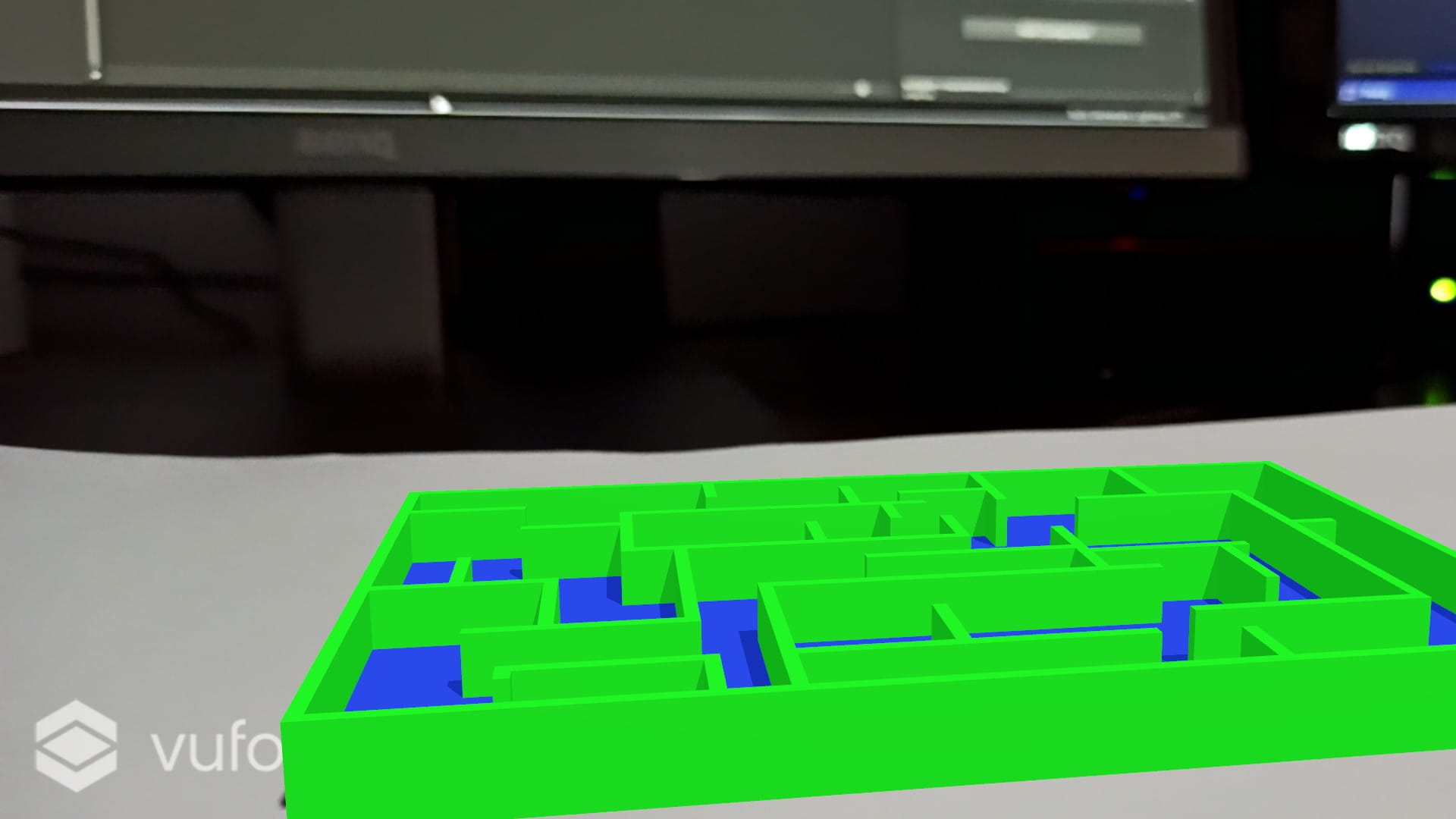
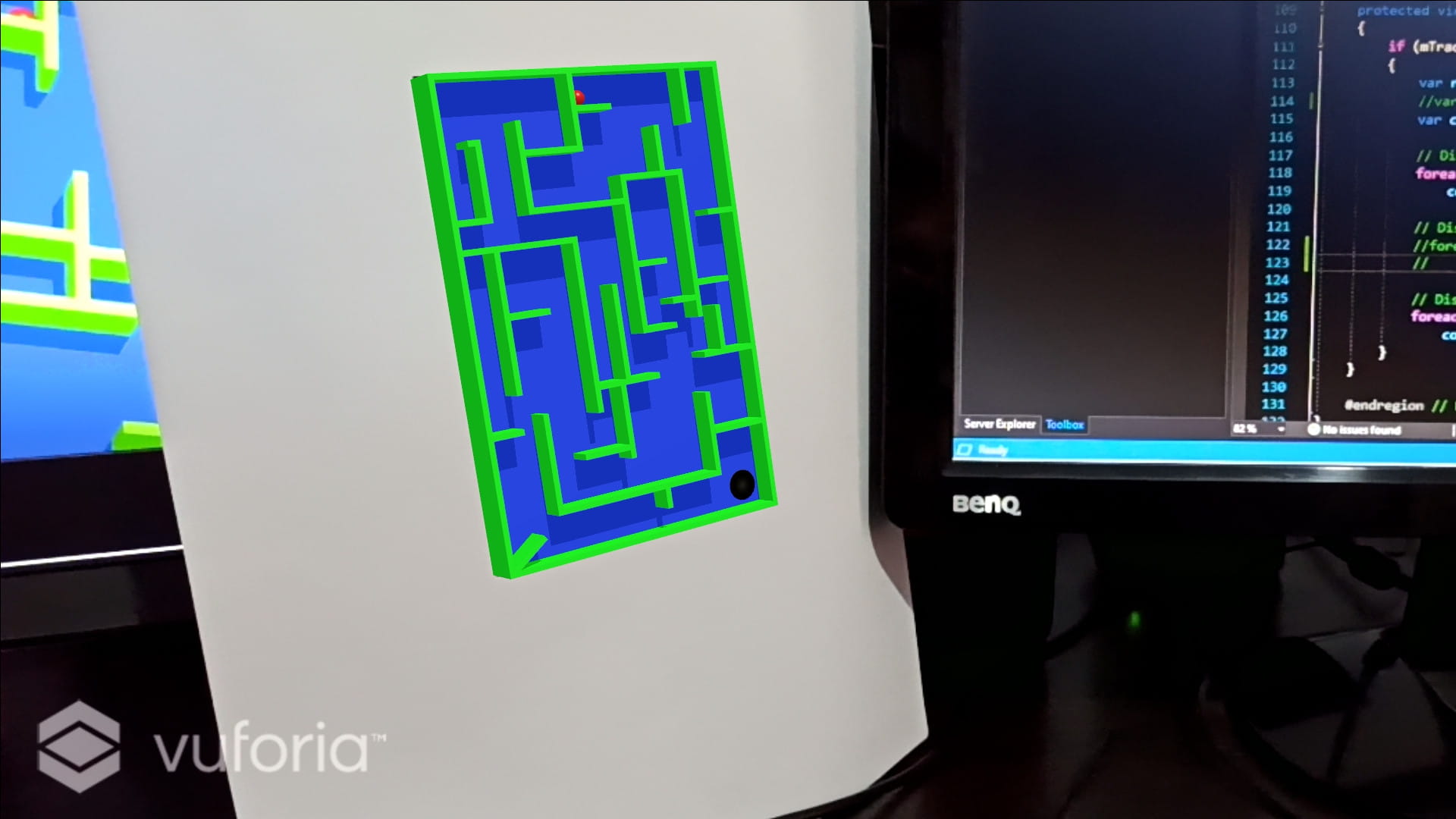
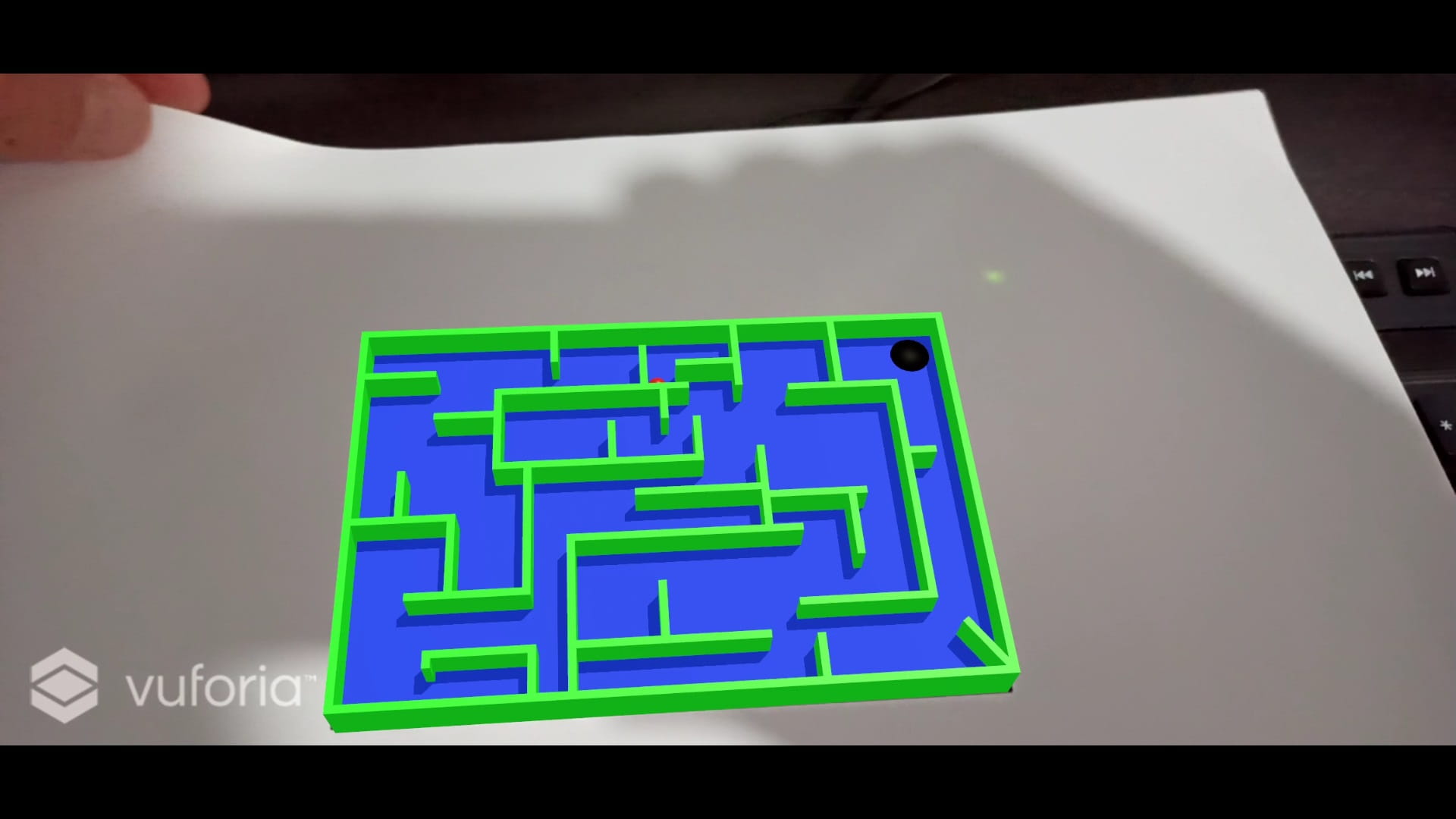
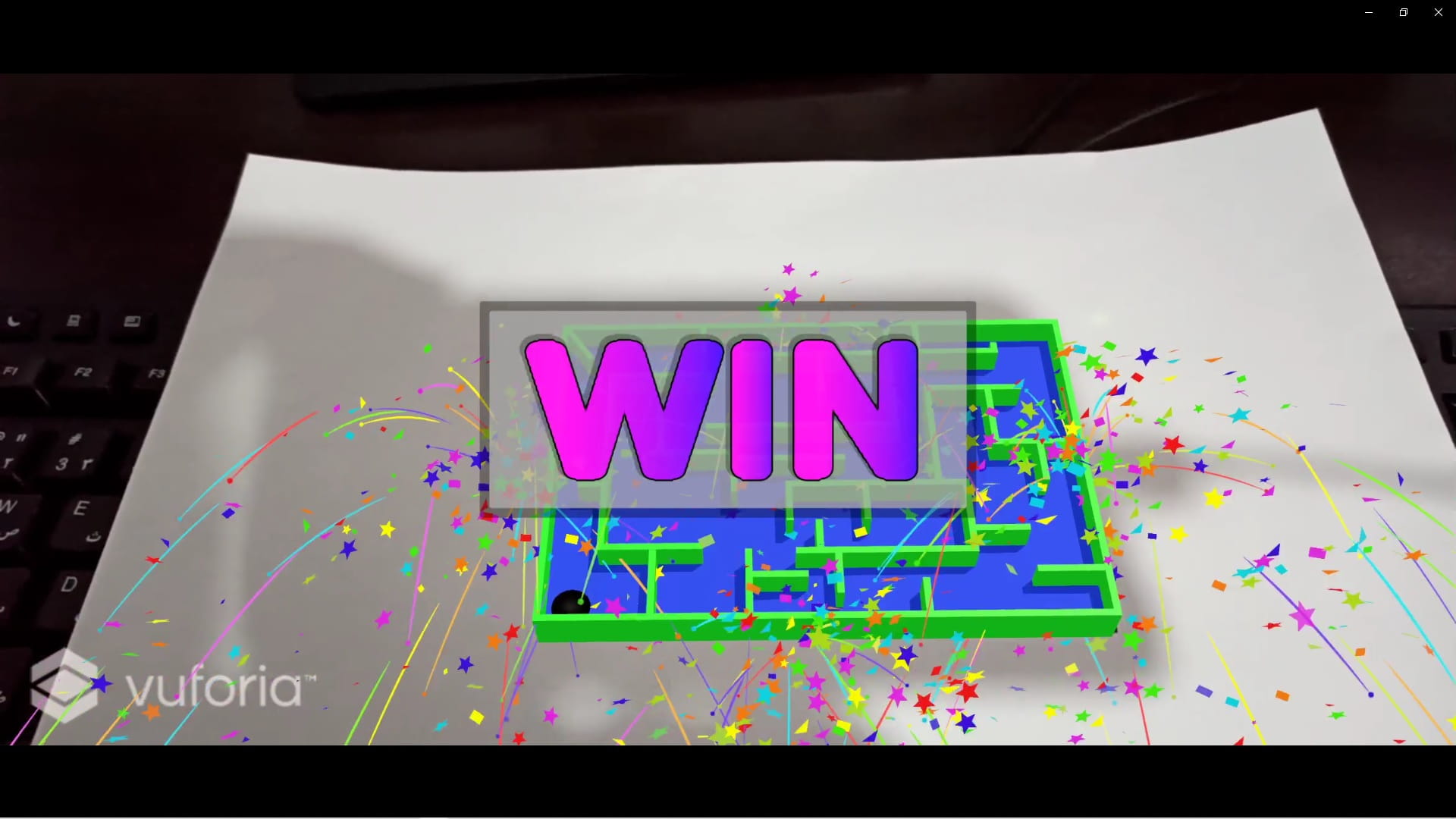
}In this game By targeting an image, the player sees the 3D model of the maze and plays with it by rotating the image.
Sample pictures
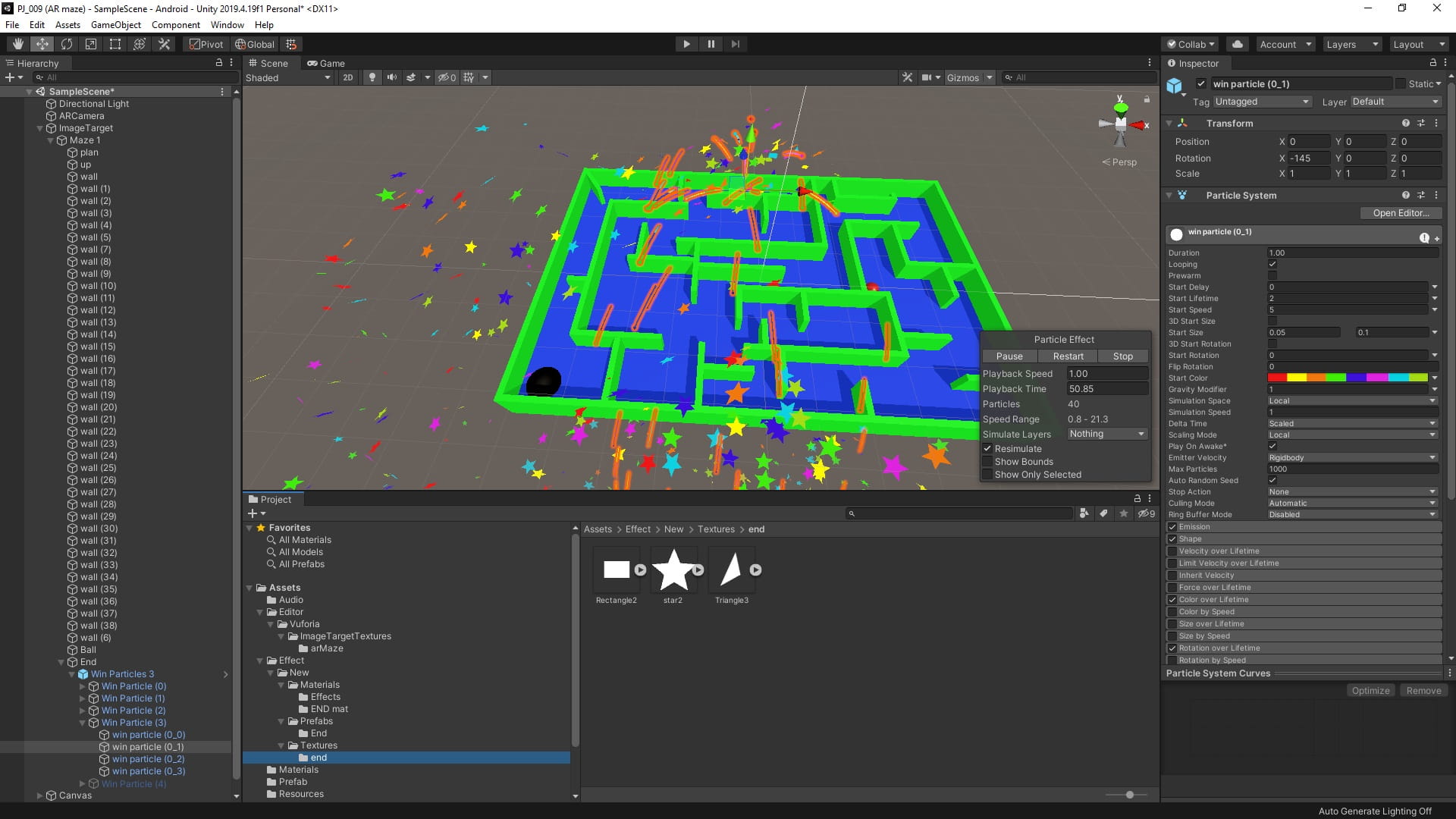

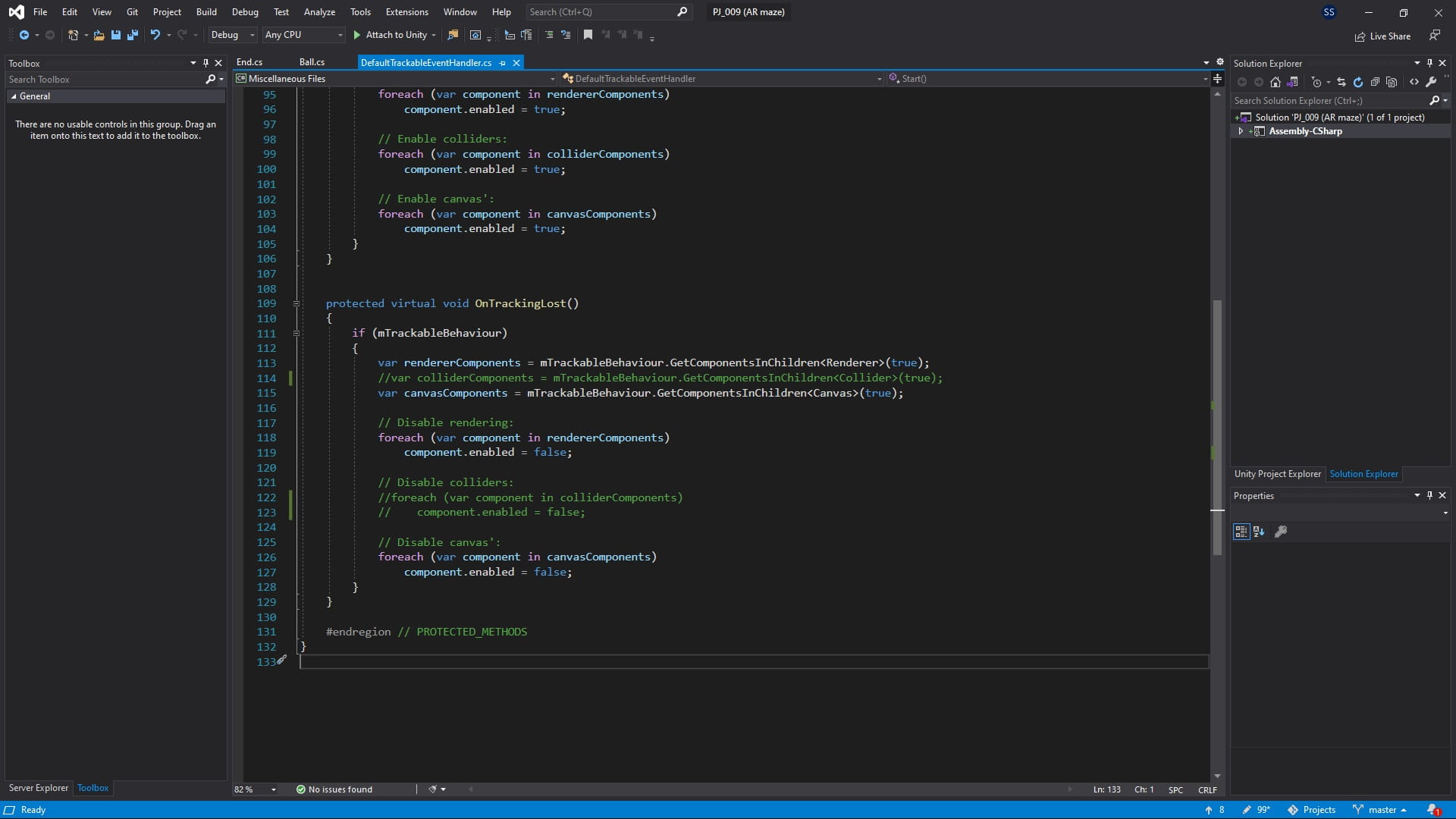
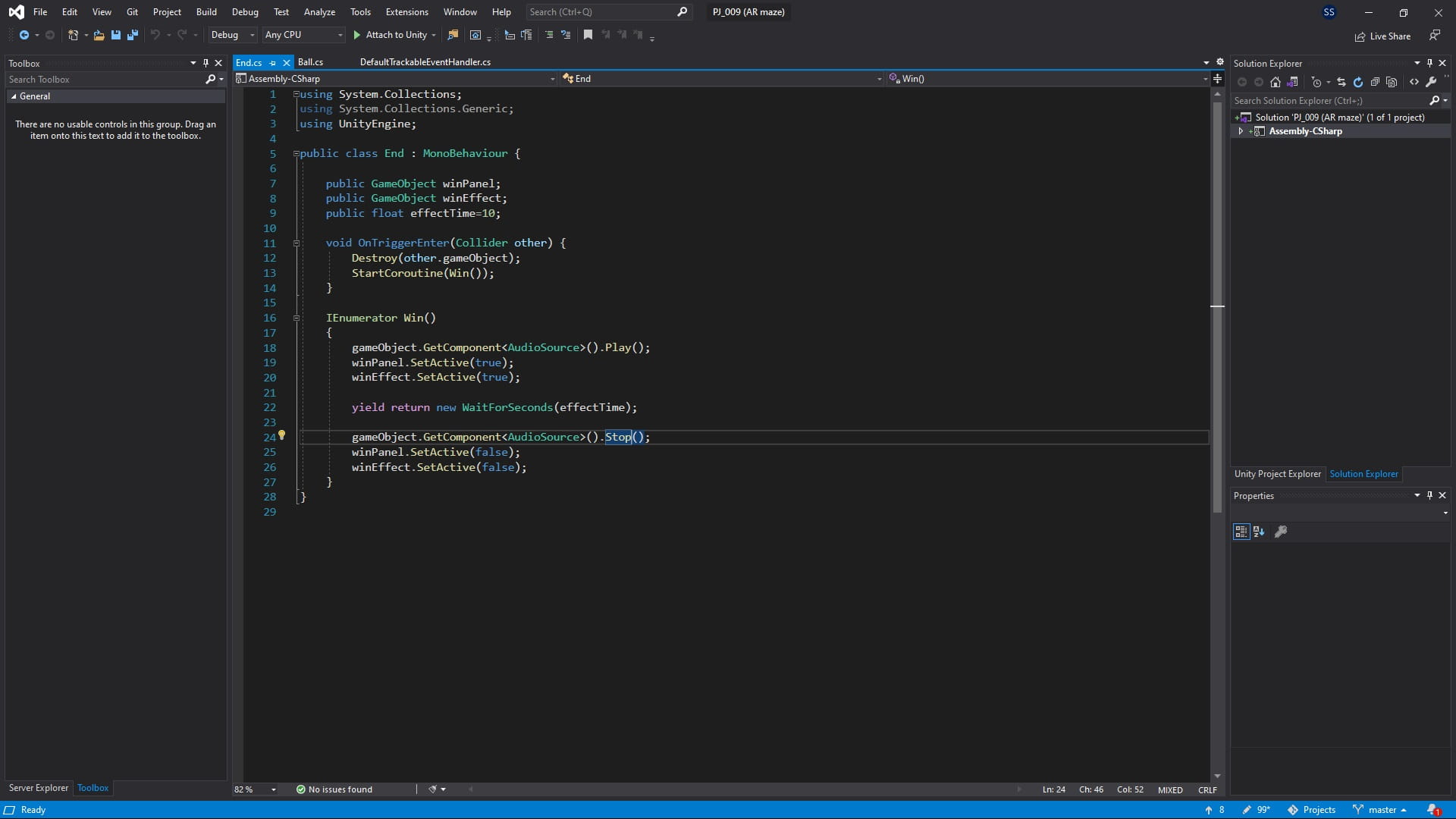
C# code
using UnityEngine;

public class Ball : MonoBehaviour
{

    // Start is called before the first frame update
    void Start()
    {

    }

    void Update()
    {
        if ((gameObject.GetComponent<Rigidbody>().velocity.x > 0.01 ||
          gameObject.GetComponent<Rigidbody>().velocity.y > 0.01) &&
          !gameObject.GetComponent<AudioSource>().isPlaying)
        {
            gameObject.GetComponent<AudioSource>().Play();
        }
        else if (gameObject.GetComponent<AudioSource>().isPlaying)
        {
            gameObject.GetComponent<AudioSource>().Pause();

        }
    }
}
using System.Collections;
using UnityEngine;
public class End : MonoBehaviour {
public GameObject winPanel;
public GameObject winEffect;
public float effectTime=10;
void OnTriggerEnter(Collider other) {
Destroy(other.gameObject);
StartCoroutine(Win());
}
IEnumerator Win()
{
gameObject.GetComponent<AudioSource>().Play();
winPanel.SetActive(true);
winEffect.SetActive(true);
yield return new WaitForSeconds(effectTime);
gameObject.GetComponent<AudioSource>().Stop();
winPanel.SetActive(false);
winEffect.SetActive(false);
}
}/*==============================================================================
Copyright (c) 2019 PTC Inc. All Rights Reserved.
Copyright (c) 2010-2014 Qualcomm Connected Experiences, Inc.
All Rights Reserved.
Confidential and Proprietary - Protected under copyright and other laws.
==============================================================================*/
using UnityEngine;
using Vuforia;
/// <summary>
/// A custom handler that implements the ITrackableEventHandler interface.
///
/// Changes made to this file could be overwritten when upgrading the Vuforia version.
/// When implementing custom event handler behavior, consider inheriting from this class instead.
/// </summary>
public class MyTrackableEventHandler : MonoBehaviour, ITrackableEventHandler
{
#region PROTECTED_MEMBER_VARIABLES
protected TrackableBehaviour mTrackableBehaviour;
protected TrackableBehaviour.Status m_PreviousStatus;
protected TrackableBehaviour.Status m_NewStatus;
#endregion // PROTECTED_MEMBER_VARIABLES
#region UNITY_MONOBEHAVIOUR_METHODS
protected virtual void Start()
{
mTrackableBehaviour = GetComponent<TrackableBehaviour>();
if (mTrackableBehaviour)
mTrackableBehaviour.RegisterTrackableEventHandler(this);
}
protected virtual void OnDestroy()
{
if (mTrackableBehaviour)
mTrackableBehaviour.UnregisterTrackableEventHandler(this);
}
#endregion // UNITY_MONOBEHAVIOUR_METHODS
#region PUBLIC_METHODS
/// <summary>
/// Implementation of the ITrackableEventHandler function called when the
/// tracking state changes.
/// </summary>
public void OnTrackableStateChanged(
TrackableBehaviour.Status previousStatus,
TrackableBehaviour.Status newStatus)
{
m_PreviousStatus = previousStatus;
m_NewStatus = newStatus;
Debug.Log("Trackable " + mTrackableBehaviour.TrackableName +
" " + mTrackableBehaviour.CurrentStatus +
" -- " + mTrackableBehaviour.CurrentStatusInfo);
if (newStatus == TrackableBehaviour.Status.DETECTED ||
newStatus == TrackableBehaviour.Status.TRACKED ||
newStatus == TrackableBehaviour.Status.EXTENDED_TRACKED)
{
OnTrackingFound();
}
else if (previousStatus == TrackableBehaviour.Status.TRACKED &&
newStatus == TrackableBehaviour.Status.NO_POSE)
{
OnTrackingLost();
}
else
{
// For combo of previousStatus=UNKNOWN + newStatus=UNKNOWN|NOT_FOUND
// Vuforia is starting, but tracking has not been lost or found yet
// Call OnTrackingLost() to hide the augmentations
OnTrackingLost();
}
}
#endregion // PUBLIC_METHODS
#region PROTECTED_METHODS
protected virtual void OnTrackingFound()
{
if (mTrackableBehaviour)
{
var rendererComponents = mTrackableBehaviour.GetComponentsInChildren<Renderer>(true);
var colliderComponents = mTrackableBehaviour.GetComponentsInChildren<Collider>(true);
var canvasComponents = mTrackableBehaviour.GetComponentsInChildren<Canvas>(true);
// Enable rendering:
foreach (var component in rendererComponents)
component.enabled = true;
// Enable colliders:
foreach (var component in colliderComponents)
component.enabled = true;
// Enable canvas':
foreach (var component in canvasComponents)
component.enabled = true;
}
}
protected virtual void OnTrackingLost()
{
if (mTrackableBehaviour)
{
var rendererComponents = mTrackableBehaviour.GetComponentsInChildren<Renderer>(true);
//var colliderComponents = mTrackableBehaviour.GetComponentsInChildren<Collider>(true);
var canvasComponents = mTrackableBehaviour.GetComponentsInChildren<Canvas>(true);
// Disable rendering:
foreach (var component in rendererComponents)
component.enabled = false;
// Disable colliders:
// foreach (var component in colliderComponents)
// component.enabled = false;
// Disable canvas':
foreach (var component in canvasComponents)
component.enabled = false;
}
}
#endregion // PROTECTED_METHODS
}Download apk file and target image
As the name implies, RecyclerView recycles those individual elements. When an item scrolls off the screen, RecyclerView doesn’t destroy its view. Instead, RecyclerView reuses the view for new items that have scrolled onscreen. This reuse vastly improves performance, improving your app’s responsiveness and reducing power consumption.
https://developer.android.com/guide/topics/ui/layout/recyclerview
Sample pictures

Java code
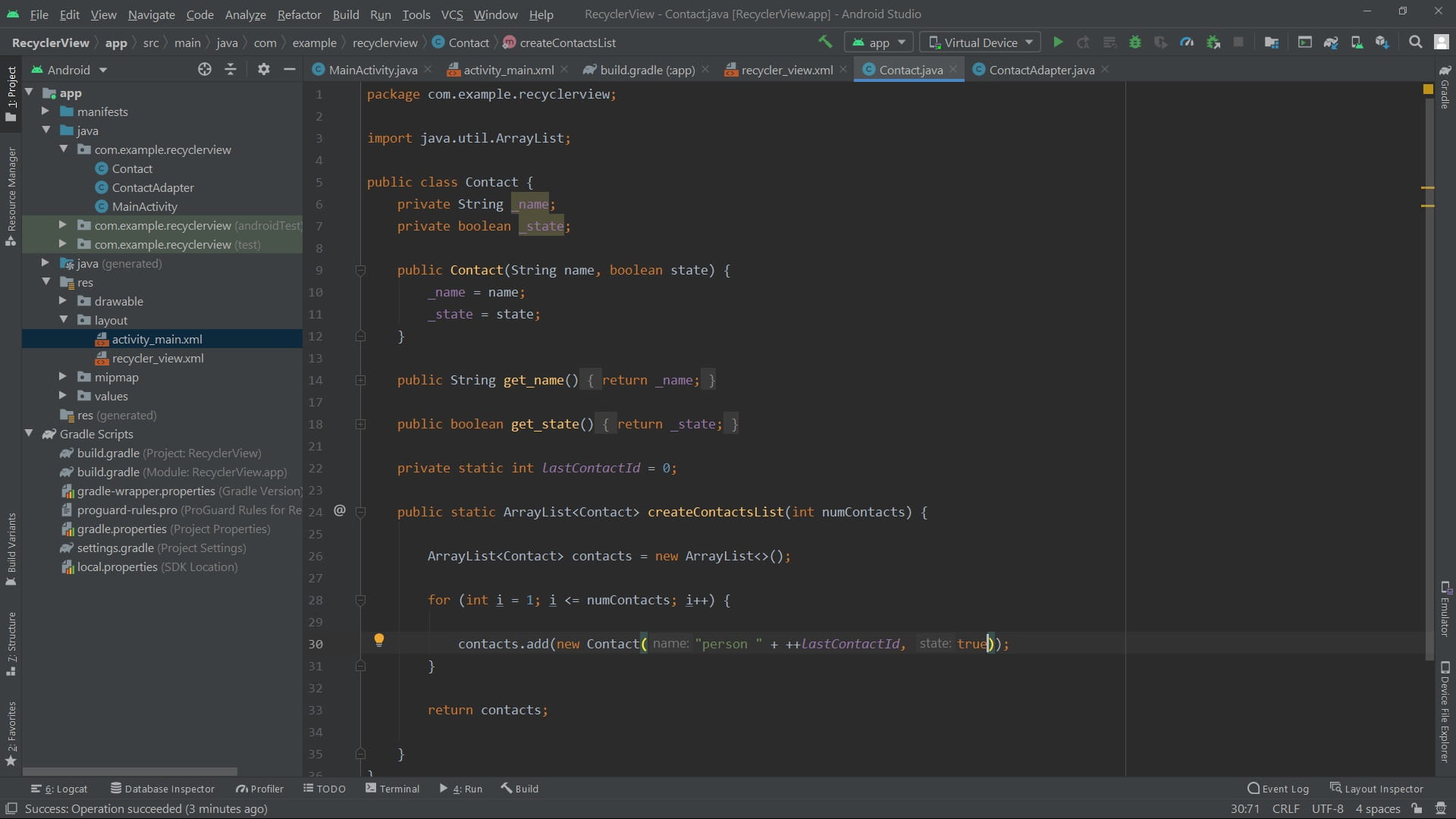
package com.example.recyclerview;

import android.support.v7.app.AppCompatActivity;
import android.os.Bundle;
import android.support.v7.widget.LinearLayoutManager;
import android.support.v7.widget.RecyclerView;

import java.util.ArrayList;

public class MainActivity extends AppCompatActivity {

    ArrayList<Contact> contacts;
    RecyclerView recyclerView;
    ContactAdapter adapter;

    @Override
    protected void onCreate(Bundle savedInstanceState) {
        super.onCreate(savedInstanceState);
        setContentView(R.layout.activity_main);

         recyclerView = findViewById(R.id.rv_main);
         contacts = Contact.createContactsList(500);
         adapter = new ContactAdapter(contacts);

         recyclerView.setAdapter(adapter);
         recyclerView.setLayoutManager(new LinearLayoutManager(this));

    }
}
package com.example.recyclerview;
import android.support.annotation.NonNull;
import android.support.v7.widget.RecyclerView;
import android.view.LayoutInflater;
import android.view.View;
import android.view.ViewGroup;
import android.widget.CheckBox;
import android.widget.TextView;
import java.util.ArrayList;
public class ContactAdapter extends RecyclerView.Adapter<ContactAdapter.MyViewHolder> {
private ArrayList<Contact> contacts;
public class MyViewHolder extends RecyclerView.ViewHolder {
public TextView name;
public CheckBox chBox;
public MyViewHolder(@NonNull View itemView) {
super(itemView);
name = itemView.findViewById(R.id.rv_text);
chBox = itemView.findViewById(R.id.rv_chk);
}
}
public ContactAdapter(ArrayList<Contact> contacts) {
this.contacts = contacts;
}
@NonNull
@Override
public MyViewHolder onCreateViewHolder(@NonNull ViewGroup viewGroup, int viewType) {
View itemView = LayoutInflater.from(viewGroup.getContext()).
inflate(R.layout.recycler_view, viewGroup, false);
return new MyViewHolder(itemView);
}
@Override
public void onBindViewHolder(@NonNull MyViewHolder myViewHolder, int position) {
Contact contact = contacts.get(position);
myViewHolder.name.setText(contact.get_name());
myViewHolder.chBox.setChecked(contact.get_state());
}
@Override
public int getItemCount() {
return contacts.size();
}
}package com.example.recyclerview;
import java.util.ArrayList;
public class Contact {
private String _name;
private boolean _state;
public Contact(String name, boolean state) {
_name = name;
_state = state;
}
public String get_name() {
return _name;
}
public boolean get_state() {
return _state;
}
private static int lastContactId = 0;
public static ArrayList<Contact> createContactsList(int numContacts) {
ArrayList<Contact> contacts = new ArrayList<>();
for (int i = 1; i <= numContacts; i++) {
contacts.add(new Contact("person " + ++lastContactId, true));
}
return contacts;
}
}XML
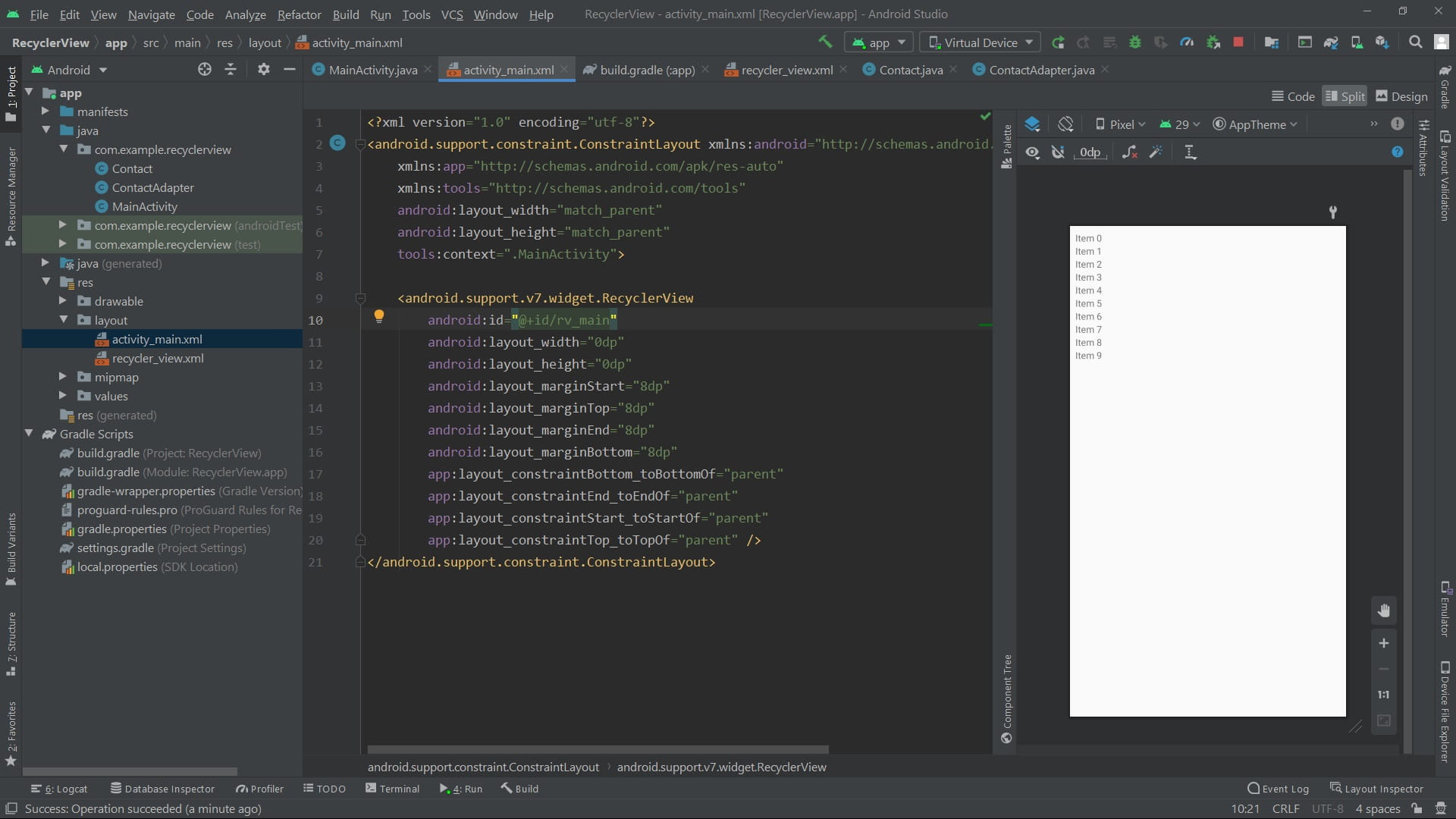
<?xml version="1.0" encoding="utf-8"?>
<android.support.constraint.ConstraintLayout xmlns:android="http://schemas.android.com/apk/res/android"
    xmlns:app="http://schemas.android.com/apk/res-auto"
    xmlns:tools="http://schemas.android.com/tools"
    android:layout_width="match_parent"
    android:layout_height="match_parent"
    tools:context=".MainActivity">

    <android.support.v7.widget.RecyclerView
        android:id="@+id/rv_main"
        android:layout_width="0dp"
        android:layout_height="0dp"
        android:layout_marginStart="8dp"
        android:layout_marginTop="8dp"
        android:layout_marginEnd="8dp"
        android:layout_marginBottom="8dp"
        app:layout_constraintBottom_toBottomOf="parent"
        app:layout_constraintEnd_toEndOf="parent"
        app:layout_constraintStart_toStartOf="parent"
        app:layout_constraintTop_toTopOf="parent" />
</android.support.constraint.ConstraintLayout>
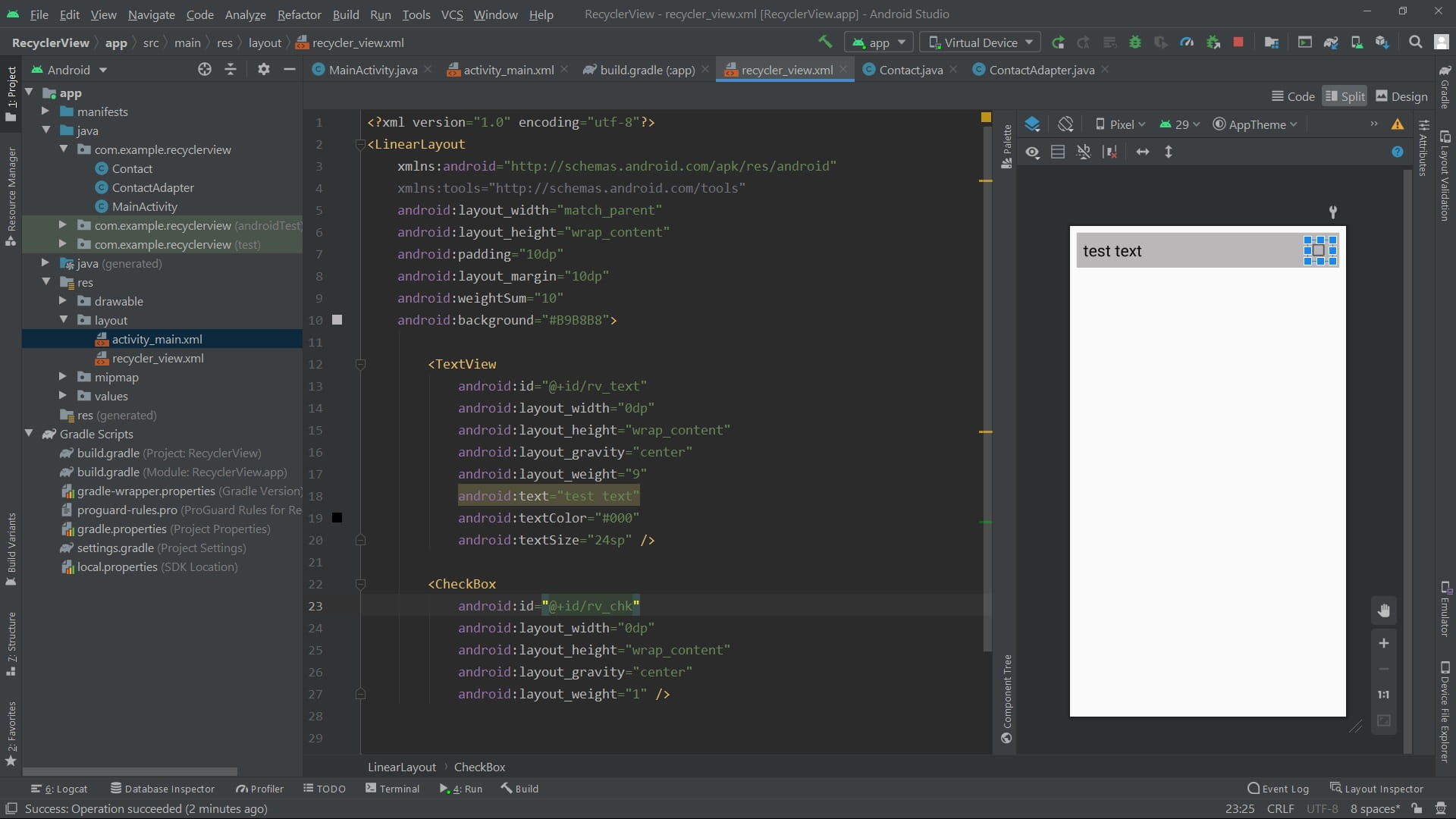
<?xml version="1.0" encoding="utf-8"?>
<LinearLayout
xmlns:android="http://schemas.android.com/apk/res/android"
xmlns:tools="http://schemas.android.com/tools"
android:layout_width="match_parent"
android:layout_height="wrap_content"
android:padding="10dp"
android:layout_margin="10dp"
android:weightSum="10"
android:background="#B9B8B8">
<TextView
android:id="@+id/rv_text"
android:layout_width="0dp"
android:layout_height="wrap_content"
android:layout_gravity="center"
android:layout_weight="9"
android:text="test text"
android:textColor="#000"
android:textSize="24sp" />
<CheckBox
android:id="@+id/rv_chk"
android:layout_width="0dp"
android:layout_height="wrap_content"
android:layout_gravity="center"
android:layout_weight="1" />
</LinearLayout>Sample pictures