Here we design a natural landscape with a small waterfall using Unity and a few free assets.
Assets:
– Standard Assets
– Terrain Tools Sample Asset Pack
– Unity Particle Pack
– Grass Flowers Pack Free
– Rock and Boulders 2
– Free SpeedTrees Package
– AllSky Free
Sample pictures
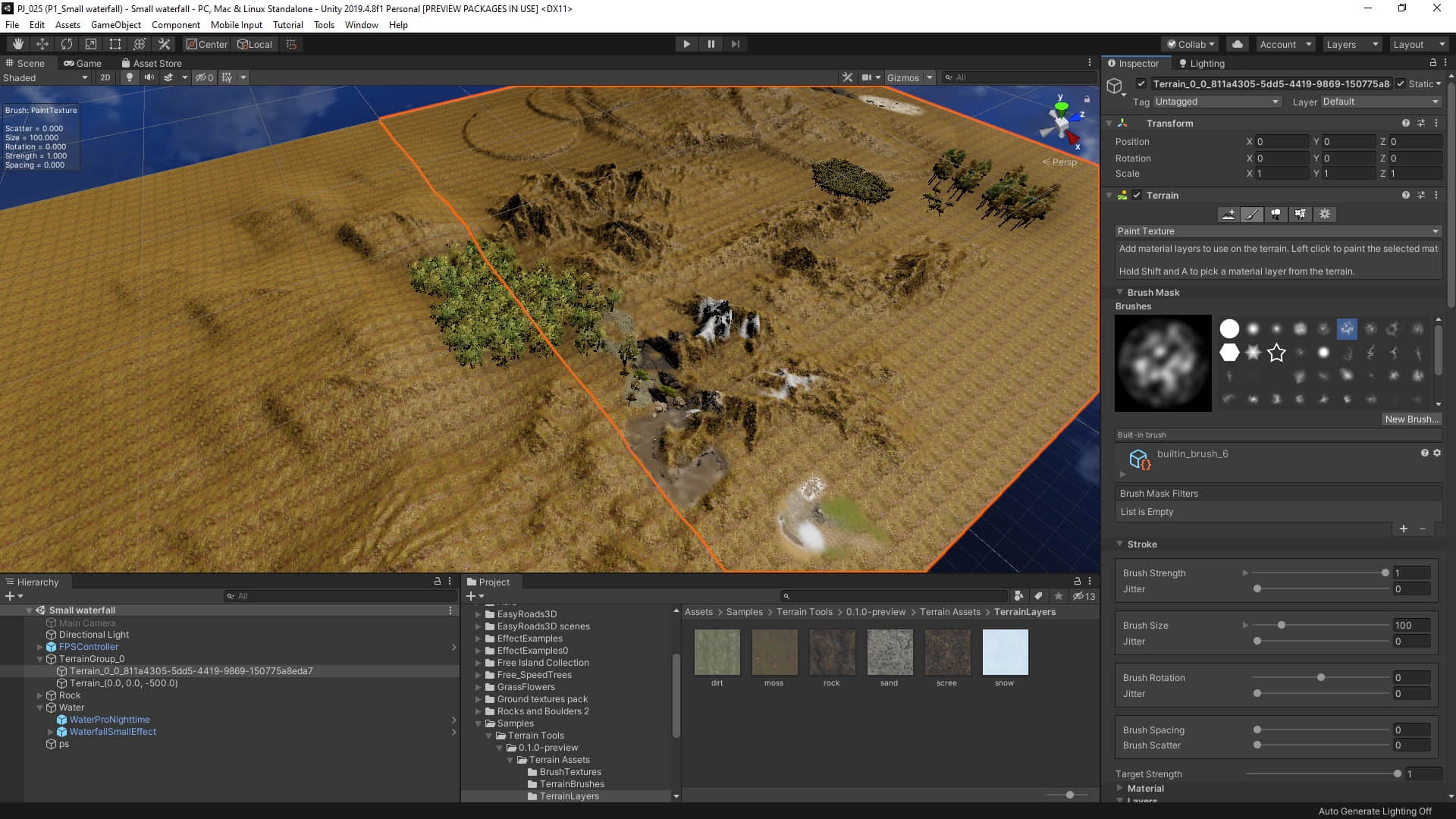
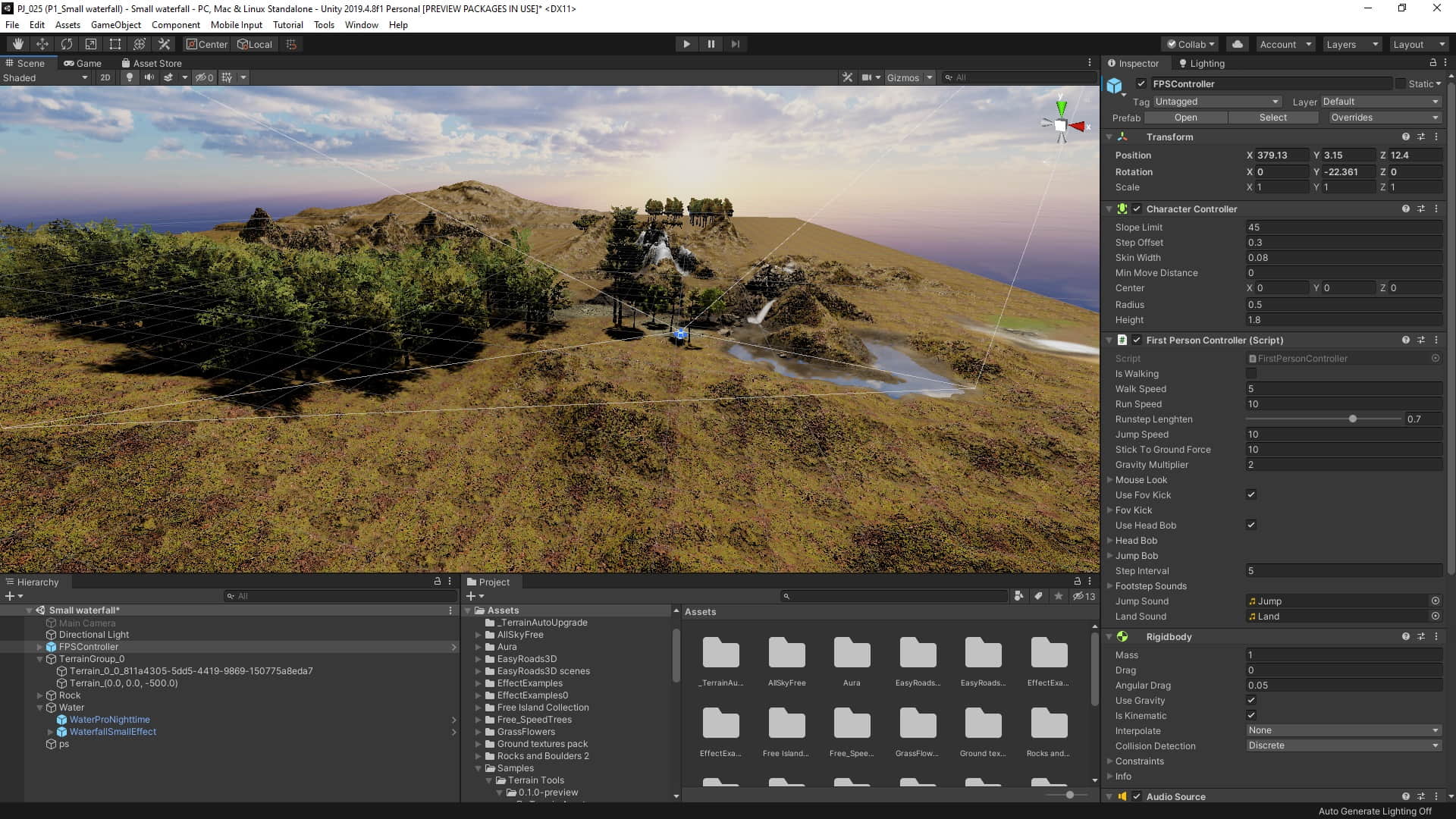
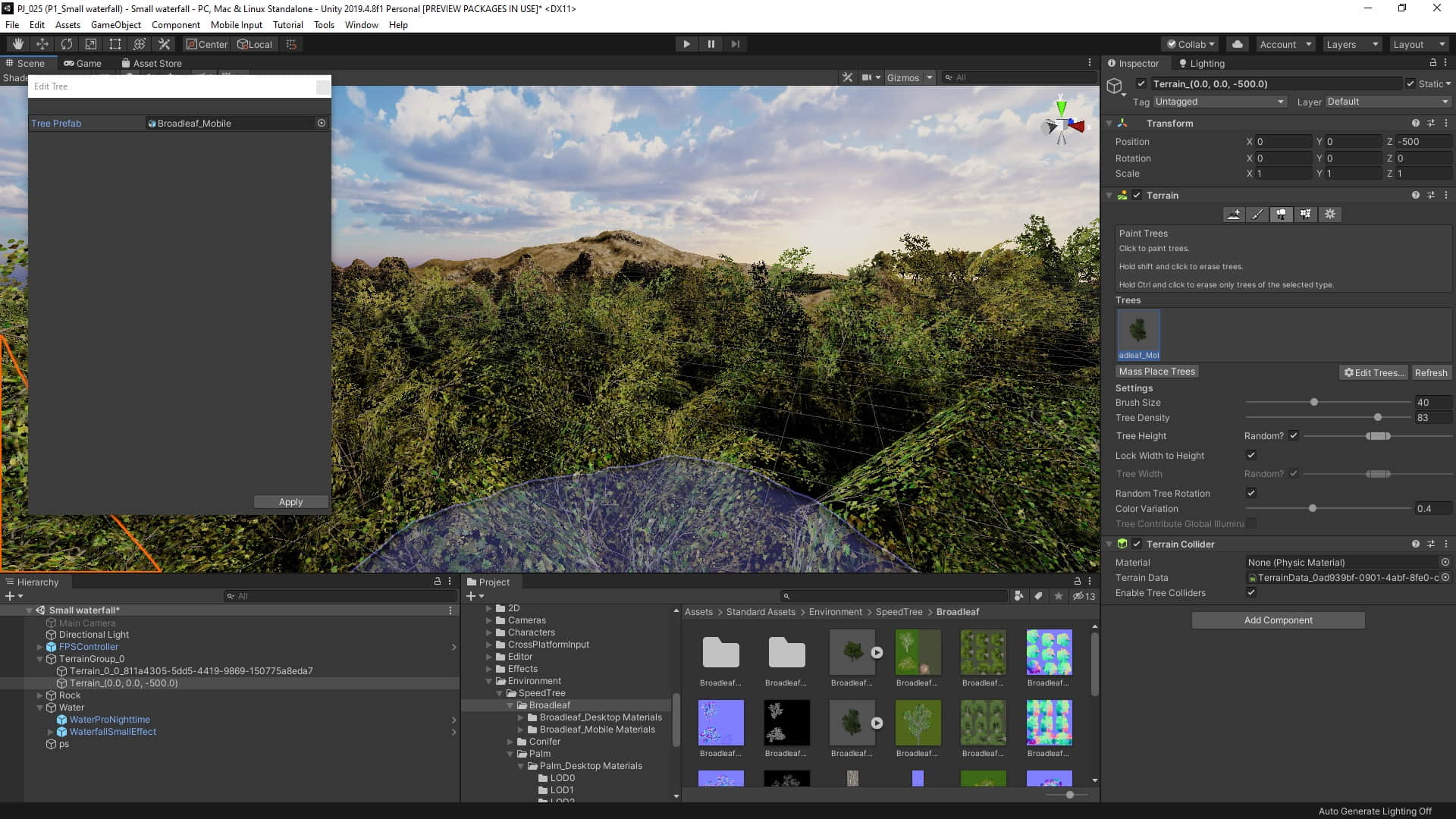

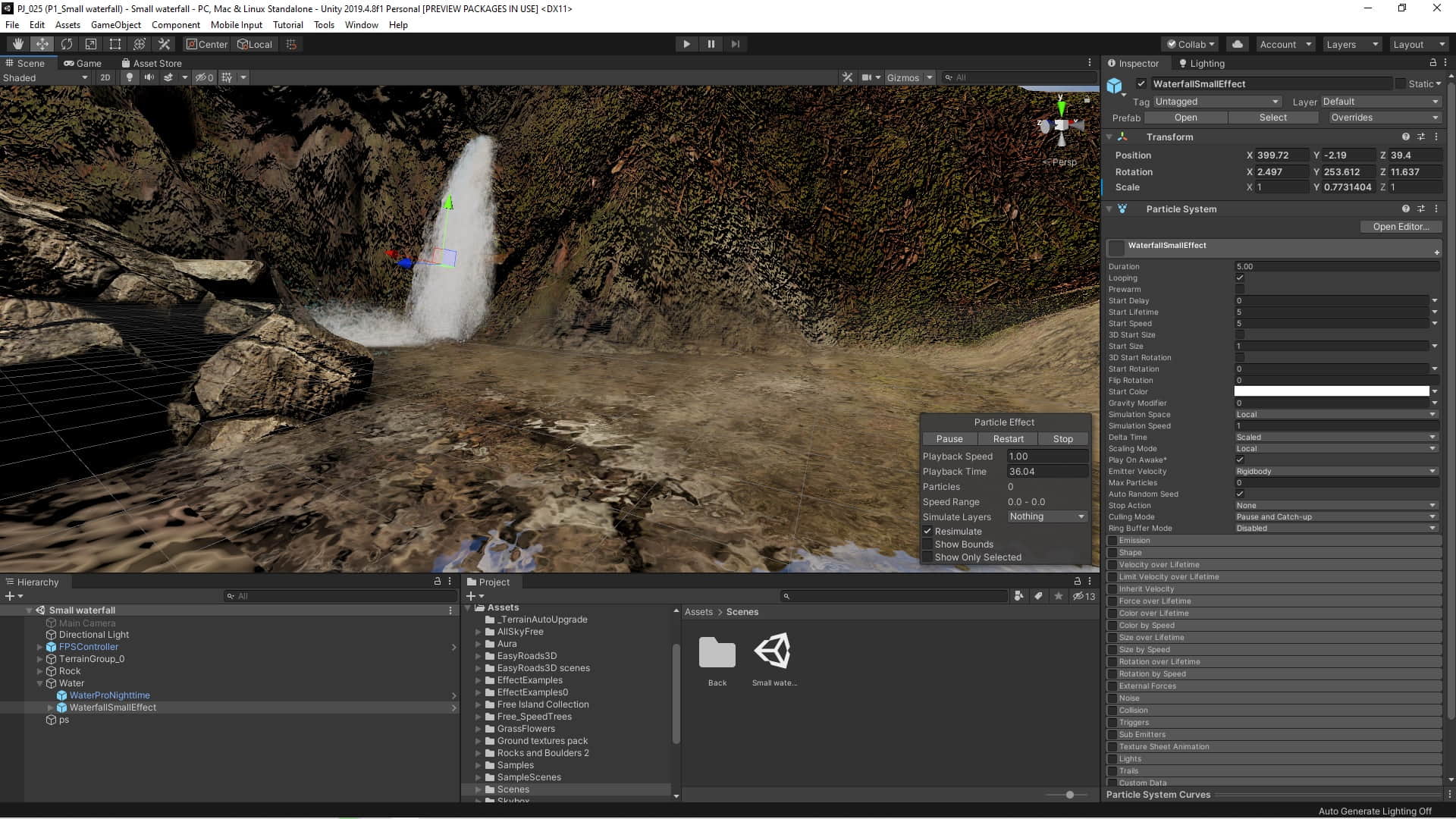
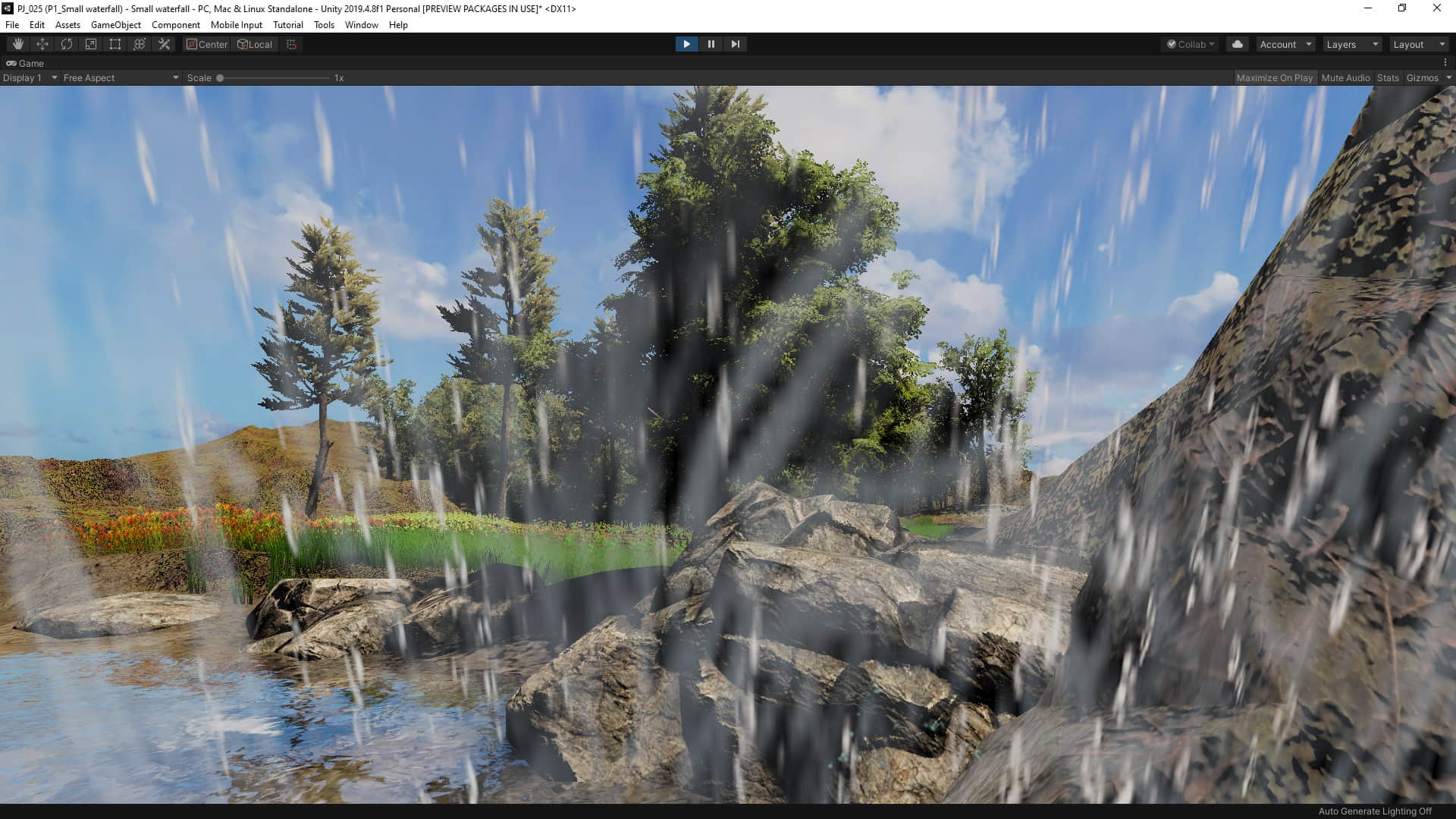
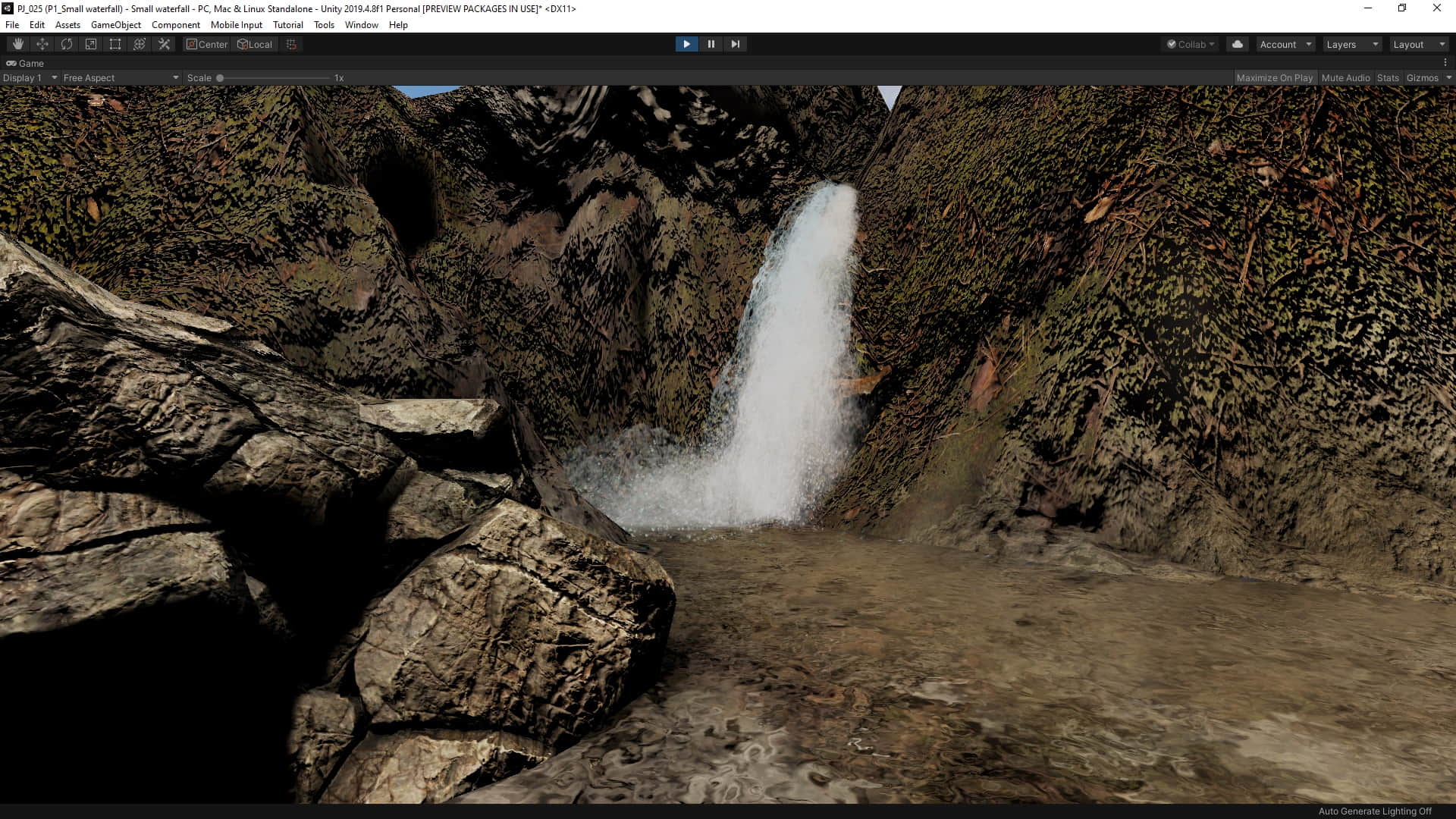
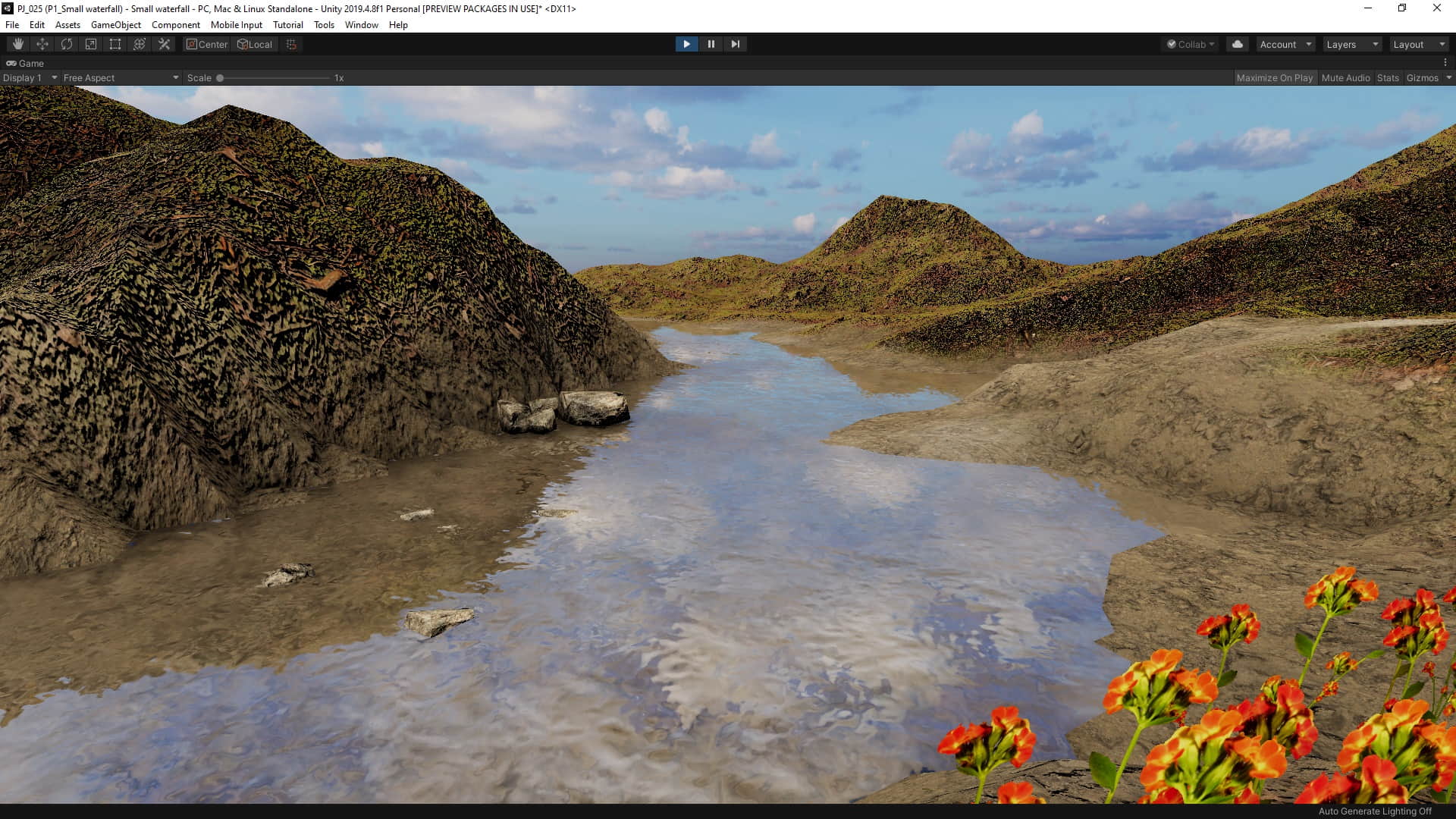
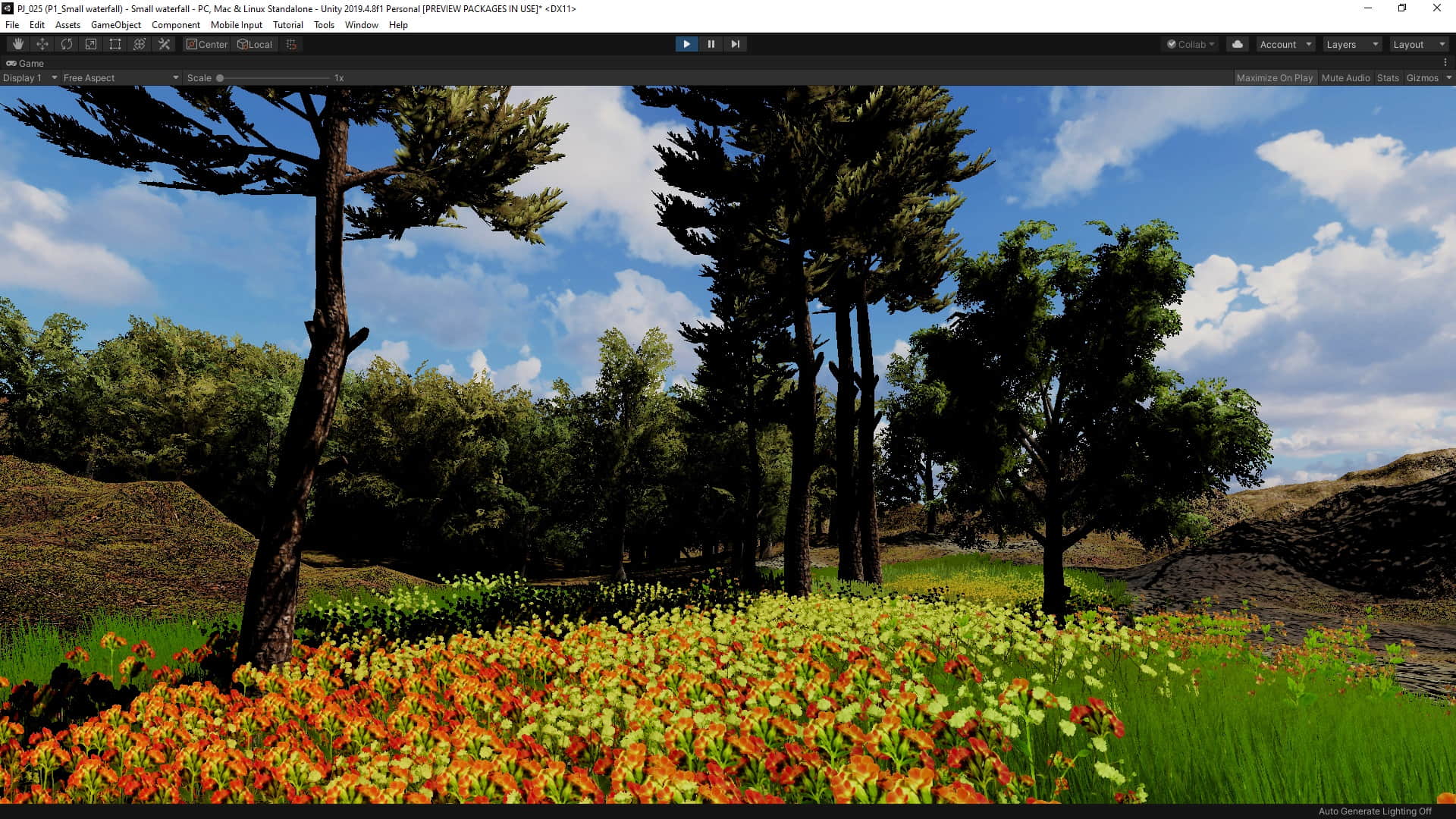
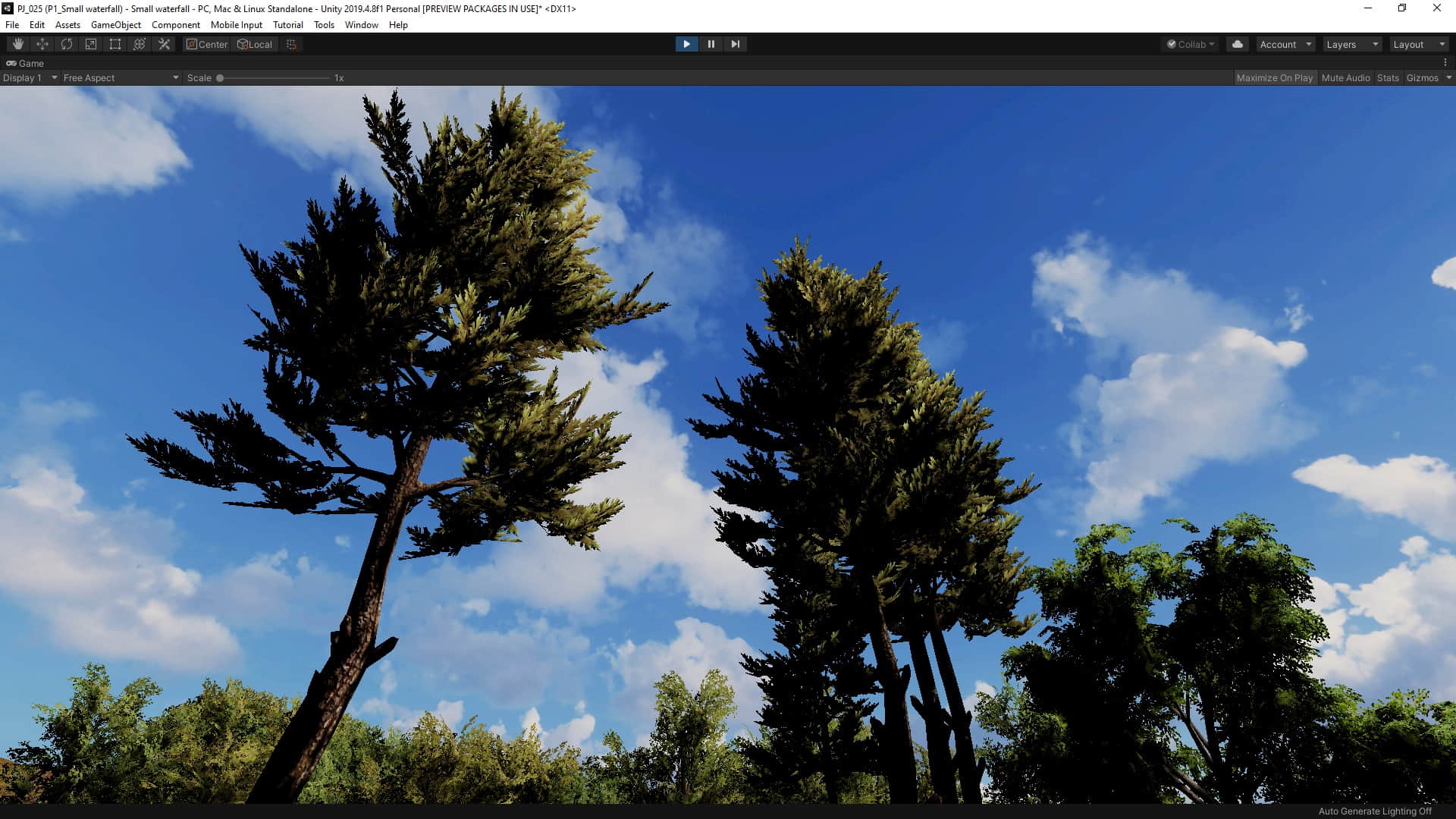
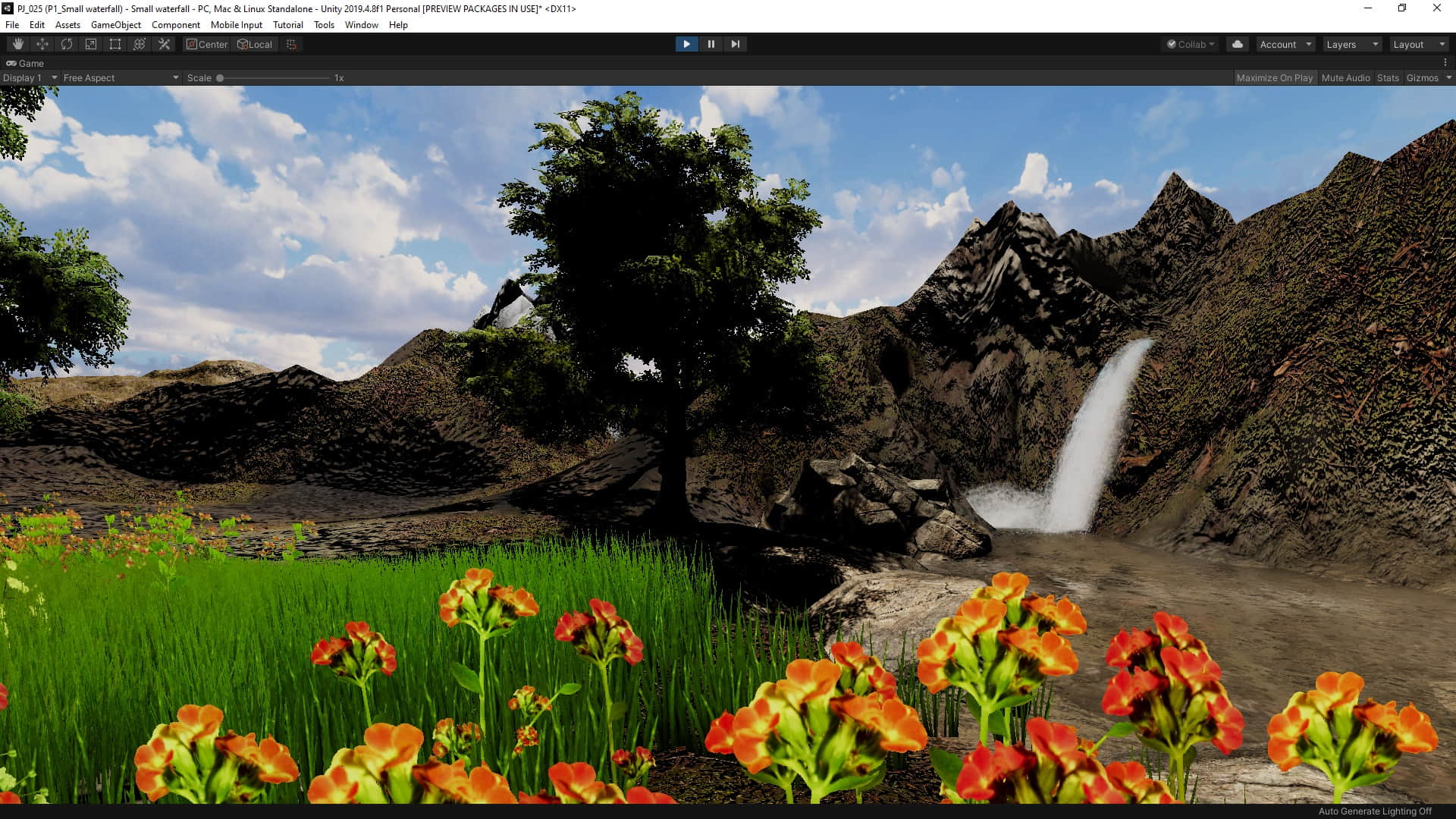
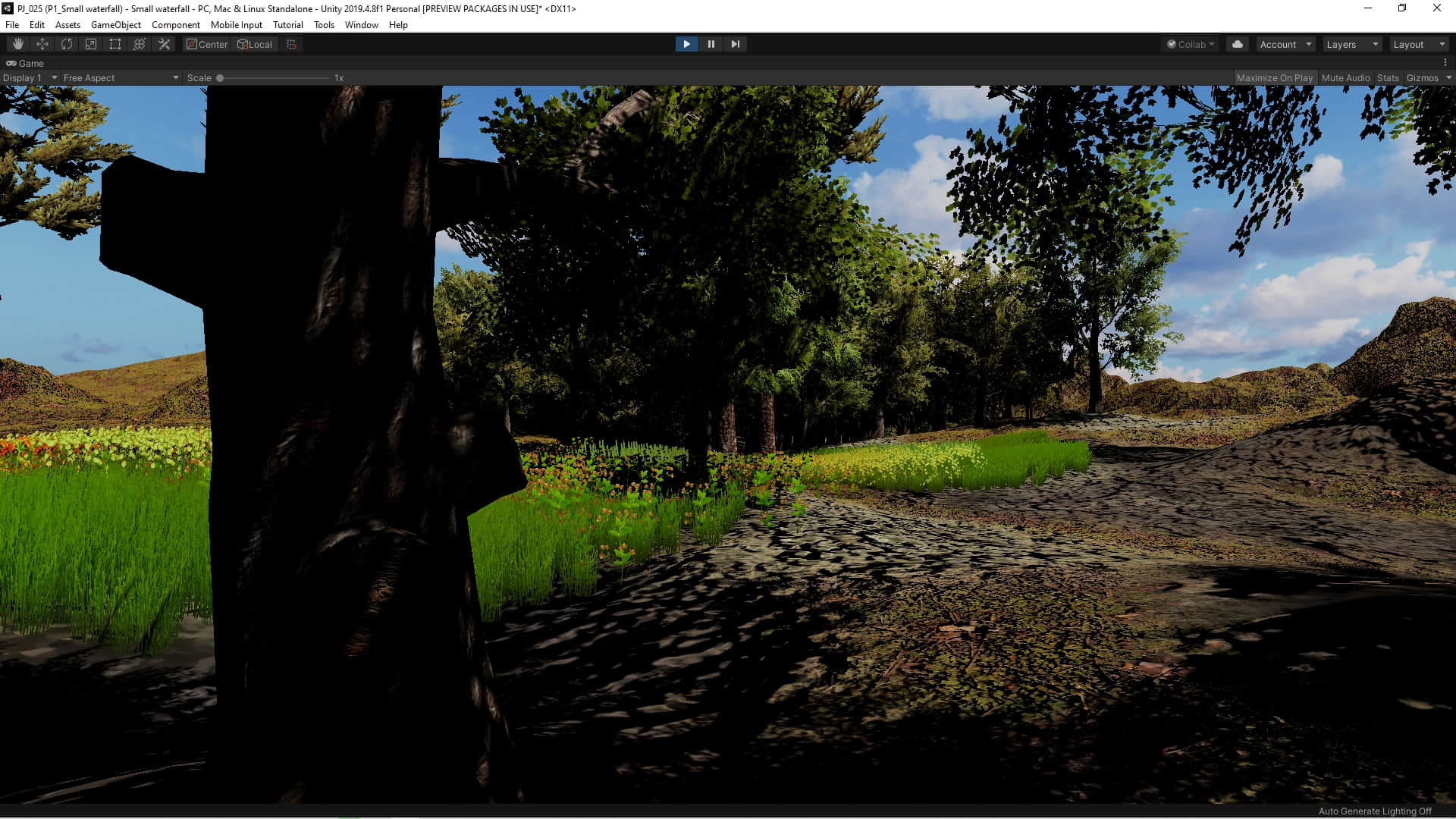
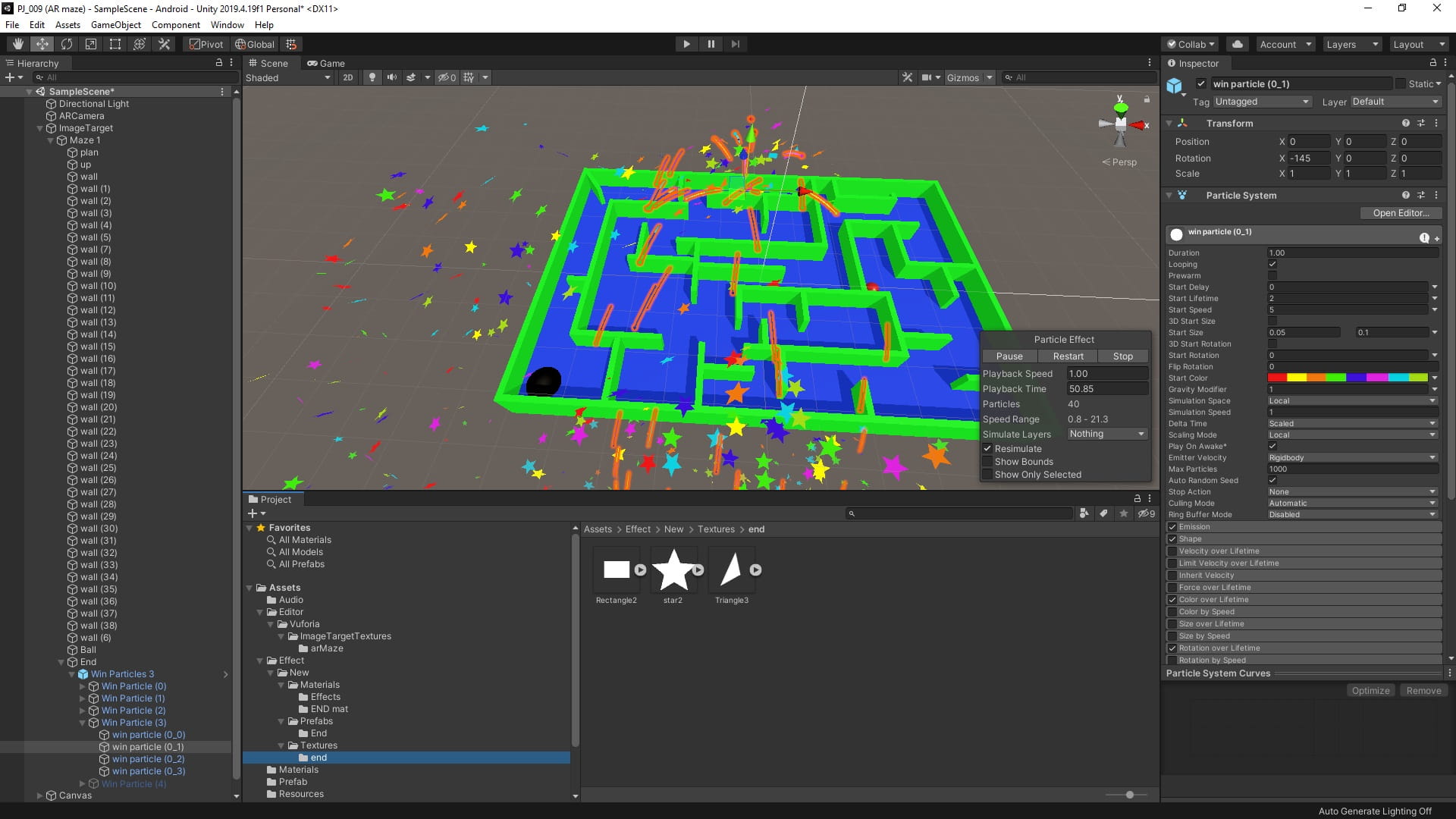
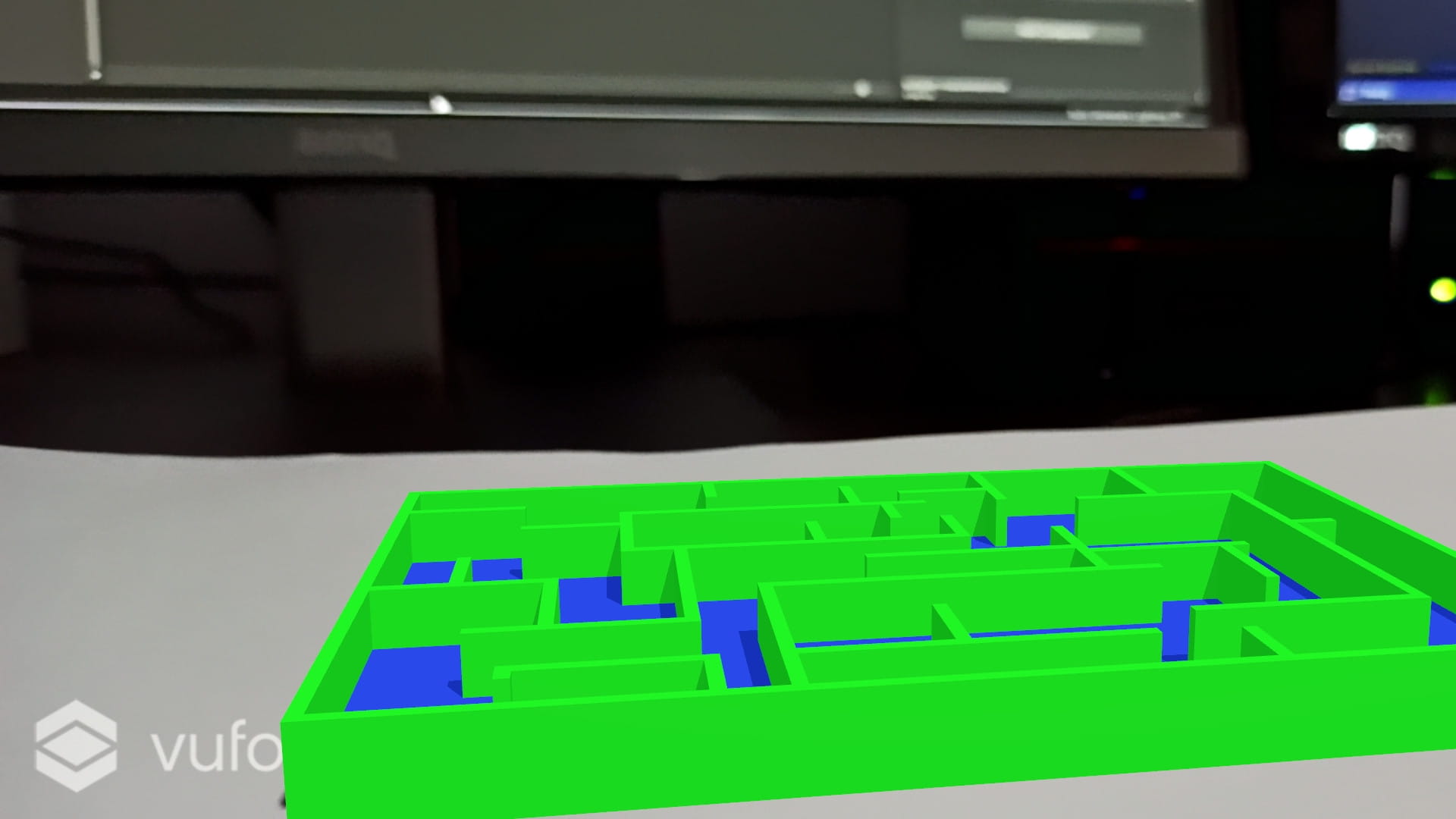
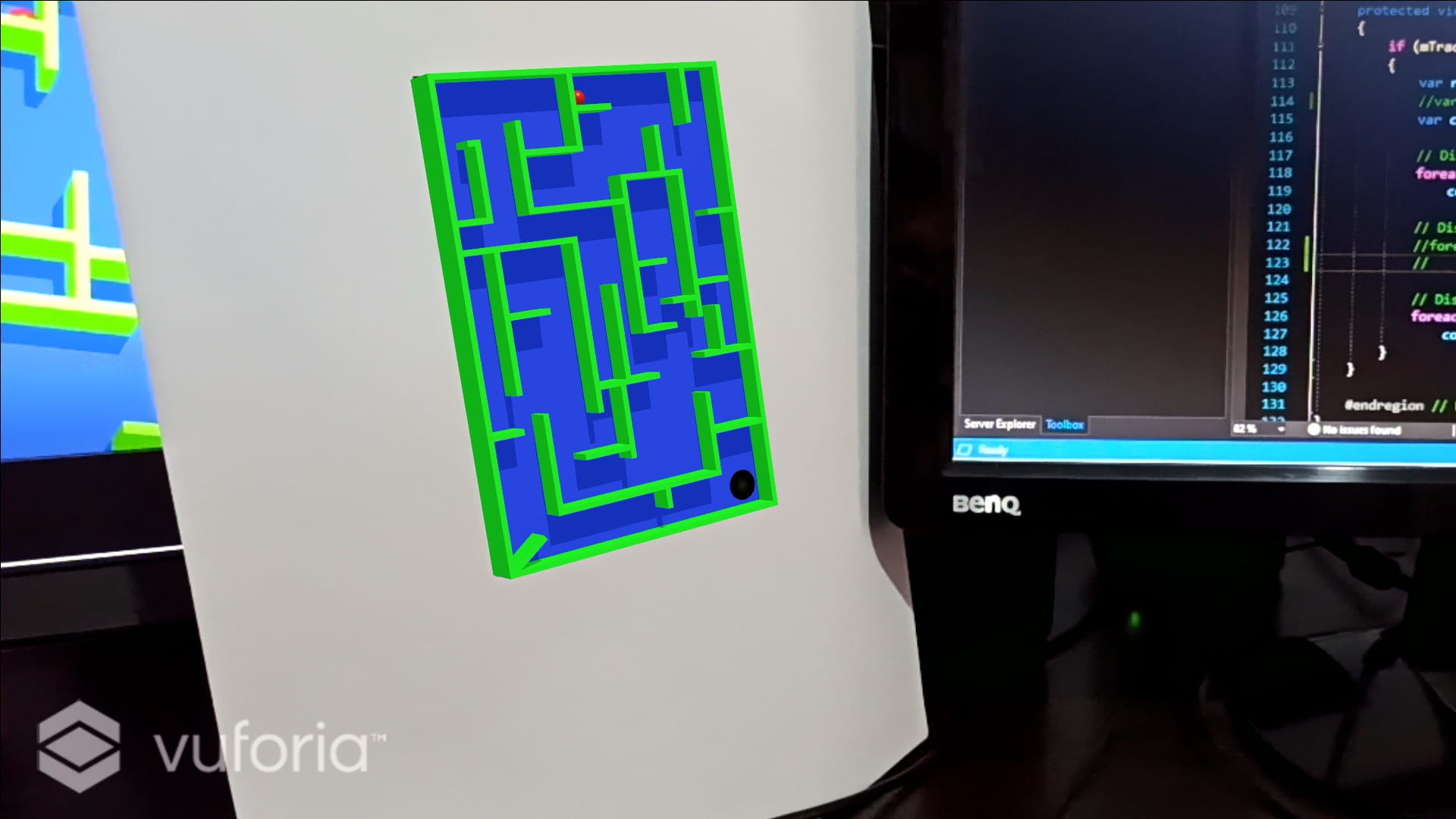
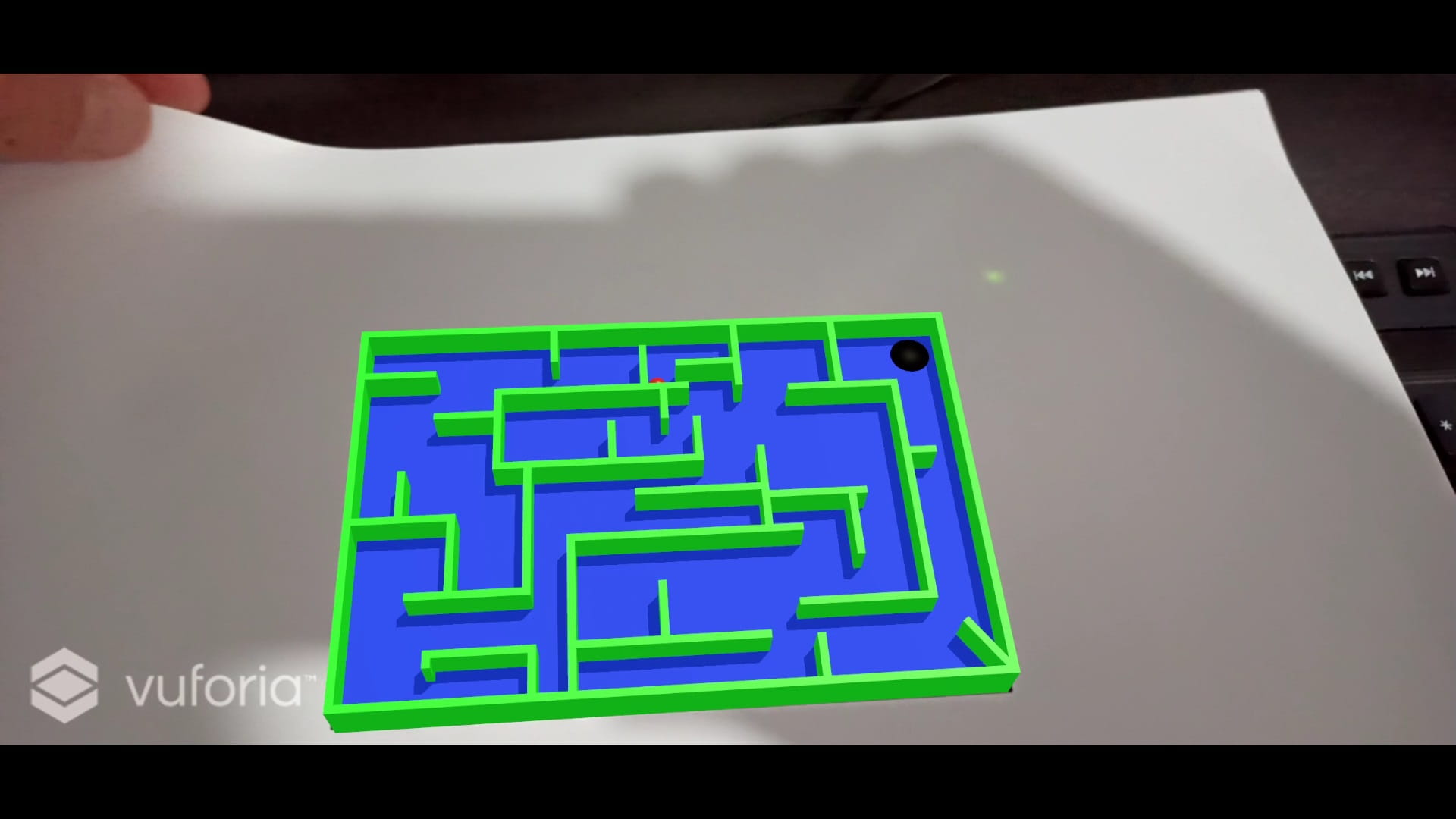
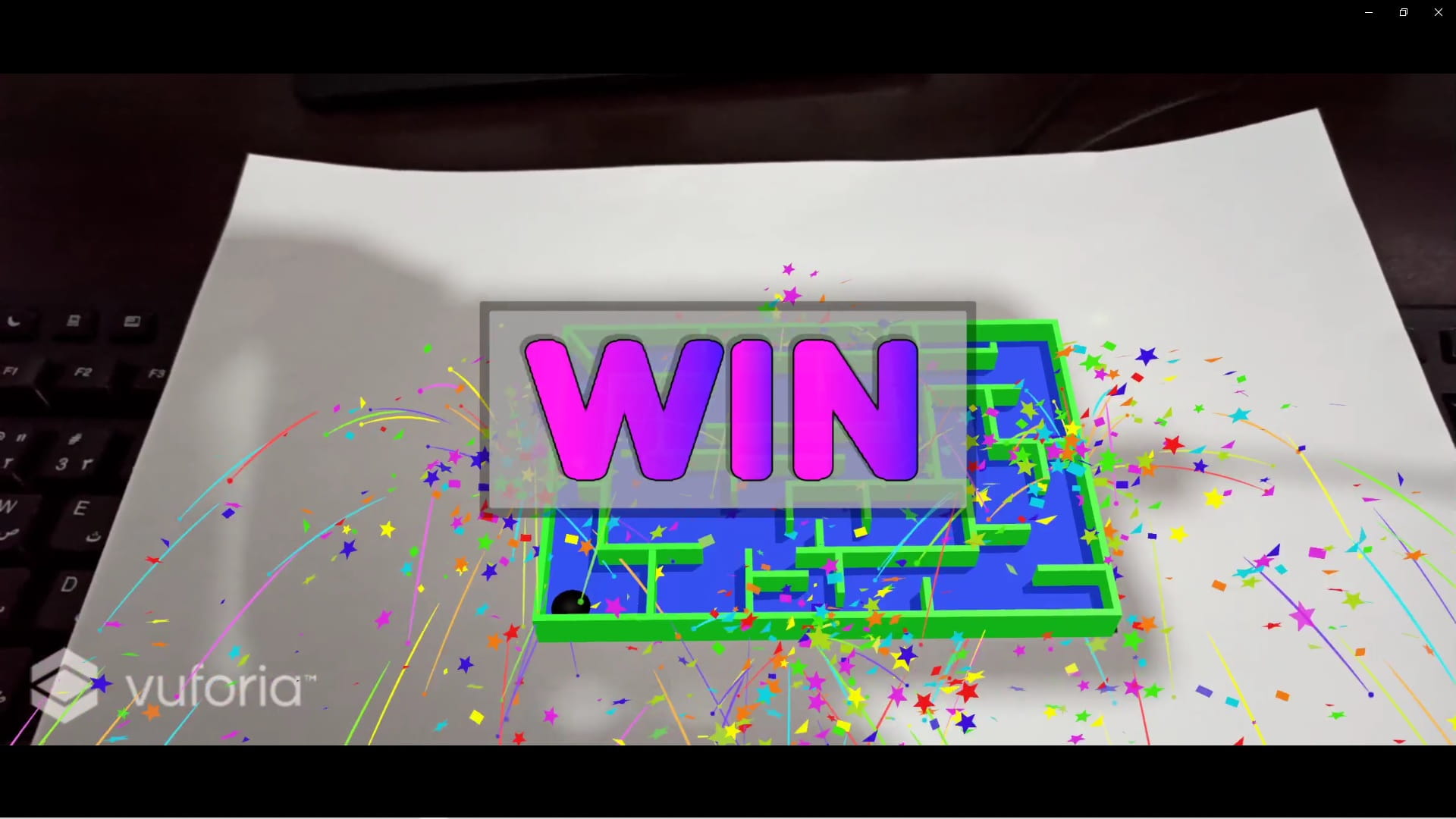
In this game By targeting an image, the player sees the 3D model of the maze and plays with it by rotating the image.
Sample pictures

C# code
using UnityEngine;

public class Ball : MonoBehaviour
{

    // Start is called before the first frame update
    void Start()
    {

    }

    void Update()
    {
        if ((gameObject.GetComponent<Rigidbody>().velocity.x > 0.01 ||
          gameObject.GetComponent<Rigidbody>().velocity.y > 0.01) &&
          !gameObject.GetComponent<AudioSource>().isPlaying)
        {
            gameObject.GetComponent<AudioSource>().Play();
        }
        else if (gameObject.GetComponent<AudioSource>().isPlaying)
        {
            gameObject.GetComponent<AudioSource>().Pause();

        }
    }
}
using System.Collections;
using UnityEngine;
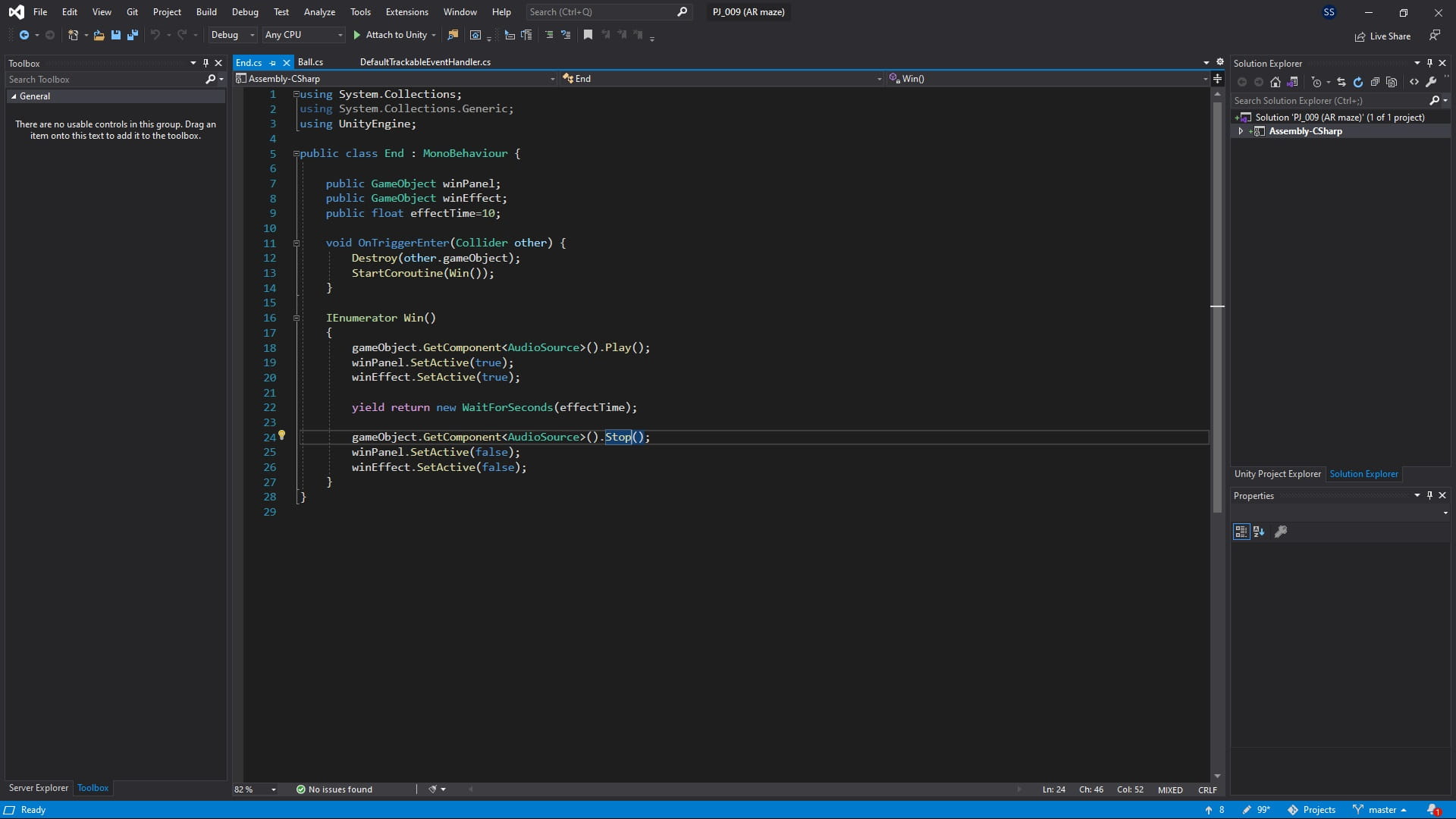
public class End : MonoBehaviour {
public GameObject winPanel;
public GameObject winEffect;
public float effectTime=10;
void OnTriggerEnter(Collider other) {
Destroy(other.gameObject);
StartCoroutine(Win());
}
IEnumerator Win()
{
gameObject.GetComponent<AudioSource>().Play();
winPanel.SetActive(true);
winEffect.SetActive(true);
yield return new WaitForSeconds(effectTime);
gameObject.GetComponent<AudioSource>().Stop();
winPanel.SetActive(false);
winEffect.SetActive(false);
}
}/*==============================================================================
Copyright (c) 2019 PTC Inc. All Rights Reserved.
Copyright (c) 2010-2014 Qualcomm Connected Experiences, Inc.
All Rights Reserved.
Confidential and Proprietary - Protected under copyright and other laws.
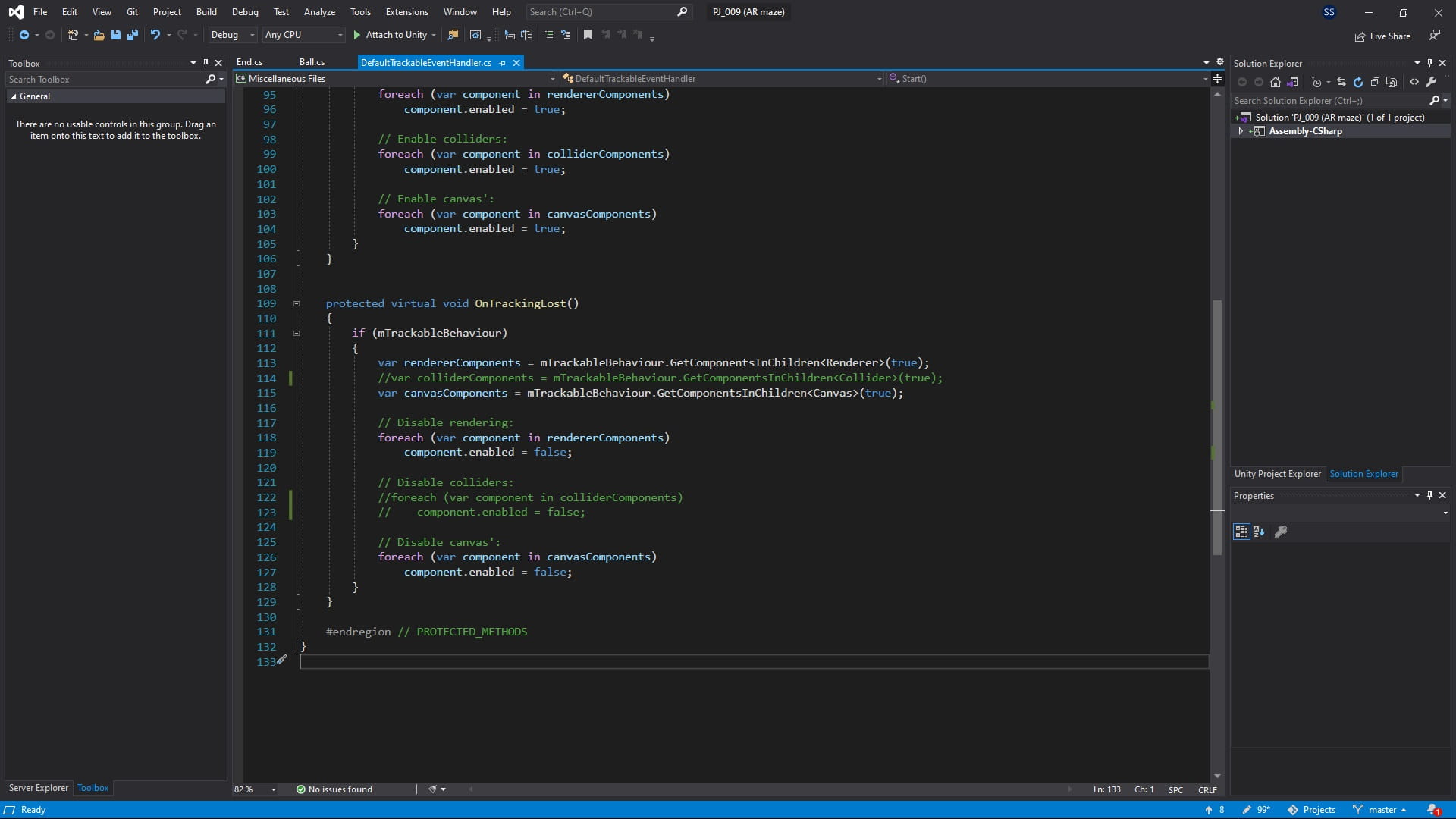
==============================================================================*/
using UnityEngine;
using Vuforia;
/// <summary>
/// A custom handler that implements the ITrackableEventHandler interface.
///
/// Changes made to this file could be overwritten when upgrading the Vuforia version.
/// When implementing custom event handler behavior, consider inheriting from this class instead.
/// </summary>
public class MyTrackableEventHandler : MonoBehaviour, ITrackableEventHandler
{
#region PROTECTED_MEMBER_VARIABLES
protected TrackableBehaviour mTrackableBehaviour;
protected TrackableBehaviour.Status m_PreviousStatus;
protected TrackableBehaviour.Status m_NewStatus;
#endregion // PROTECTED_MEMBER_VARIABLES
#region UNITY_MONOBEHAVIOUR_METHODS
protected virtual void Start()
{
mTrackableBehaviour = GetComponent<TrackableBehaviour>();
if (mTrackableBehaviour)
mTrackableBehaviour.RegisterTrackableEventHandler(this);
}
protected virtual void OnDestroy()
{
if (mTrackableBehaviour)
mTrackableBehaviour.UnregisterTrackableEventHandler(this);
}
#endregion // UNITY_MONOBEHAVIOUR_METHODS
#region PUBLIC_METHODS
/// <summary>
/// Implementation of the ITrackableEventHandler function called when the
/// tracking state changes.
/// </summary>
public void OnTrackableStateChanged(
TrackableBehaviour.Status previousStatus,
TrackableBehaviour.Status newStatus)
{
m_PreviousStatus = previousStatus;
m_NewStatus = newStatus;
Debug.Log("Trackable " + mTrackableBehaviour.TrackableName +
" " + mTrackableBehaviour.CurrentStatus +
" -- " + mTrackableBehaviour.CurrentStatusInfo);
if (newStatus == TrackableBehaviour.Status.DETECTED ||
newStatus == TrackableBehaviour.Status.TRACKED ||
newStatus == TrackableBehaviour.Status.EXTENDED_TRACKED)
{
OnTrackingFound();
}
else if (previousStatus == TrackableBehaviour.Status.TRACKED &&
newStatus == TrackableBehaviour.Status.NO_POSE)
{
OnTrackingLost();
}
else
{
// For combo of previousStatus=UNKNOWN + newStatus=UNKNOWN|NOT_FOUND
// Vuforia is starting, but tracking has not been lost or found yet
// Call OnTrackingLost() to hide the augmentations
OnTrackingLost();
}
}
#endregion // PUBLIC_METHODS
#region PROTECTED_METHODS
protected virtual void OnTrackingFound()
{
if (mTrackableBehaviour)
{
var rendererComponents = mTrackableBehaviour.GetComponentsInChildren<Renderer>(true);
var colliderComponents = mTrackableBehaviour.GetComponentsInChildren<Collider>(true);
var canvasComponents = mTrackableBehaviour.GetComponentsInChildren<Canvas>(true);
// Enable rendering:
foreach (var component in rendererComponents)
component.enabled = true;
// Enable colliders:
foreach (var component in colliderComponents)
component.enabled = true;
// Enable canvas':
foreach (var component in canvasComponents)
component.enabled = true;
}
}
protected virtual void OnTrackingLost()
{
if (mTrackableBehaviour)
{
var rendererComponents = mTrackableBehaviour.GetComponentsInChildren<Renderer>(true);
//var colliderComponents = mTrackableBehaviour.GetComponentsInChildren<Collider>(true);
var canvasComponents = mTrackableBehaviour.GetComponentsInChildren<Canvas>(true);
// Disable rendering:
foreach (var component in rendererComponents)
component.enabled = false;
// Disable colliders:
// foreach (var component in colliderComponents)
// component.enabled = false;
// Disable canvas':
foreach (var component in canvasComponents)
component.enabled = false;
}
}
#endregion // PROTECTED_METHODS
}Download apk file and target image
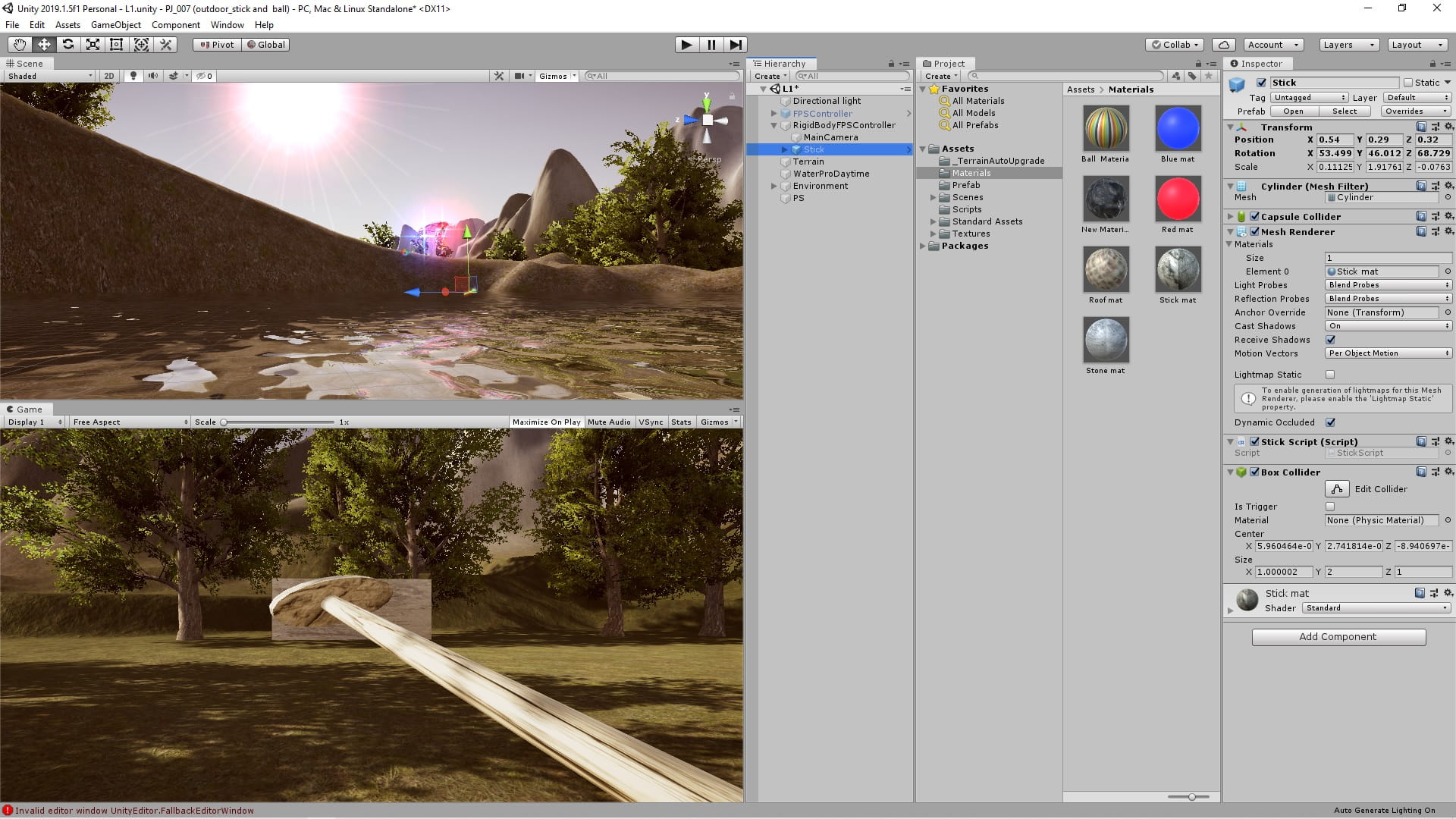
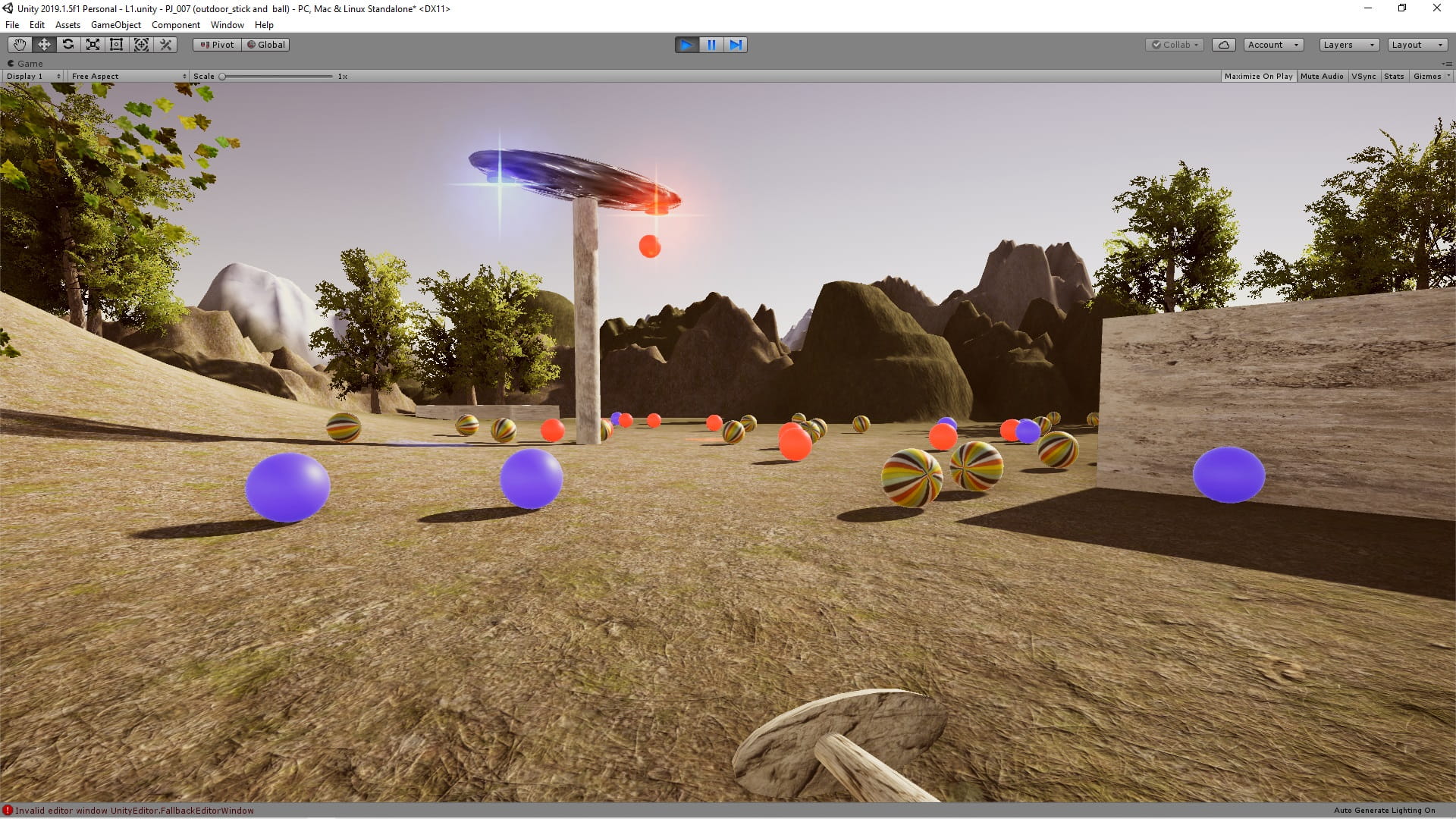
The stick is moved up and down with a mouse click, and the balls are created by pressing R, B and C on the keyboard.
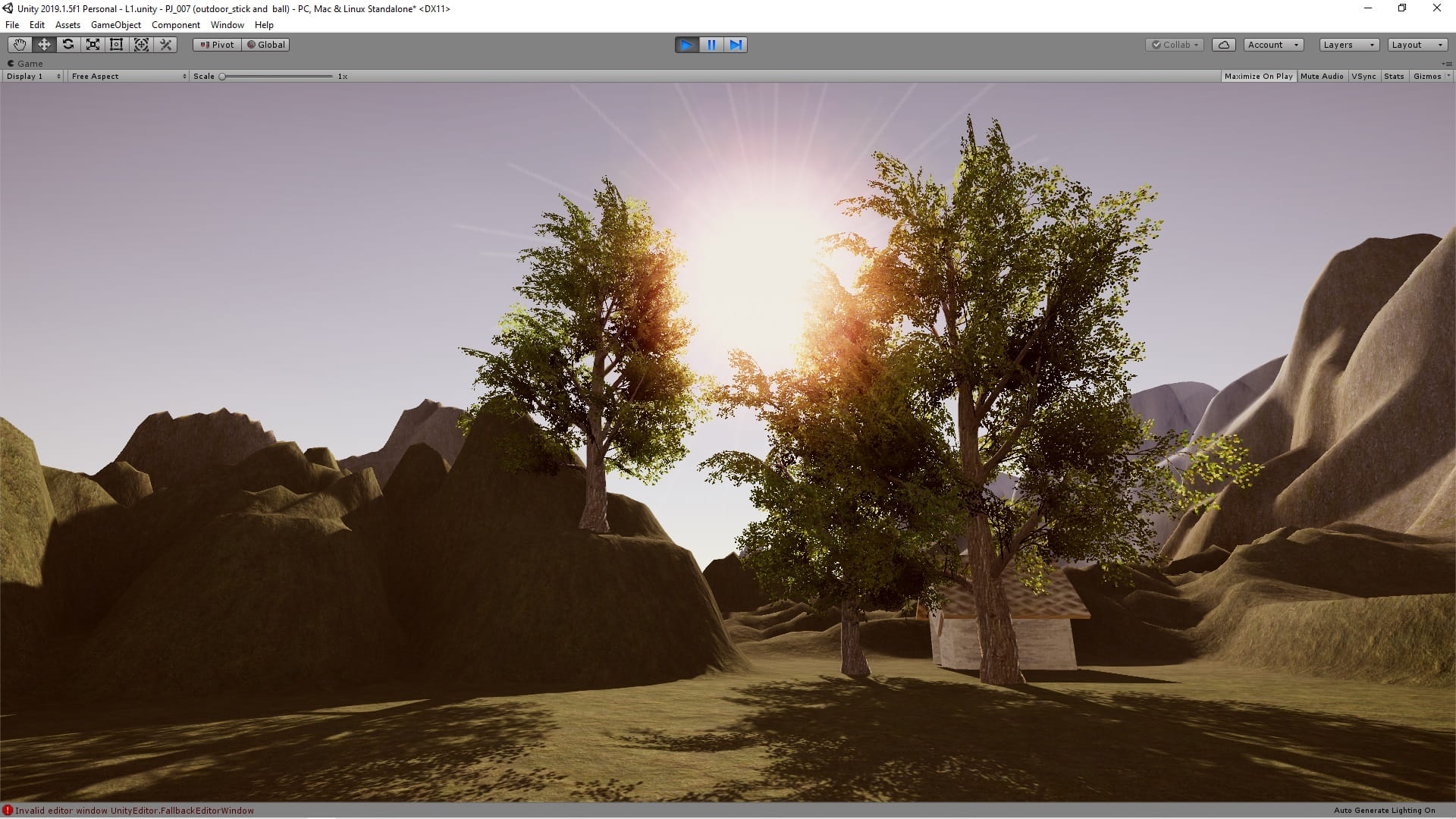
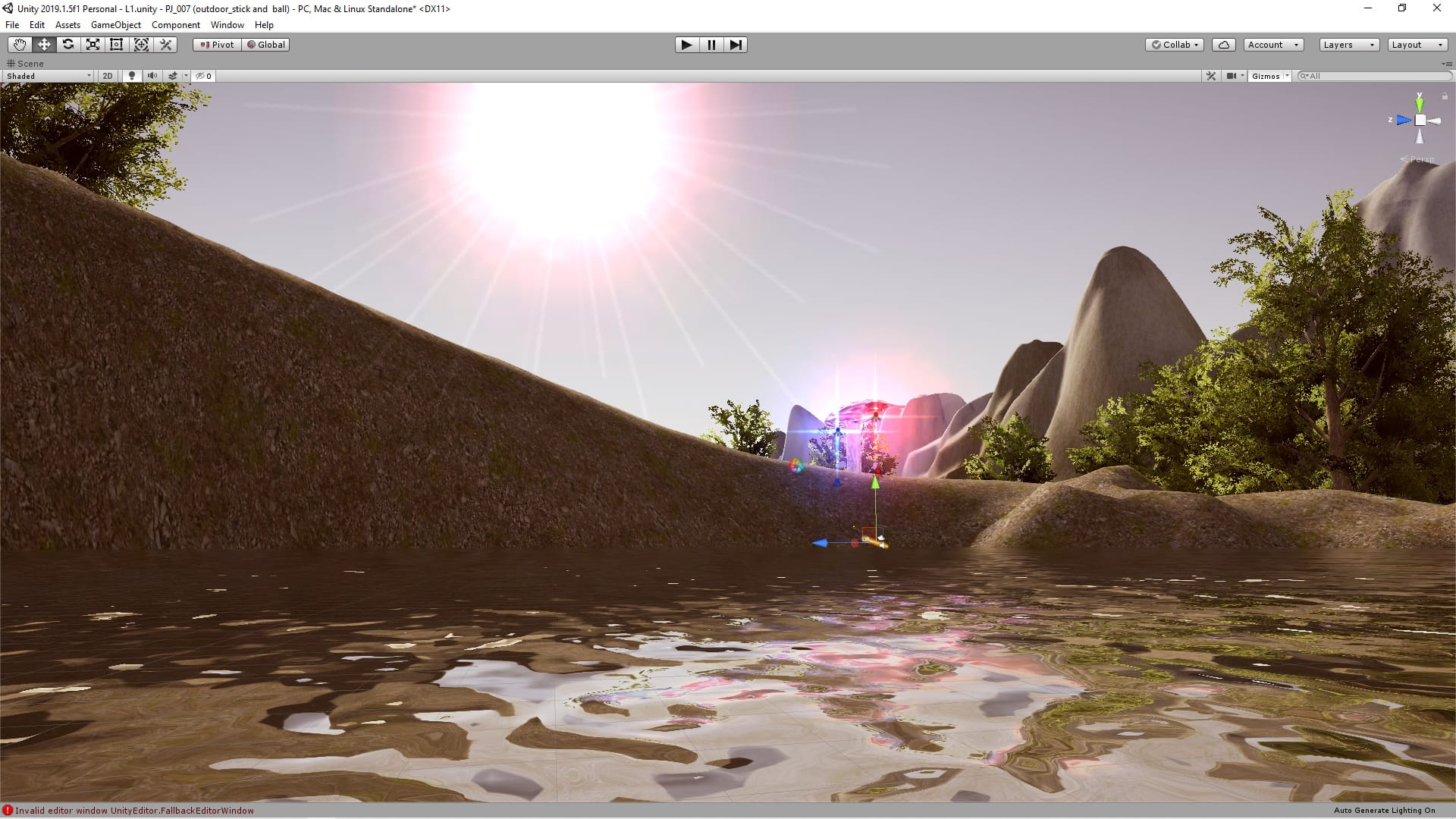
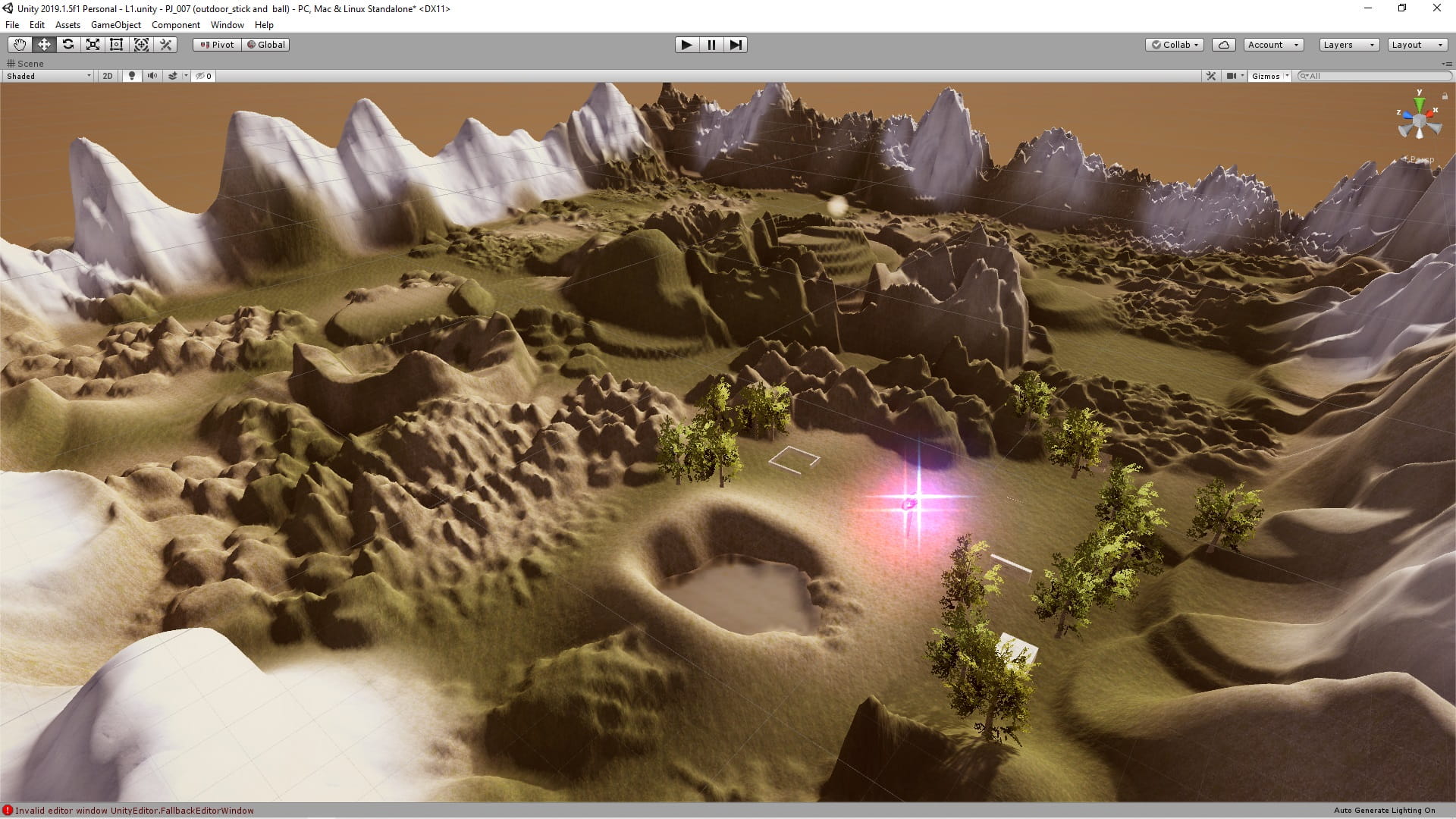
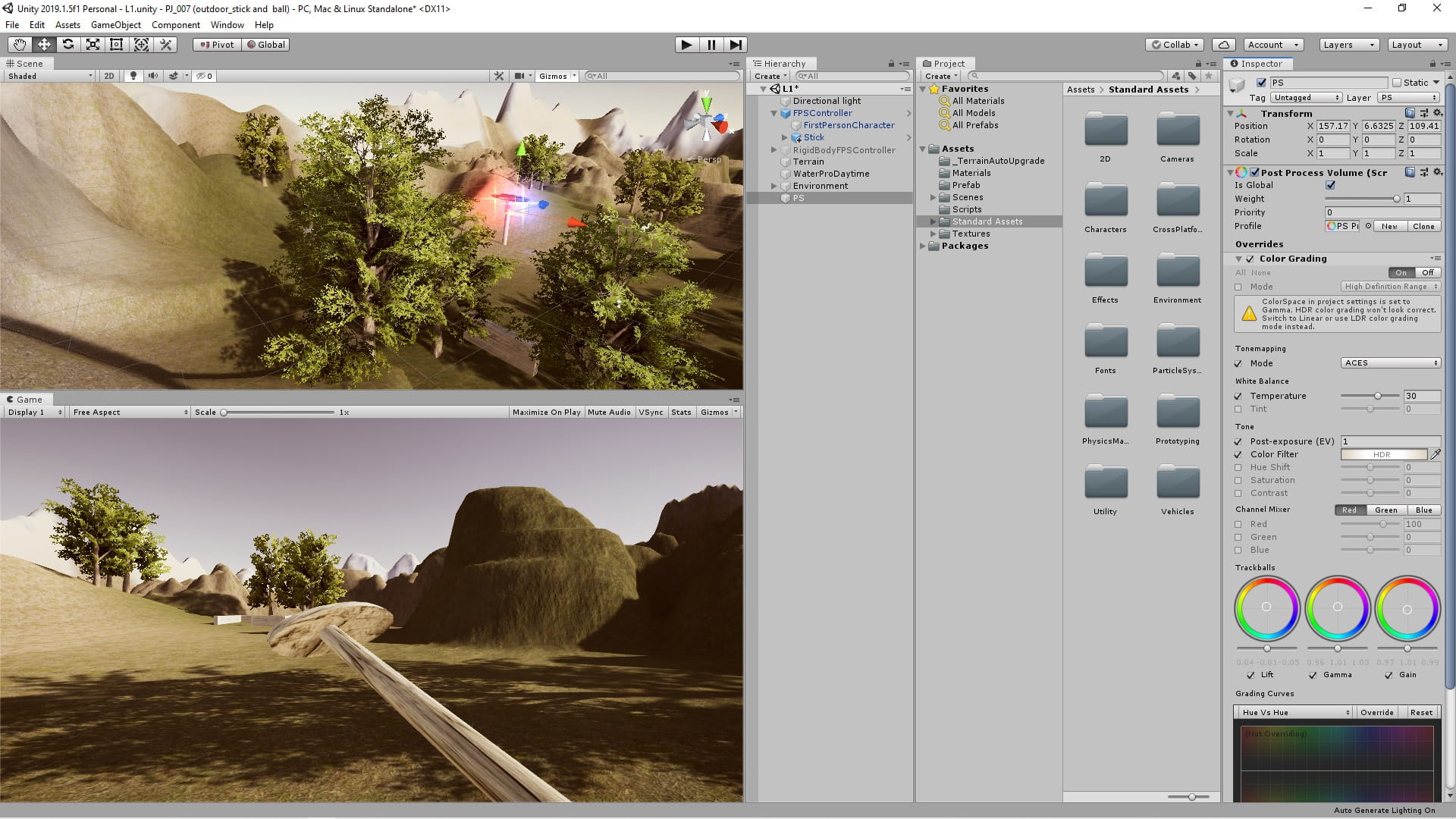
This is a simple 3D game tutorial made with Unity that uses first person character and in it you will see how to use terrain, post-processing, physics, static and dynamic sun, moving stick and creating balls with C# codes.
Sample pictures
C# code
using System.Collections;
using System.Collections.Generic;
using UnityEngine;

public class SunScript : MonoBehaviour
{
    public float speed = 1;

    // Start is called before the first frame update
    void Start()
    {

    }

    // Update is called once per frame
    void Update()
    {
        gameObject.transform.Rotate(speed * Time.deltaTime, 0, 0);
    }
}
using UnityEngine;
using System.Collections;
public class StickScript : MonoBehaviour {
// Use this for initialization
void Start () {
}
// Update is called once per frame
void Update () {
if (Input.GetKeyDown (KeyCode.Mouse0)) {
gameObject.transform.Rotate (40, 0, 0);
}
if (Input.GetKeyUp (KeyCode.Mouse0)) {
gameObject.transform.Rotate (-40, 0, 0);
}
}
}using UnityEngine;
using System.Collections;
public class RotateScript : MonoBehaviour {
public float rotateSpeed = 10;
// Use this for initialization
void Start () {
}
// Update is called once per frame
void Update () {
gameObject.transform.Rotate (new Vector3 (0, rotateSpeed * Time.deltaTime, 0));
}
}using UnityEngine;
using System.Collections;
public class BallScript : MonoBehaviour {
public GameObject redBall , blueBall , colorBall;
public Transform redBallPos, blueBallPos, colorBallPos;
// Use this for initialization
void Start () {
}
// Update is called once per frame
void Update () {
if (Input.GetKeyDown(KeyCode.R)) {
Instantiate (redBall, redBallPos.position, redBallPos.rotation);
}
if (Input.GetKeyDown(KeyCode.B))
{
Instantiate(blueBall, blueBallPos.position, blueBallPos.rotation);
}
if (Input.GetKeyDown(KeyCode.C))
{
Instantiate(colorBall, colorBallPos.position, colorBallPos.rotation);
}
}
}